Highlighter creates a fitted box and animated cursor around layers in After Effects. It suits motion graphics that need callouts around titles, interface elements, images, or other composition layers, with controls for shaping the box and animating how it appears.
Choose what the box follows
Select a text, image, shape, Illustrator, Photoshop, or other layer and create a Highlighter linked to it. If you select several layers, one box covers their combined area. Hold Shift when creating the Highlighter to make a separate box and cursor for each selected layer. With no layer selected, you can create a manual box and fit it around an element yourself.
You can add or remove source layers later. The box resizes around the remaining sources, with its animation updating along with it.
Style and animate the callout
Set the box and cursor to use fill, stroke, both, or neither, then adjust their colors and stroke thickness. Eleven directional controls animate the box from an edge or corner. For the cursor, use circle-scale animation and Trim Path controls for In, Out, InOut, MidIn, or reverse movement. Cursor placement can be Smart, left to right, right to left, or from both the top or bottom; Smart uses the layer type and language to choose a direction.
Preset controls also adjust padding, offsets, scale, and rotation. The cursor follows box rotation. For graphics attached to the callout, create its eight corner Nulls and parent other layers to them, or use Easy Parent & Link to attach layers to a chosen side or corner with independent Null controllers. Link Scale makes selected layers scale with the box, and Alpha Matte converts the box into a matte for selected layers.
Use the controls in Premiere Pro
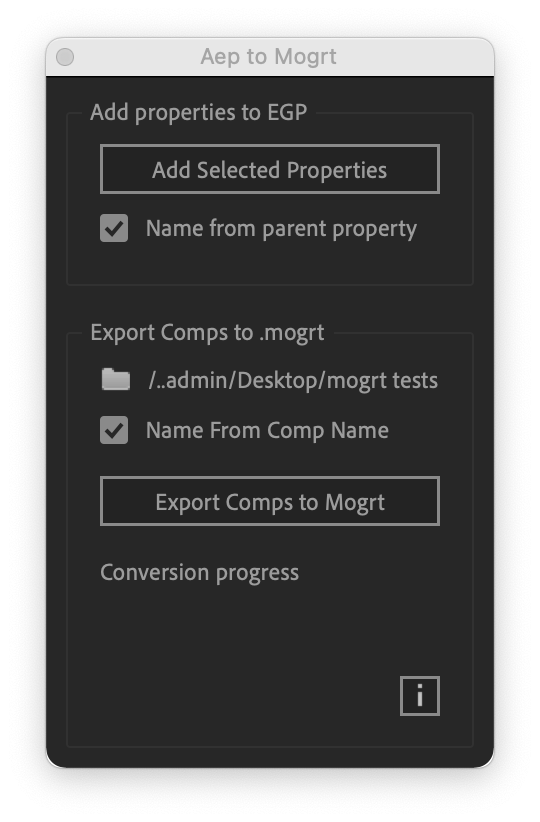
The Control button gathers preset controls into a Control Null. Shift-clicking it adds the controls to Essential Graphics; select a text or image source layer as well if you want to include it. You can then export the responsive MOGRT for Adobe Premiere Pro.
Compatibility and licensing
The product listing names After Effects 2022 through 2027. Its fully featured trial has use limits, including five Highlighter box creations, three Corner Follow Nulls, and five MOGRT exports. The full version includes unlimited Highlighters, unrestricted preset controls, unlimited MOGRT exports, and lifetime updates.
The listed EULA grants one software copy per license and permits one archival copy stored on a medium other than a hard drive. A license does not cover use by multiple users or on multiple computers; additional copies or users require appropriate licenses.