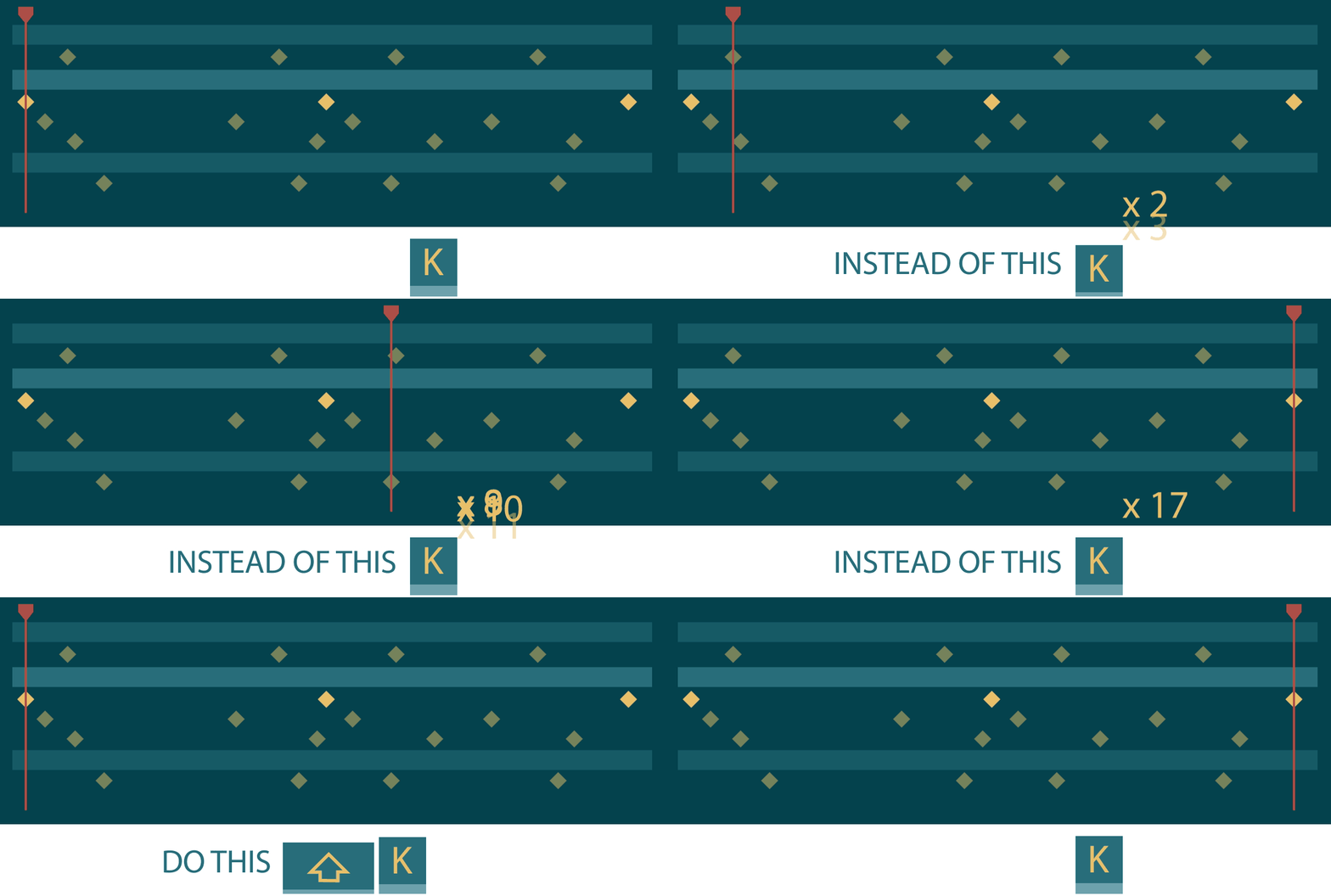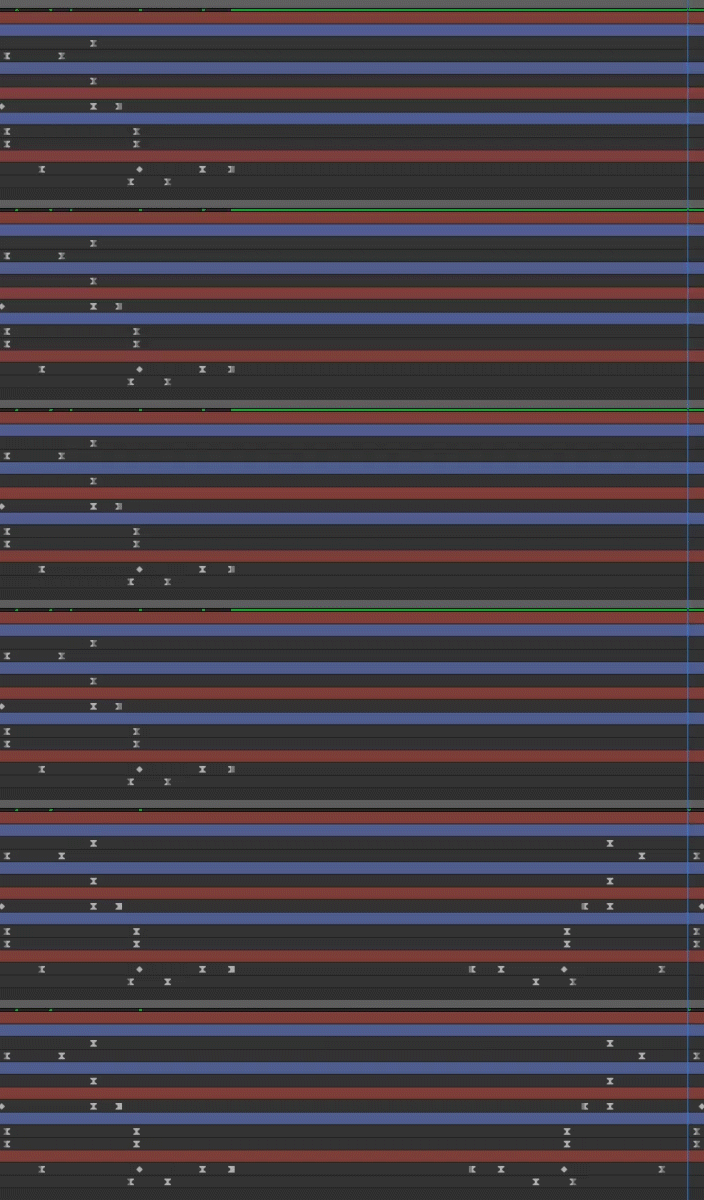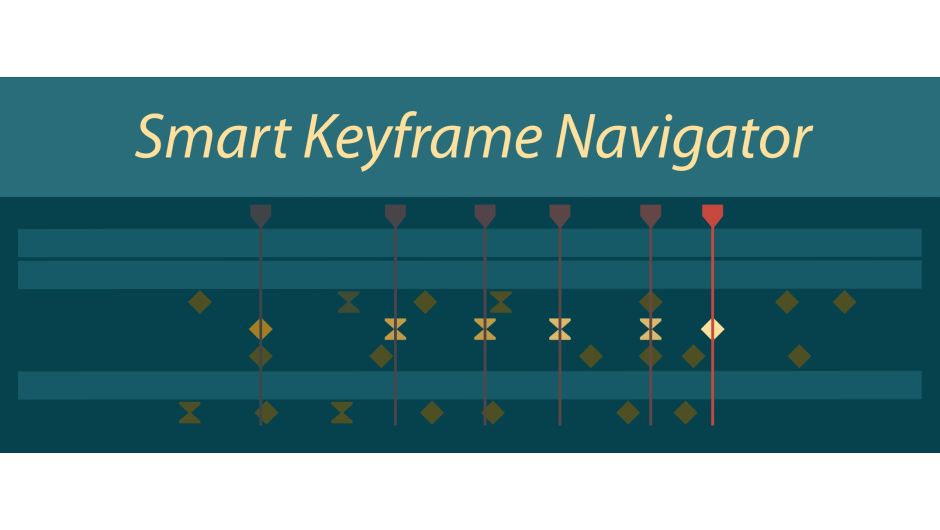
Smart Keyframe Navigator is a keyboard-driven script for After Effects by Michael Helmrich. It changes which keyframes are considered according to the timeline selection, helping you focus navigation on particular layers or properties.
How navigation follows your selection
With nothing selected, the script works much like After Effects' default k and j keys and considers all keyframes. Select one or more layers, and it navigates the keyframes on those layers. Select properties, and it treats only those properties as visible. This also works when the selected properties are on different layers.
The product uses two script files that can be bound to keyboard shortcuts. The developer recommends Shift+K and Shift+J.
Compatibility and version
The aescripts listing identifies version 1.32 and lists compatibility with After Effects 2020, CC 2019, CC 2018, CC 2017, CC 2015.3, CC 2015, CC 2014, CC, CS6 and CS5.5. Its version history dates 1.32 to May 28, 2021. Check the developer's page for the latest listing and details for your specific installation.
The developer describes default keyframe navigation as tedious when a timeline contains many keyframes.
Price and licensing
AnyPlugins lists Smart Keyframe Navigator as free, while the developer's aescripts product page lists $9.99 as a suggested price. The developer says individual users may pay any amount; businesses and teams must pay the suggested price for a valid license. Review the Name Your Own Price terms before purchasing.