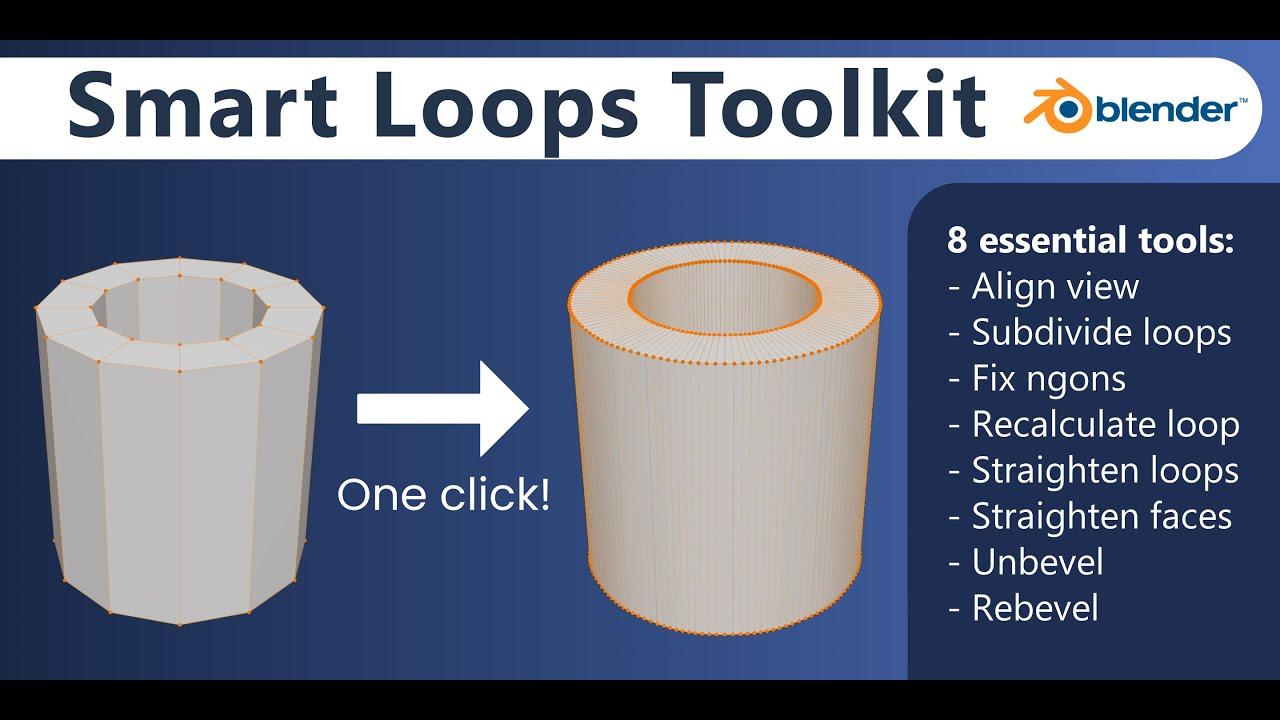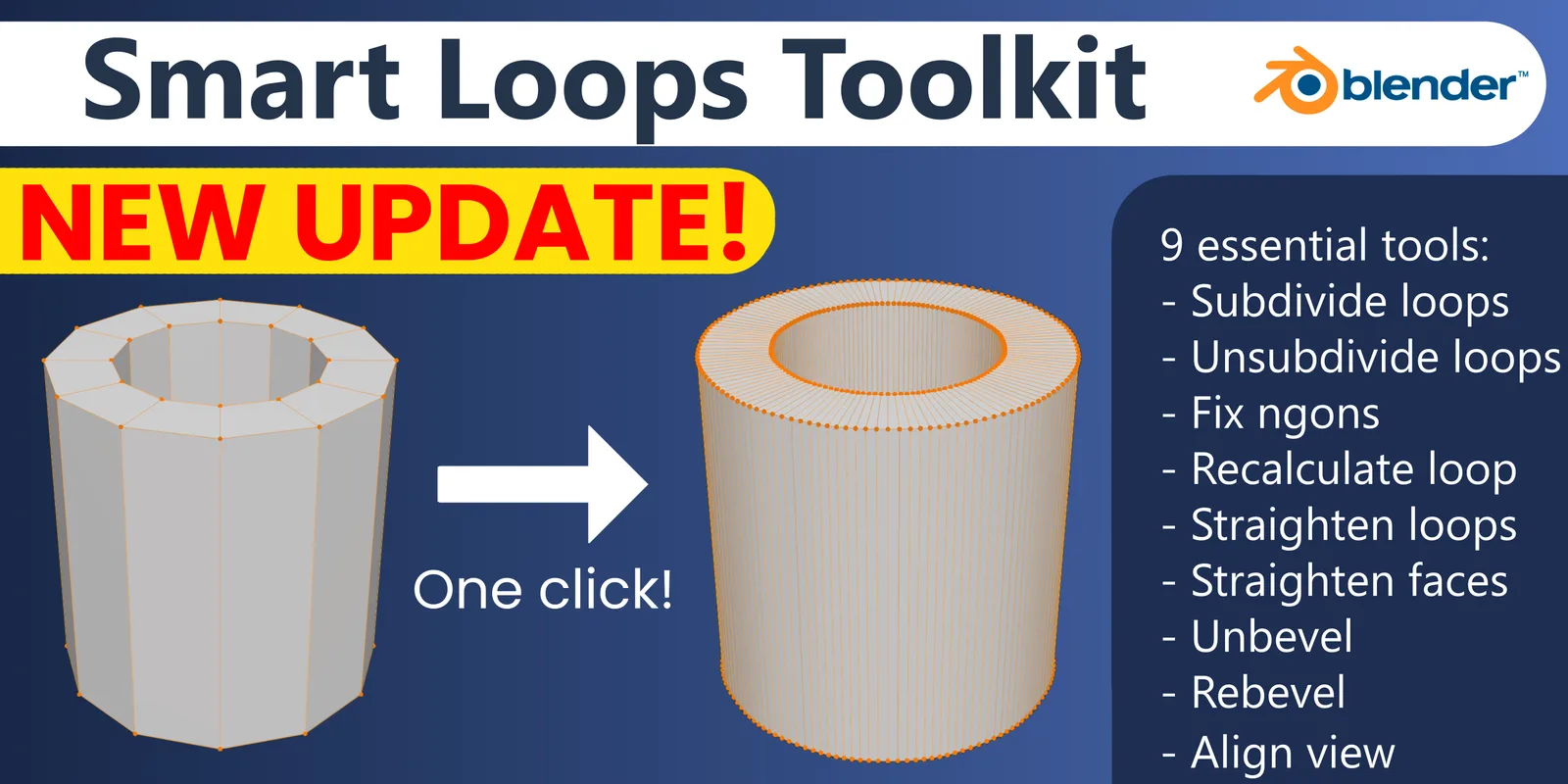
Smart Loops Toolkit is a Blender modeling add-on for working with mesh loops, ngons and bevels in Edit Mode. Its product description says it can increase geometry resolution, including around boolean cutouts, without distorting the surrounding mesh. The tools focus on editing and cleanup tasks on existing models.
Loop and mesh tools
- Subdivide Loops and Unsubdivide Loops for loop subdivision and unsubdivision. Subdivide Loops includes a closed curve option and selectable curve types.
- Fix ngons, Recalculate loop, Straighten loops and Straighten faces for mesh cleanup and adjustment.
- Unbevel and Rebevel for changing bevels, plus an Align view tool.
Access and compatibility
Open the tools from the N-Panel under the Edit tab or from the right mouse button menu while in Edit Mode. The product listing gives Blender versions 3.0–4.5 and a GPL license. Check the Superhive product listing for current details.
Version 1.1.0
The 1.1.0 update added Unsubdivide Loops and a precision parameter for Unbevel and Rebevel. The creator says the parameter can help correct inaccuracies that sometimes occur on flat surfaces. An earlier update added curve types to Subdivide Loops; the changelog notes that projection modes are not valid for NURBS curves.
The creator points users to the Smart Loops Toolkit Discord community for updates, help and bug reports.