Smart Posterizer is an After Effects ScriptUI panel by Ian Pinder. It scans source animation, detects visual change, then uses that information to control time posterization on other keyframed properties. Its main use is matching property timing to analyzed footage instead of choosing one fixed posterization rate.
How it works
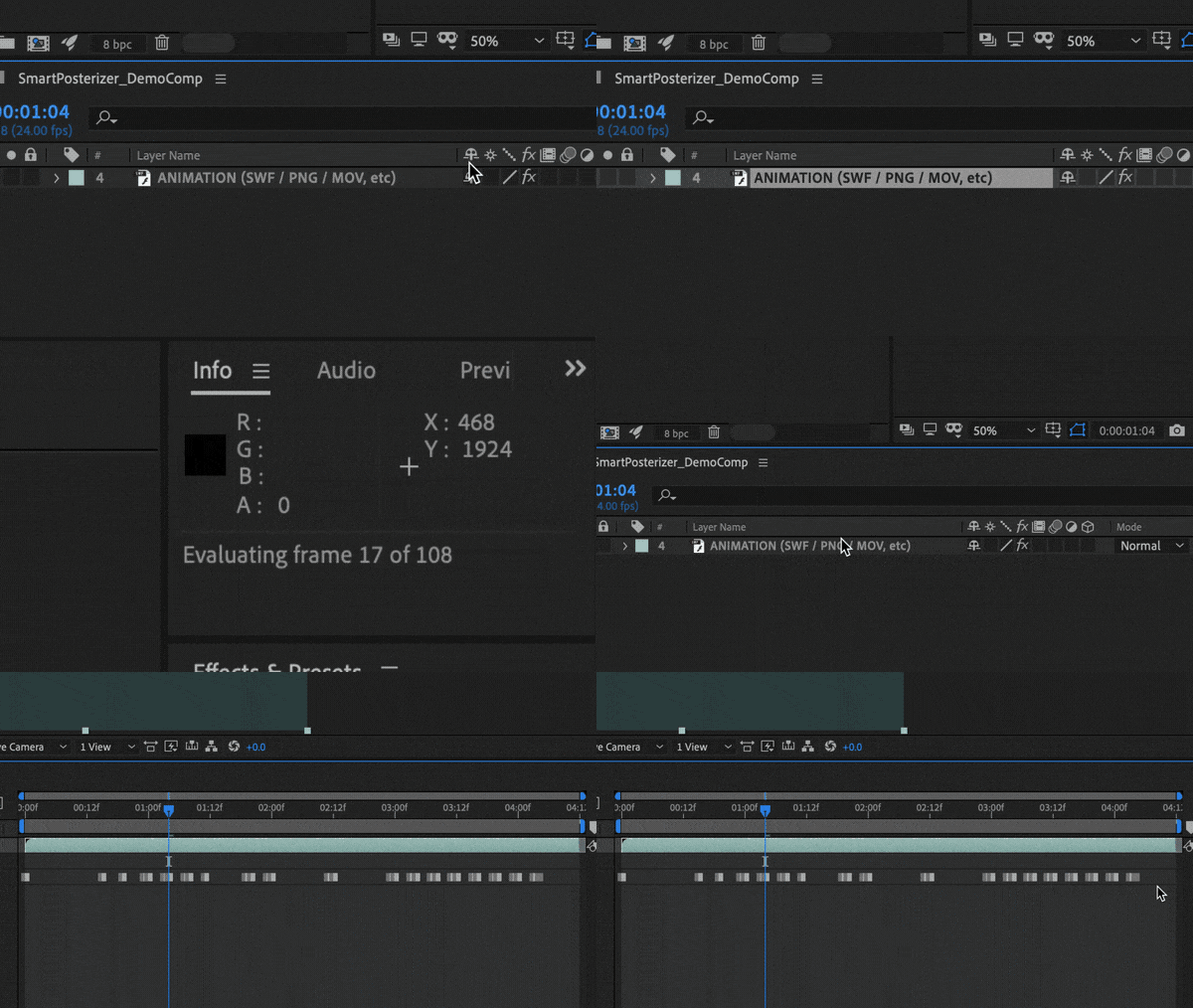
The panel scans After Effects layers, including precomps, shape layers, SWF, PNG and MOV sources. You can then posterize keyframed properties, including effects, to match the analyzed source. The developer describes this as a way to match layers and properties to the source animation rather than apply a fixed rate with the Posterize Time effect.
Tools for a comp workflow
- Bake posterization expressions into keyframes across all layers in a comp without affecting other expressions on those layers.
- Create editable frame-rate presets for posterizing properties on 2s, 3s and 4s.
- Remove expressions from selected properties in one click.
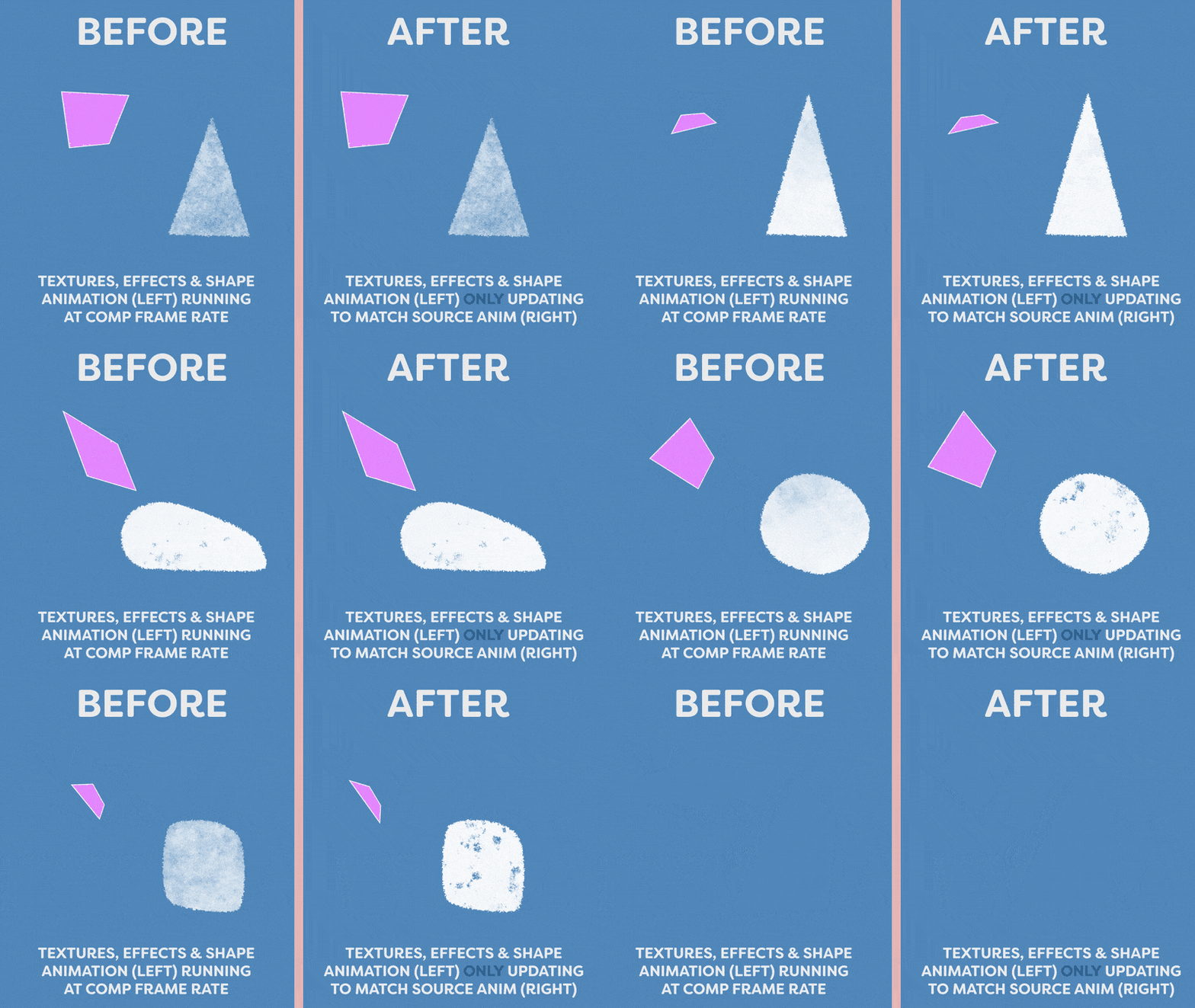
- A beta feature automatically pins textures to moving objects in rendered animation, including squash and stretch.
Version 2.2, dated January 5, 2026, updates the licensing framework to version 4.4.2. Its release notes also report faster scanning and baking.
Installation and compatibility
Smart Posterizer runs as a ScriptUI panel. Copy the script file into After Effects' ScriptUI Panels folder, then open it from the Window menu. The developer lists compatibility with After Effects 2026, 2025, 2024, CC 2019, CC 2018, CC 2017, CC 2015.3, CC 2015 and CC 2014. Check the developer's product page for current downloads, trial details and support information.
The documented folder paths are /Applications/Adobe After Effects <version>/Scripts/ScriptUI Panels on Mac and Program Files\Adobe\Adobe After Effects <version>\Support Files\Scripts\ScriptUI Panels on Windows. The script can also run from the Scripts menu with limited functionality; the developer says to select layers or properties first when using that route. The aescripts installation guide covers running scripts in After Effects.
Documented limitations
The product page reports CC 2019 crashes when the Escape key is used during processing. It also notes an issue baking expressions to keyframes on shape layer path properties. These notes may change with later releases, so check the developer's page if either issue affects your setup.