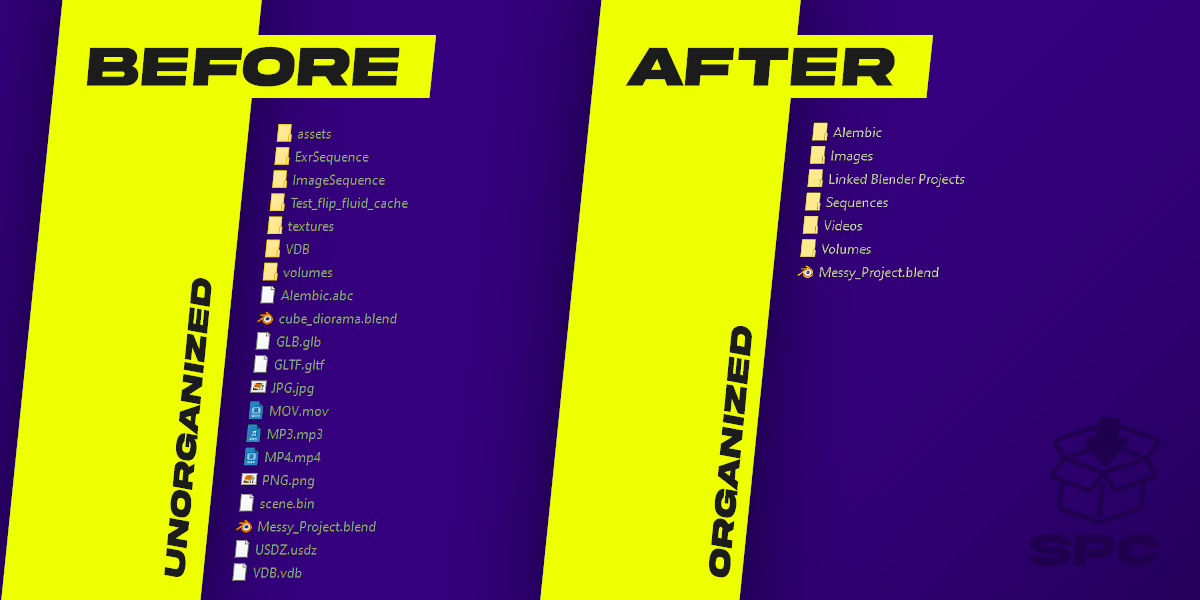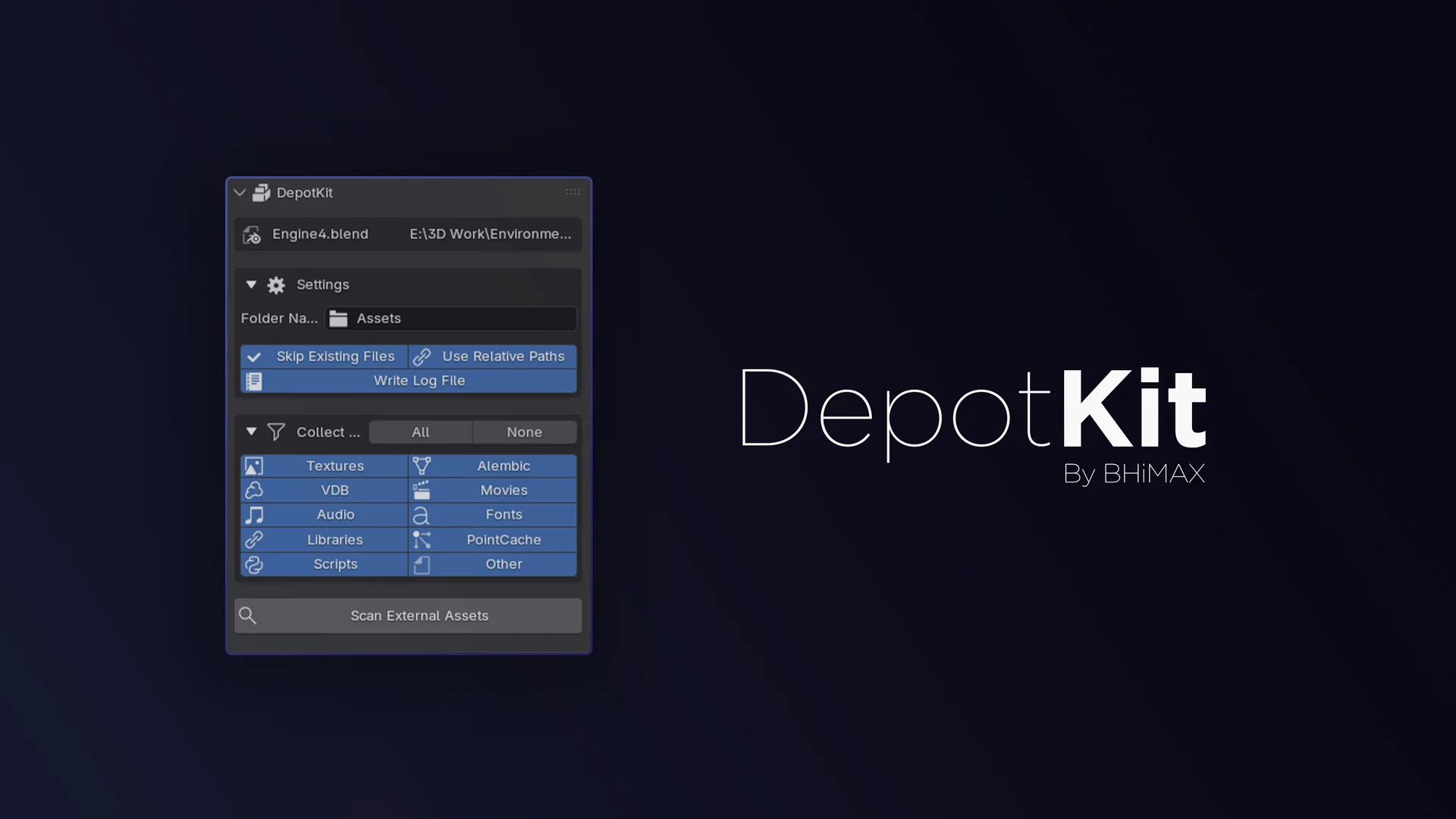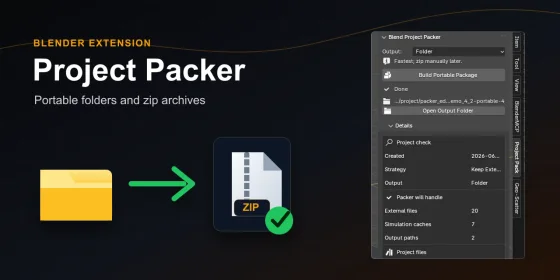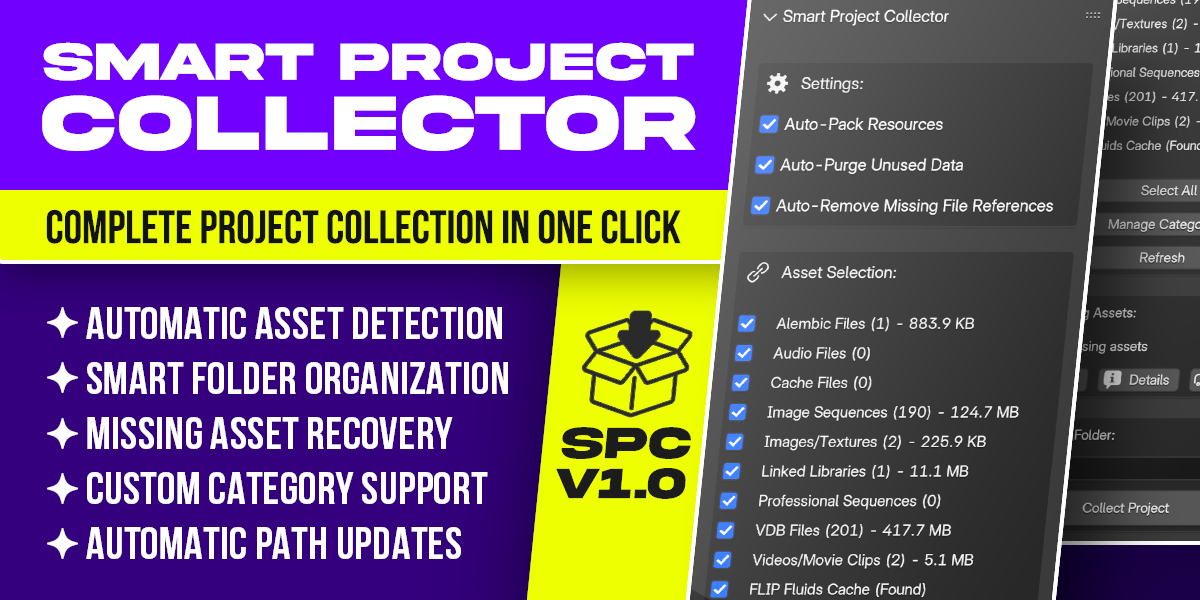
Smart Project Collector is a Blender add-on that gathers a project's external files into an organized copy and updates paths to match. It can help when handing a project to a client, moving it between computers, or archiving work that depends on textures, linked files, or caches. The product listing also notes automatic asset detection across Blender data types.
Asset collection and organization
Smart Project Collector categorizes Images, Videos, Audio, VDB, Alembic, and Cache assets; it also organizes image sequences into VDB-style folders. The documentation lists supported image, video, audio, and 3D file formats, along with linked .blend libraries and simulation caches. You can define custom categories by naming the category, specifying file extensions, and choosing a folder name. For example, a custom category can group EXR and HDR files in an HDR Files folder.
Collecting and checking a project
To collect a project, open it in Blender with external assets, choose a target folder, select the asset types to include, and click Collect Project. The add-on then copies the selected files and updates project paths. Its preferences also include options to pack resources, purge unused data, and remove missing file references. Review those settings before collecting, since they change how the project is prepared.
For missing references, the Missing Assets panel has Scan, Details, and Auto-Fix options, with configurable search depth and matching settings. If assets remain missing after copying, check whether the original files were moved or deleted. Large assets, especially image sequences, can take time to copy.
The product listing identifies Blender versions 4.0 through 4.5, while its documentation says Blender 2.80 or newer. Those published compatibility ranges conflict, so check the developer's current information for your Blender release before installing.