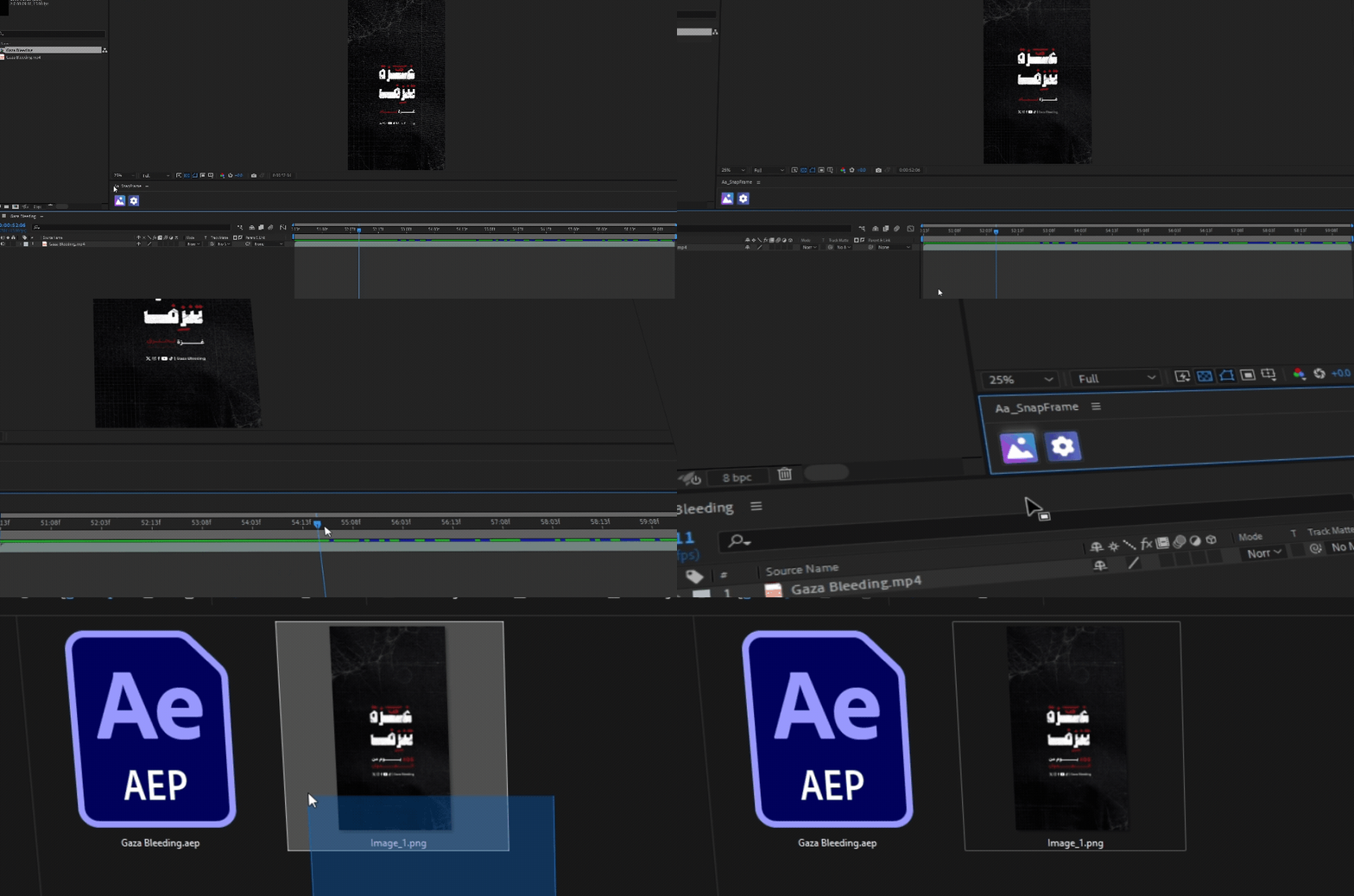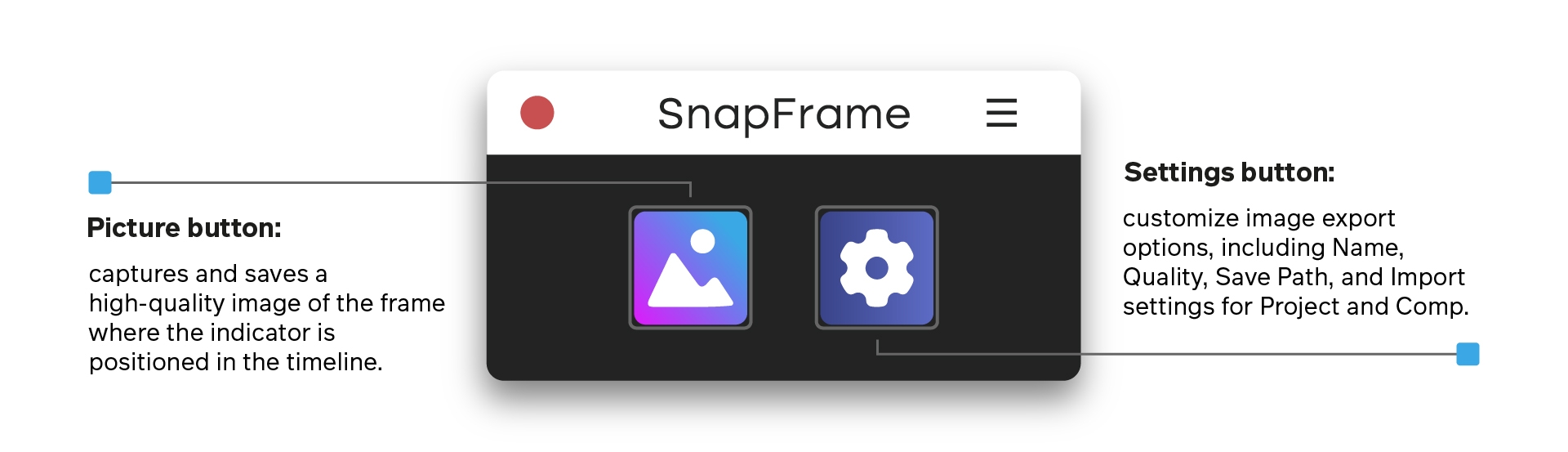
SnapFrame is an After Effects script by Ahmed Abdallah that exports the frame at the timeline indicator as a PNG. Its Image button starts the export, while Settings lets you choose a filename, image quality, save location, and import destination. The saved options can also be reused for later captures.
Set up and export a frame
- Move the time indicator to the frame you want.
- Open Settings, enter a filename, and choose the image quality.
- Choose the After Effects project folder or set a custom folder. For a custom location, use the Path button or enter the path manually.
- Choose whether to import the image into the Project panel or the active composition, then save the settings.
- Click Image to export the selected frame.
Importing to the Project panel keeps the still with the project assets. Importing to the active composition places it directly in the composition. SnapFrame’s interface adjusts its layout for portrait and landscape formats.
Settings for repeated captures
Version 1.0.2 added persistent export settings, a UI Setting tab, and an adjustable delay between export and import. The tab also includes controls for a success notification and an option to organize imported images in a SnapFrame folder in the Project panel. A Default button restores the script’s default settings.
The release notes also describe support for 8-bit, 16-bit, and 32-bit compositions without affecting image colors. If a file with the same name already exists, SnapFrame adds a number to the new filename instead of overwriting the existing image. When an import fails because the disk is slow to read the exported file, a retry window opens.
Compatibility and price
The developer lists version 1.0.3, released March 13, 2025, as compatible with After Effects 2020 through 2026. That release fixed a script error involving an undefined JSON reference. The developer’s SnapFrame listing shows a suggested price of $9.99 and describes the product as Name Your Own Price: individual users can pay any amount, while businesses and teams must pay the suggested amount for a valid license. Check the listing for current licensing terms before purchasing.