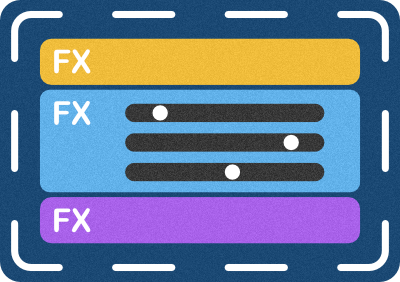
Snapshot FX saves effect states in After Effects so you can return to earlier settings while exploring variations. Select effects, pseudo effects, or controllers to capture their settings and keyframes. You can apply a complete snapshot, update selected components, or add the saved effects as a new stack on a selected layer.
Capture and revisit effect variations
When an effect has many parameters, save snapshots as you explore its settings. Selective apply lets you combine components from different snapshots without replacing the entire effect stack.
Organize and find snapshots
Store snapshots on your hard drive in a general library or in project-specific directories. Add tags, overwrite a snapshot, or use auto-rename to keep layers linked. The directory jump-list shows the ten most recently used directories.
Search by effect, layer, or comp name. Boolean search supports AND, OR, and NOT, and you can narrow the list to all data, tags, effects, layers, or comps. A filter can also show snapshots made from the currently selected layer. Display preferences let you choose whether snapshot names show tags, effects, timestamps, layer names, or comp names, with custom delimiters available.
Inspect effects with FX Manager
FX Manager lists project layers that have effects applied. Search for an effect, layer, or comp and jump to it, or turn off all effects on a layer or toggle specific effects. This can help when you need to locate or disable resource-heavy effects.
Sharing and compatibility
You can store snapshots in a network directory to share effect stacks with another person or team. The developer says shared snapshots work with the same or a newer After Effects version, and lists compatibility with After Effects 2024, 2025, and 2026. The developer's Snapshot FX page includes the version history; its entry for version 1.08, dated October 13, 2025, lists a fix for overwriting snapshots.