Soft Body Painter, by Blender Procedural, is a Blender add-on for applying soft-body simulation to selected areas of a mesh. You mark the area in weight-paint mode, apply the setup, then play it on Blender's timeline. The original object remains untouched.
Paint a simulation area
- Select the object you want to simulate.
- Click "Select Simulation Area" and paint the target zone in weight-paint mode.
- Click "Apply" to set up the soft-body simulation.
- Play the simulation in the timeline.
The painted area is controlled by a vertex group, usually named edges. The listing says Soft Body Painter applies soft-body physics to duplicates. If the simulated area does not match the painted region, check the vertex group assignment.
Adjust how the mesh moves
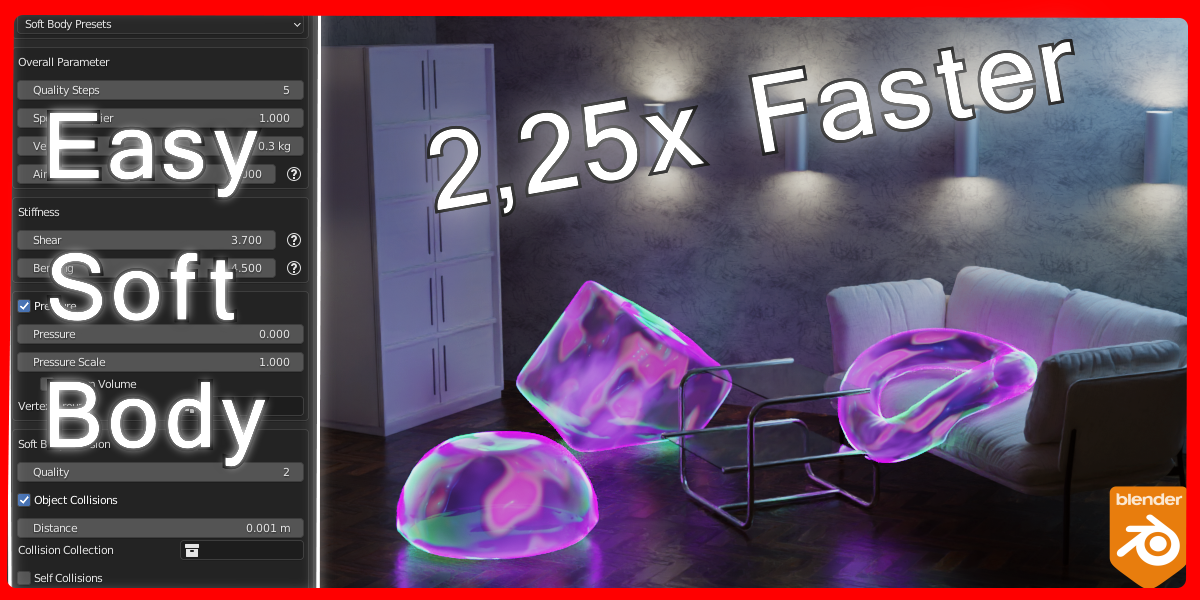
A single settings panel groups the soft-body controls. Stiffness affects how rigid the mesh is, while bending stiffness affects how easily it bends. Damping reduces wobble over time. Push and pull forces let you fine-tune whether the simulation expands or contracts during motion.
Collision options include self-collision, face collision, and edge collision. Self-collision prevents the soft body from intersecting with itself; face and edge options provide surface-level or edge-specific collision detection. For parts that should stay fixed, "Weld Points to the Original" anchors selected mesh areas. "Follow Original Object" blends the soft-body mesh's motion with the original.
Who may find it useful
Soft Body Painter suits Blender artists who want to assign simulation to a chosen mesh region through painting and adjust its behavior from one panel.
Compatibility and license
The Superhive product listing specifies Blender versions 4.0 through 5.3, names Cycles and Eevee as render engines, and lists the license as GPL. It also marks the product as Blender Extension Compatible and identifies its type as an add-on. Check the listing for current compatibility, pricing, and license details.