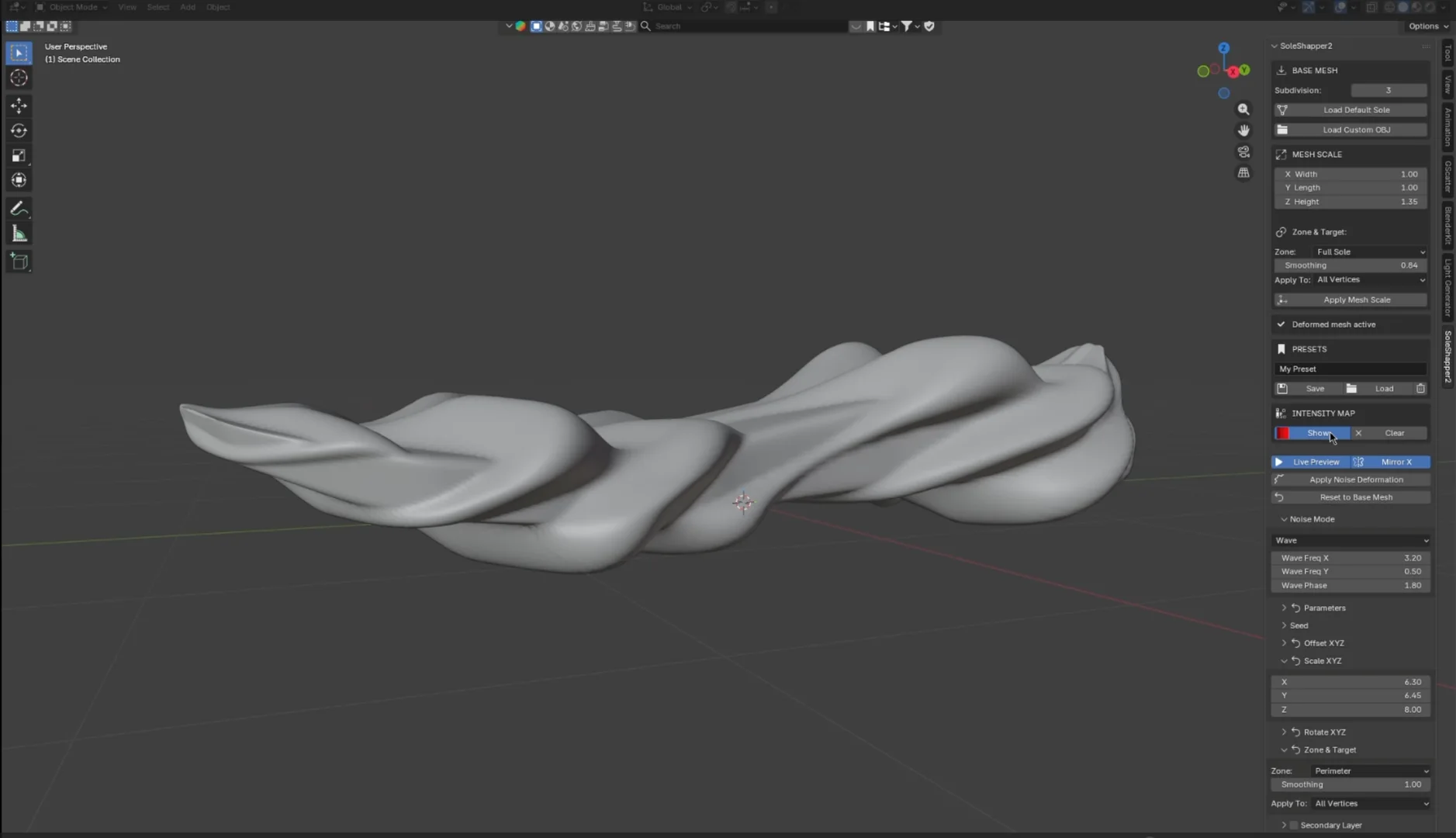
SoleShapper is a Blender add-on by David-Orrick for shoe designers who want to shape sole meshes with procedural noise. The Blender Extensions listing identifies version 2.0.1, Blender 4.2.0 or newer, and a GNU GPL v3.0-or-later license.
Shape and refine a sole mesh
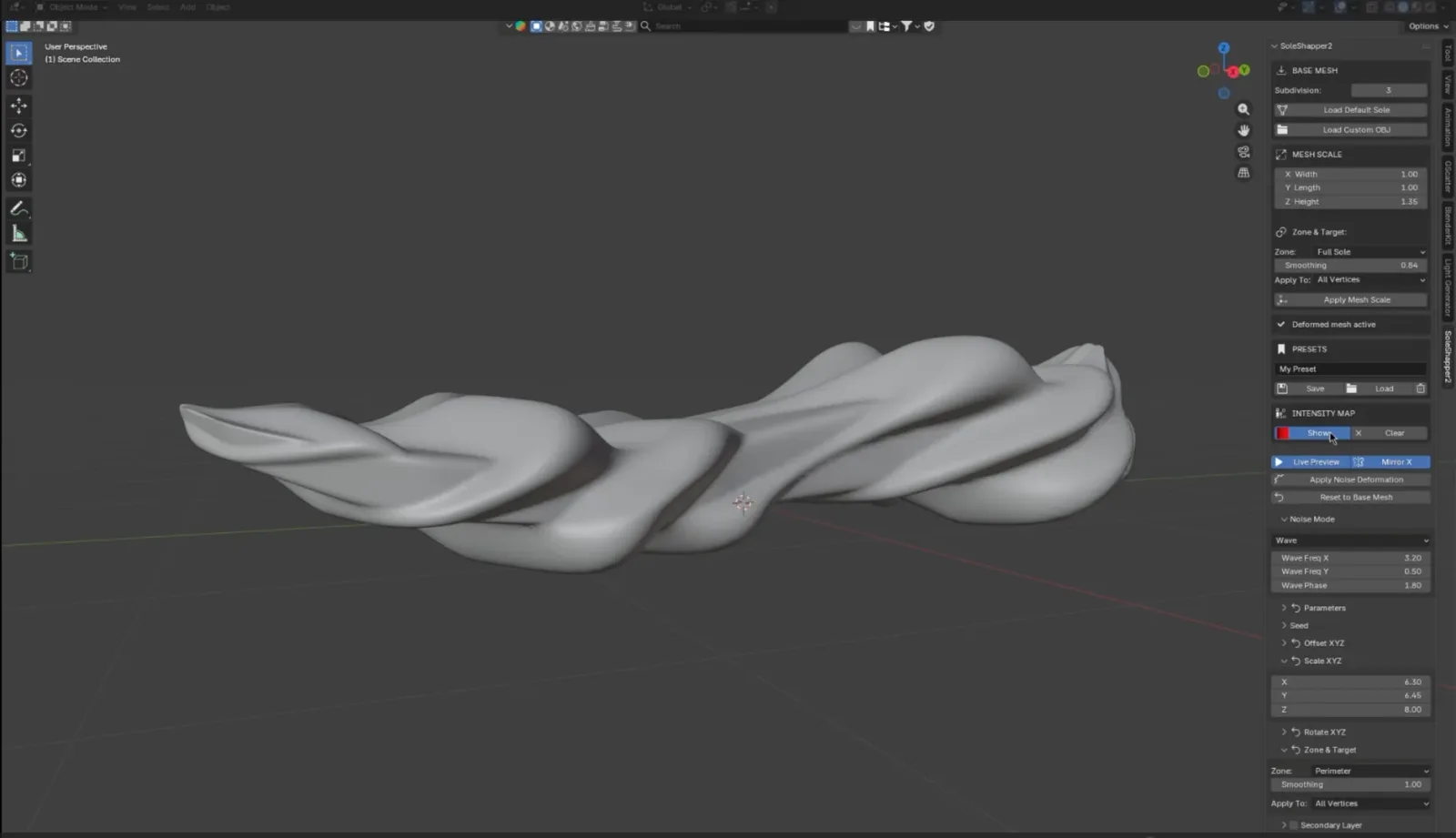
The AnyPlugins guide says SoleShapper includes a starting sole mesh and can load custom OBJ meshes. The Blender Extensions notes for version 2.0.1 mention minor OBJ-import compatibility issues but do not say whether they were resolved. Its documented controls include noise deformation with adjustable scale, strength, and seed, plus zone masking to target changes to specific areas. You can reset to the base mesh and try another shape.
When the shape is ready, export it as STL or OBJ. The extension requests file permission to import OBJ meshes and export those formats.
Install and open the controls
Blender's listing provides drag-and-drop installation and an Install from Disk option. After enabling the add-on, open the 3D Viewport sidebar by pressing N and select the SoleShapper2 tab to find its controls.
Before installing
Check the official extension listing for current release and compatibility details before installing.