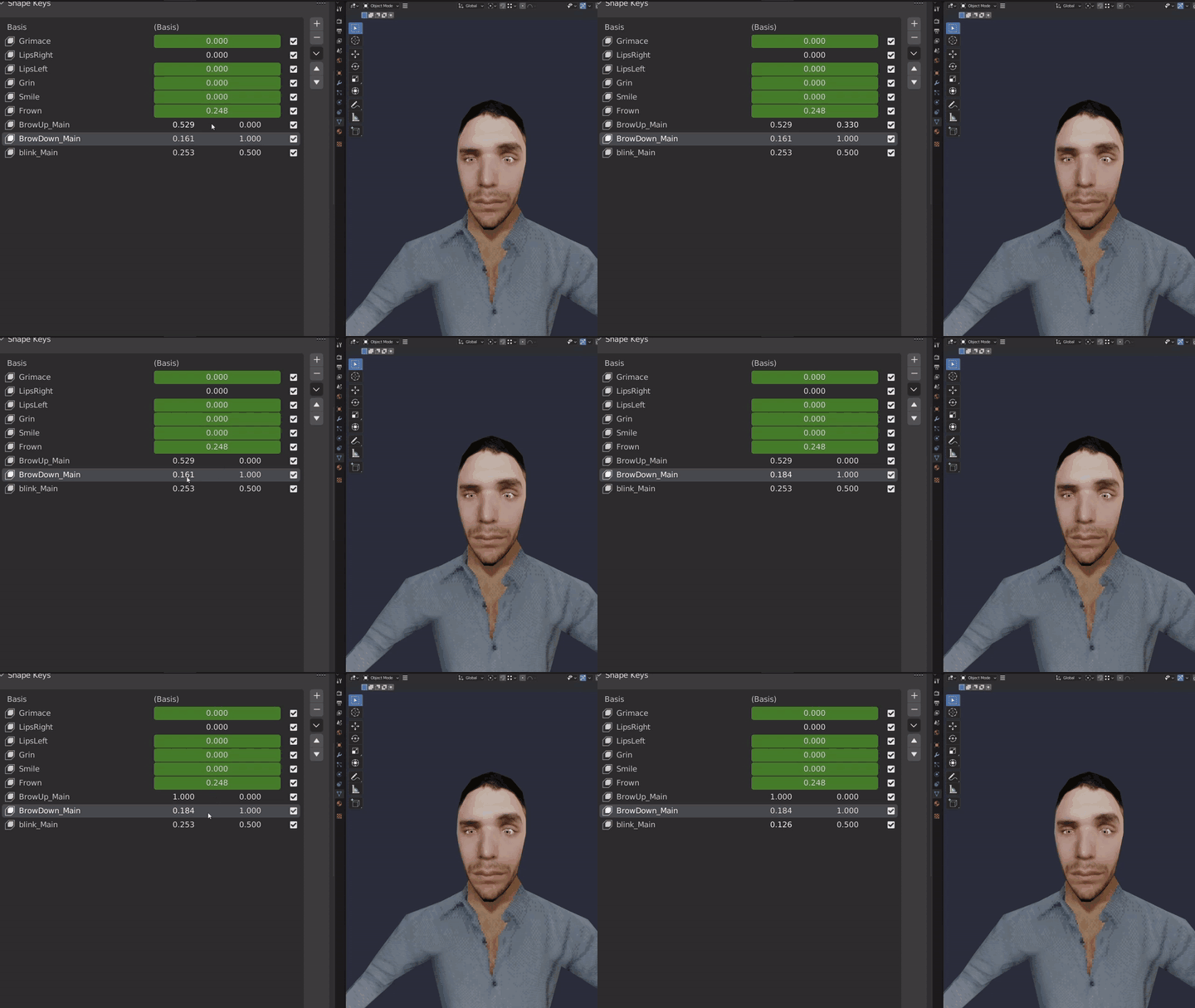
Split Keys: Shape Key Management is a Blender add-on that groups up to three related shape keys and displays their values together. One example pairs left and right eyebrow keys with a third key for both.
Group shape keys by name
Each group needs three shape keys whose names end in _Left, _Right, and _Main. The suffixes are case-sensitive and require the underscore. Left and Right identify the two split keys. Main is the key where the other shape-key values are added together in the interface. To undo the grouping, rename the Main key so its name no longer follows the convention.
Track shape keys created from modifiers
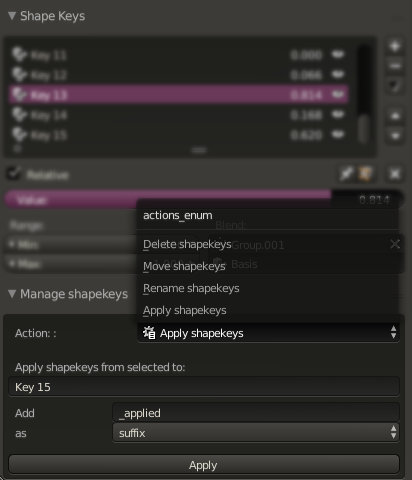
The documentation places Split Keys under Object Data > Shape Keys and lists a drop-down menu for real-time update. Before applying or saving modifiers as shape keys, enable Track Applied Keys. The interface becomes greyed out while tracking is enabled. Apply or save the modifiers, then disable tracking; the new shape keys should appear.
Show the base value in a two-way split
For two-way split shape keys created by vertex group shape keys, the base key value is hidden by default. Turn on Show Base Value to display it in red.
Check the setup details
Inlet lists Blender versions 2.83 through 5.0 and a GPL license for the add-on. Its product page links to the documentation and a FAQ. For shape-key folder management, Inlet points to the separate Shape Key Collections add-on.