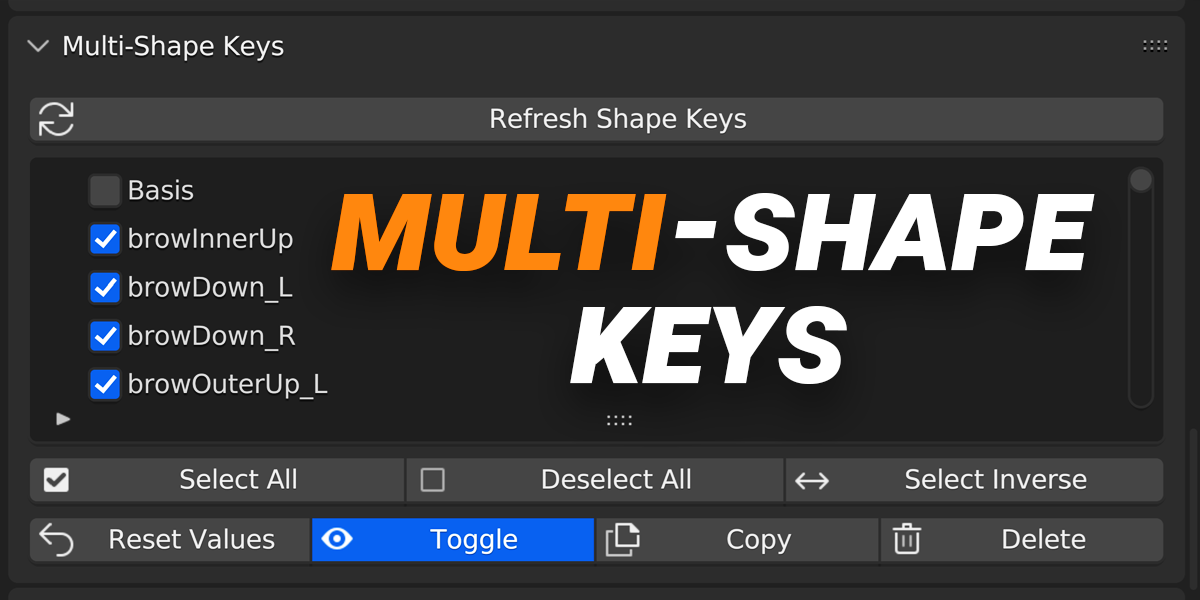
Shape Key Manager is a Blender add-on for managing shape keys in bulk. Its product listing describes moving, renaming, deleting, or applying dozens of keys with a few clicks. It can suit a character workflow that uses many shape keys as controllers.
Organize shape keys in batches
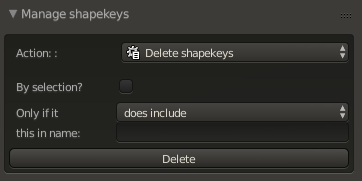
You can move selected keys up or down by a number of slots, or place them below another key by entering its exact name as a bookmark. Rename replaces text you enter with replacement text. For deletion, the add-on supports a selection range and name-based matching, including keys whose names contain or do not contain the entered text.
What the Apply operation creates
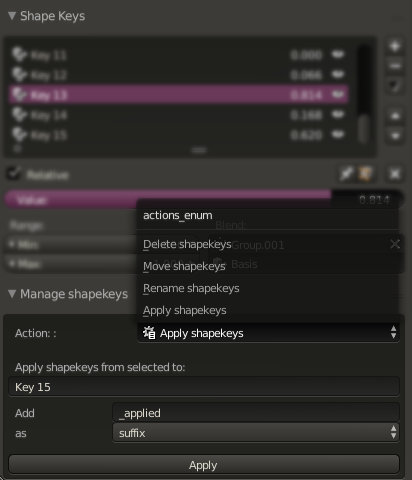
Apply processes keys from the selected key through the key whose exact name is entered as the bookmark, one at a time. It saves the values of all shape keys on the selected object and sets them to zero, then creates a separate shape key for each key in the range using that key's saved value while the others are zero. At a value of 1, each new key reproduces its original key's saved mix without combining it with the others. The listing describes applying shape keys with keyframes, vertex-group blends, or both, including to create variations.
Save your Blender file before using Apply. The documentation warns that the operation deletes and recreates the applied keys, so their existing keyframes are lost.
Blender versions listed
The product listing names Blender releases from 2.7x through 3.5. It does not list later releases, so check the listing or documentation against your Blender version before installing.