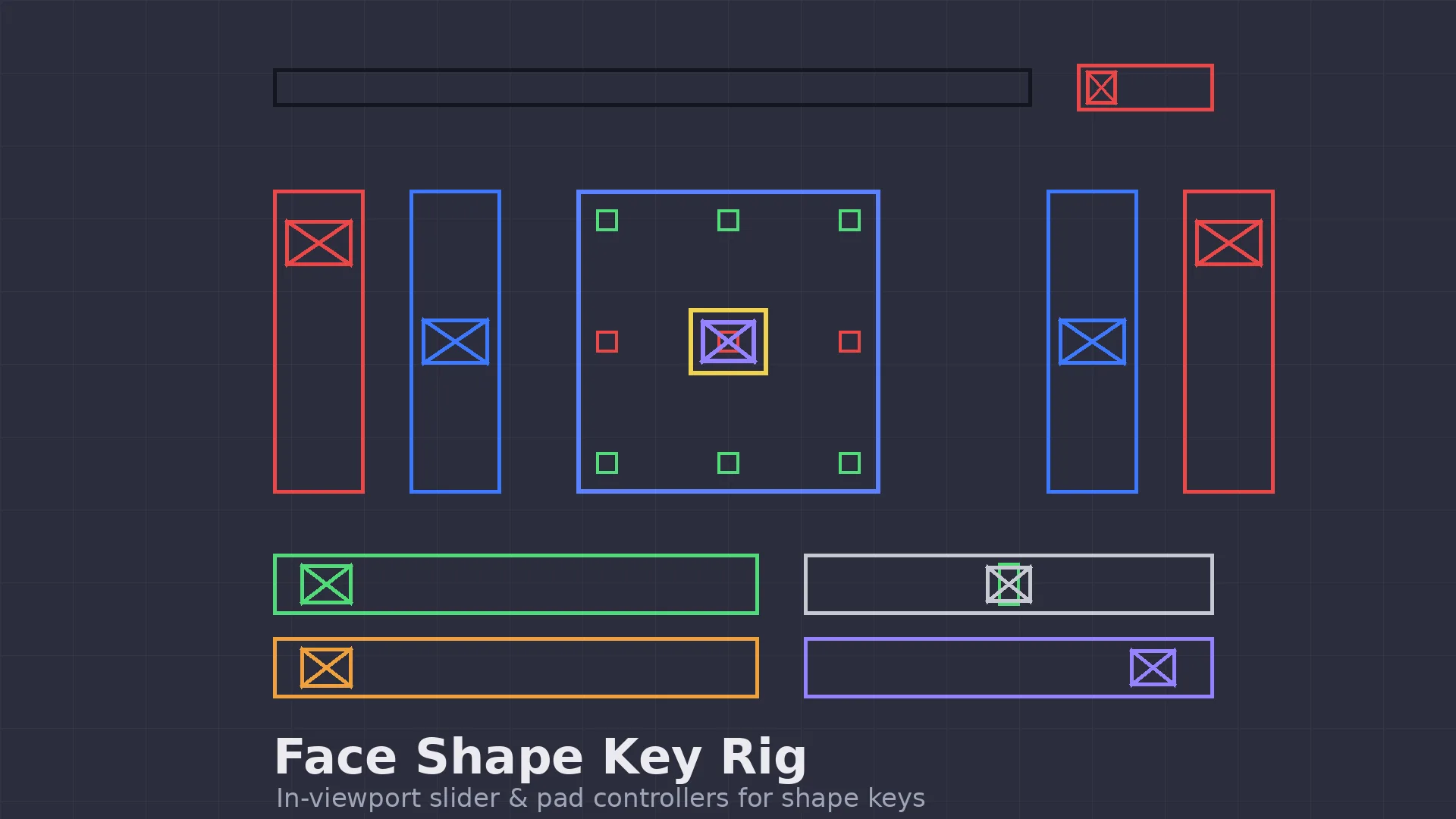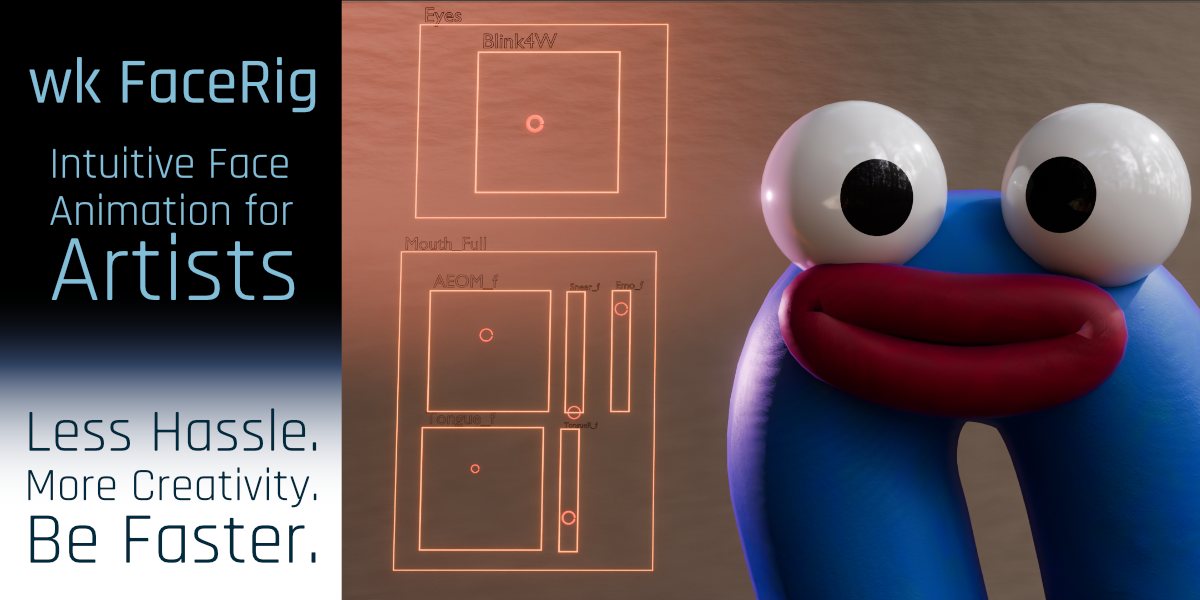
Wk Facerig is a Blender add-on for building facial controls around shape keys, bones and object transforms. You create slider controllers in the viewport, map the controls to your character, and let the add-on create the required drivers from those mappings. It is aimed at facial animation for talking heads, stylized characters and curve-based rigs. See the product listing for the current details.
Build and organize slider controllers
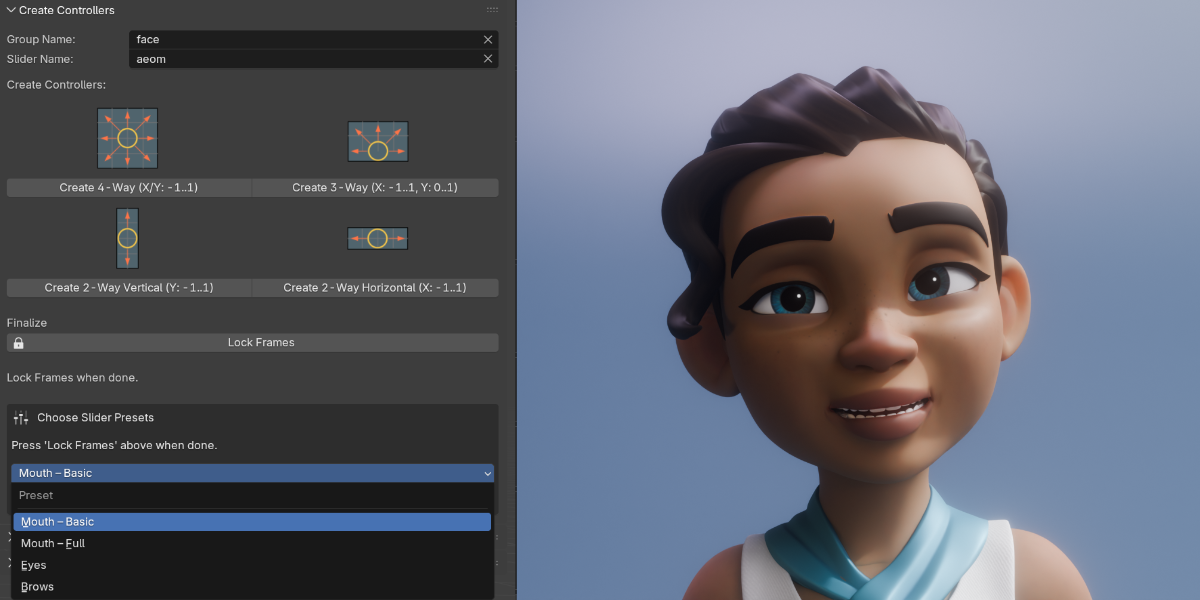
Controllers can be named and grouped automatically, with groups that can be locked as a layout is finalized. The add-on includes presets for mouth, eyes and brows, and supports custom two-way, three-way and four-way controllers. You can add controllers later, including to an existing group. The documentation also describes an optional Character Prefix, which helps distinguish controllers when you set up more than one character with the same slider names.
Link shape keys and map bones
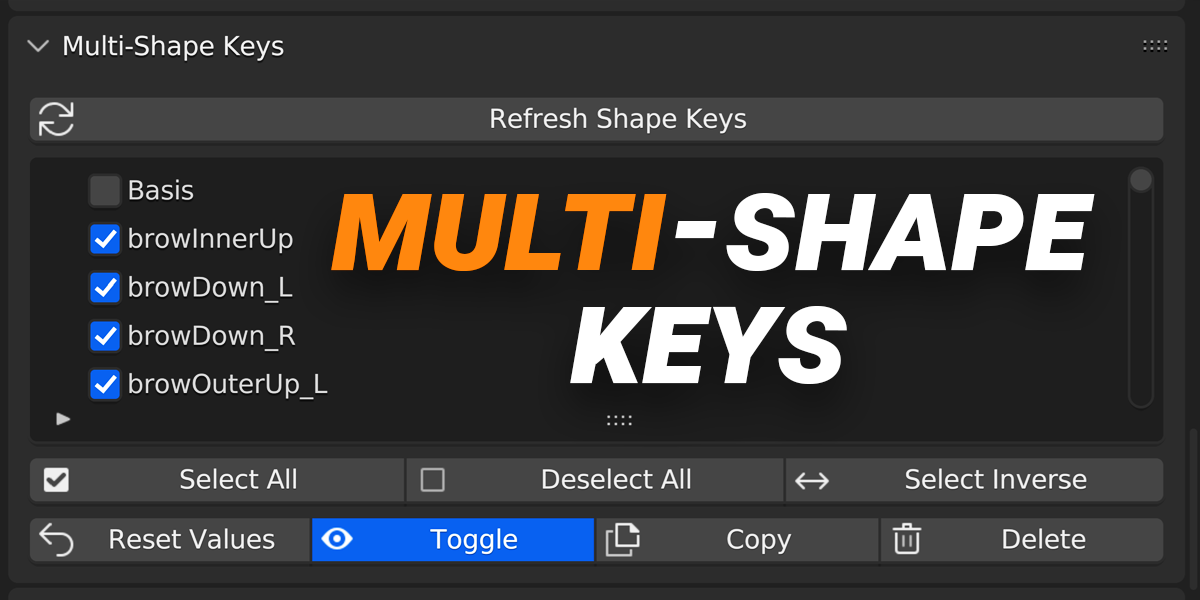
Shape Linking connects existing shape keys on a mesh or curve to selected controller types and axes. You can optionally pick a bone to influence a shape, such as a jaw bone for an A sound. For asymmetrical expressions, the add-on can split selected symmetrical shapes into left and right versions. You choose the slider used for left/right fading; the listing describes a dedicated two-way controller or the X-axis of a four-way controller as options.
Object / Bone Mapping covers bone chains and object or bone SRT channels. A chain can be mapped to a four-way controller, with an optional second controller for counter-animation, such as a tongue tip. An influence ramp adjusts how motion changes along the chain. The product page gives tongue rigs and simple tail rigs as examples of this module's use.
Prepare your character's expressions
Wk Facerig supplies the controllers and mapping tools, but it does not generate facial expressions, phonemes or shape keys. Create the shapes your character needs, such as blinks or mouth forms, before connecting them. You still decide how each shape, bone or object should respond to a slider. The add-on handles driver setup through its interface, so you do not need to write Python or driver expressions; basic familiarity with Blender animation and rigging is helpful. The product FAQ covers these limits and requirements.
Installation and compatibility
The documentation says to download the ZIP from Superhive, open Blender's Edit > Preferences > Add-ons panel, choose Install, select the ZIP and activate wk_FaceRig. The product listing identifies Blender 4.2 through 5.1 as its supported range. Check the listing again before installing in case compatibility details have changed.