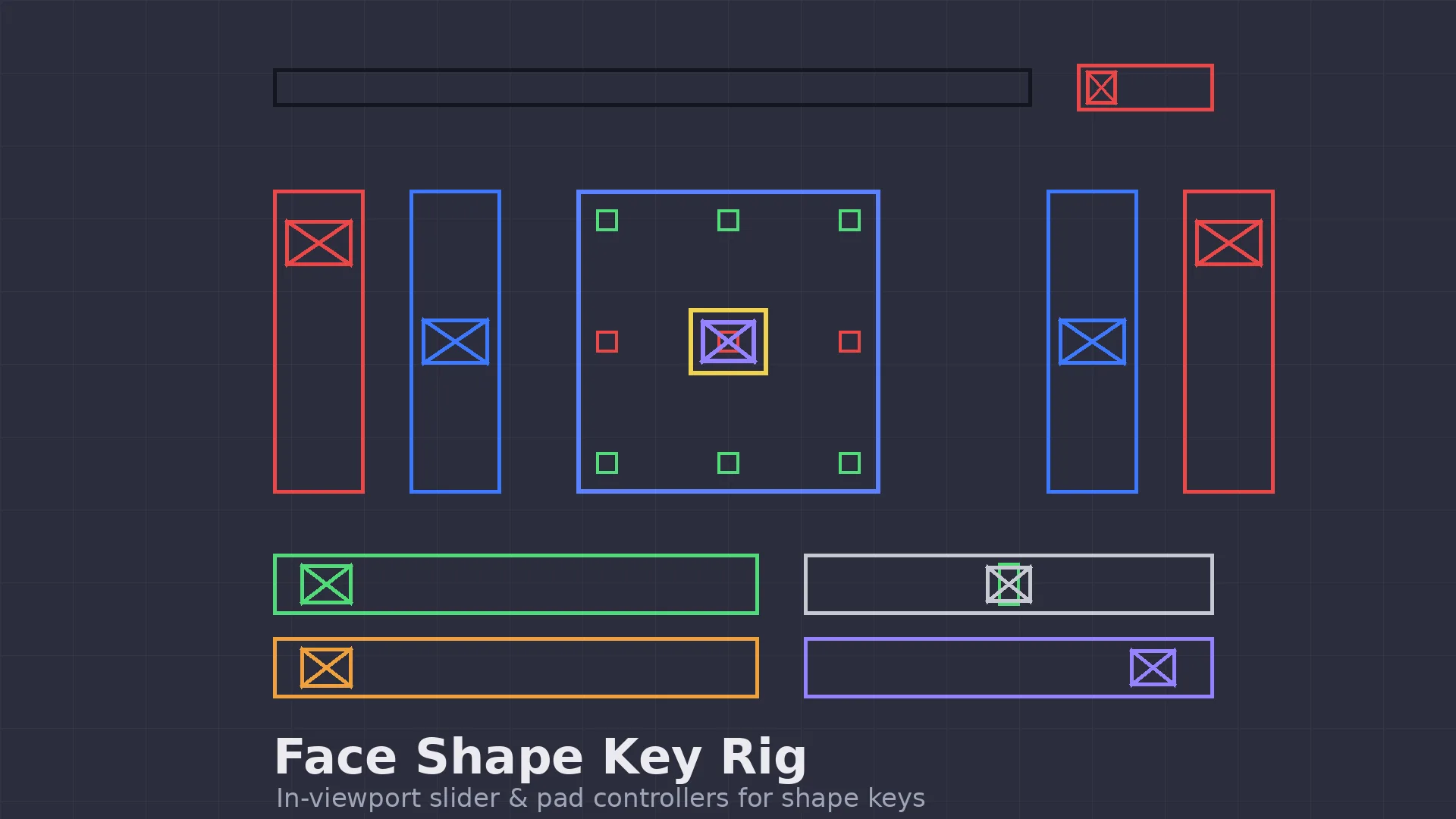
Face Shape Key Rig is a Blender add-on for animating character faces with viewport controllers built from shape keys, bones and drivers. It also supports live facial capture through iFacialMocap and audio-based mouth animation. Version 1.0.244 on the Blender Extensions listing requires Blender 5.2 or later.
Build shape key controls in the viewport
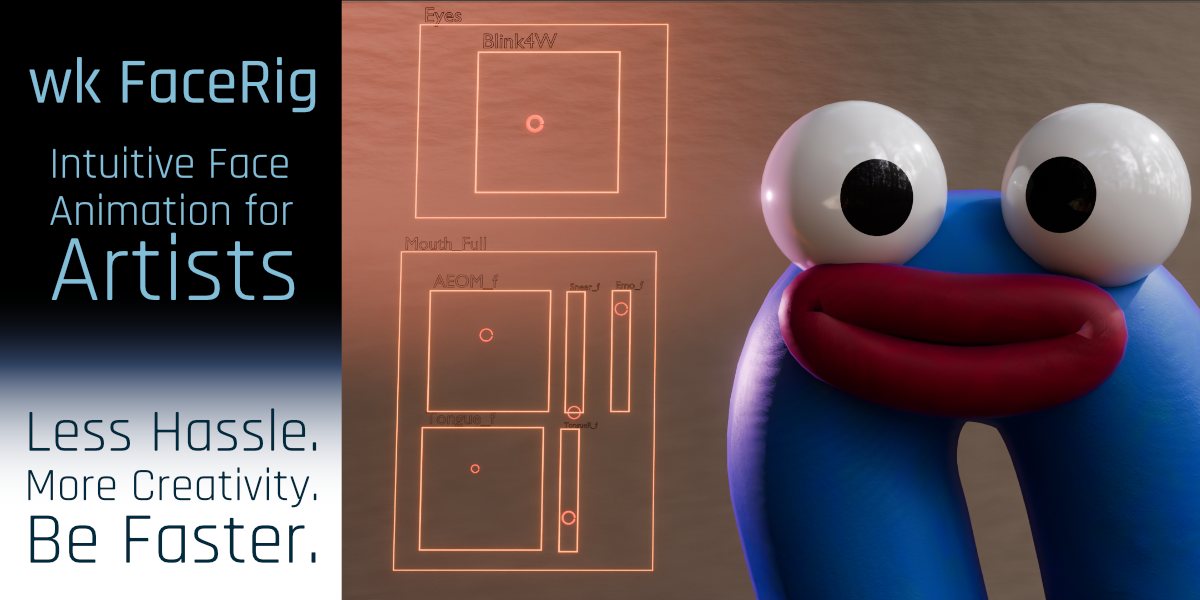
Create horizontal or vertical sliders and 2D pads with up to eight directions. The corners blend automatically. Bone pads can also control other bones, such as eye targets or a jaw. Anchor snapping, per-slot and global multipliers, value inversion and bidirectional ranges let you adjust how a controller affects the face.
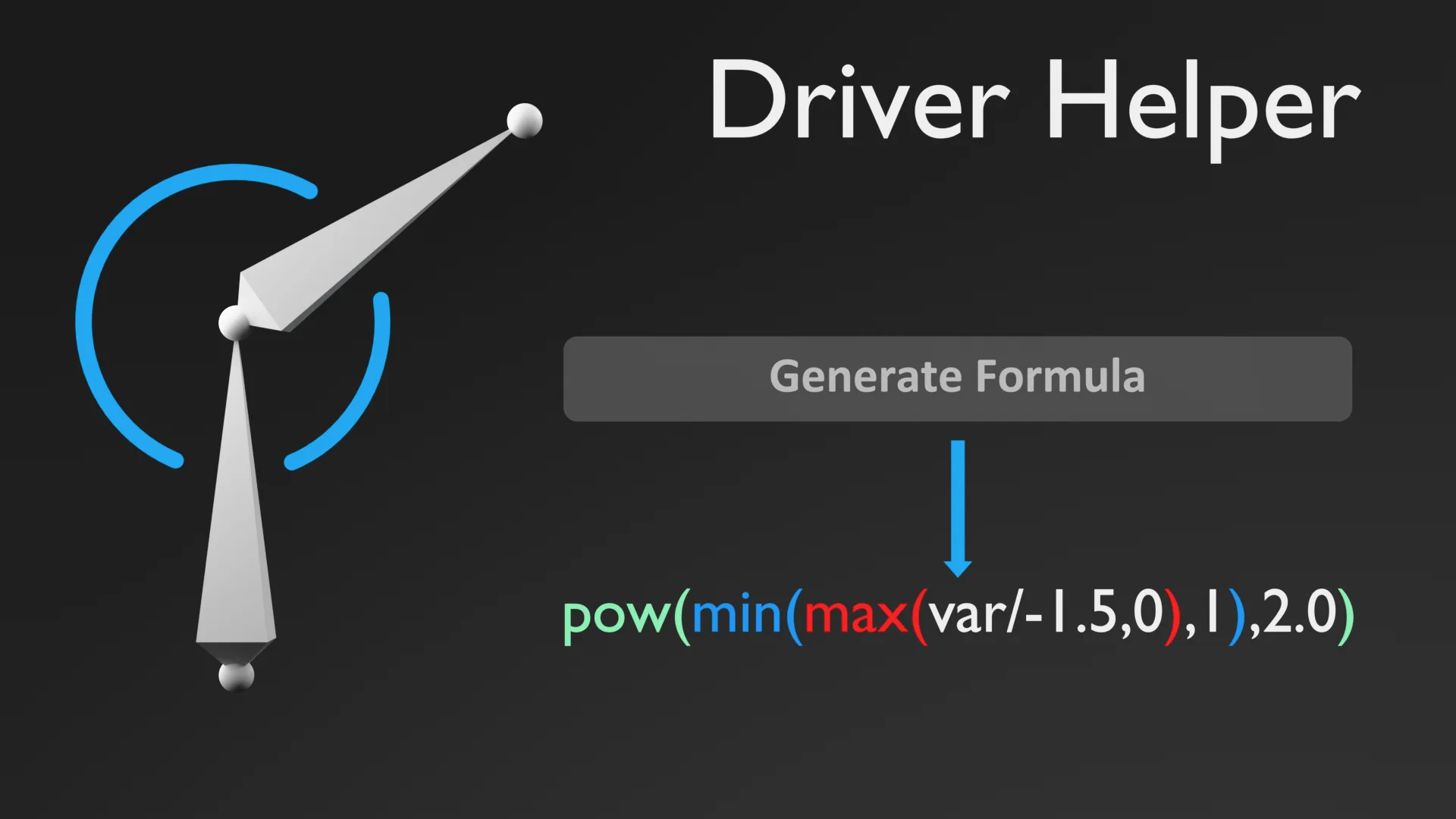
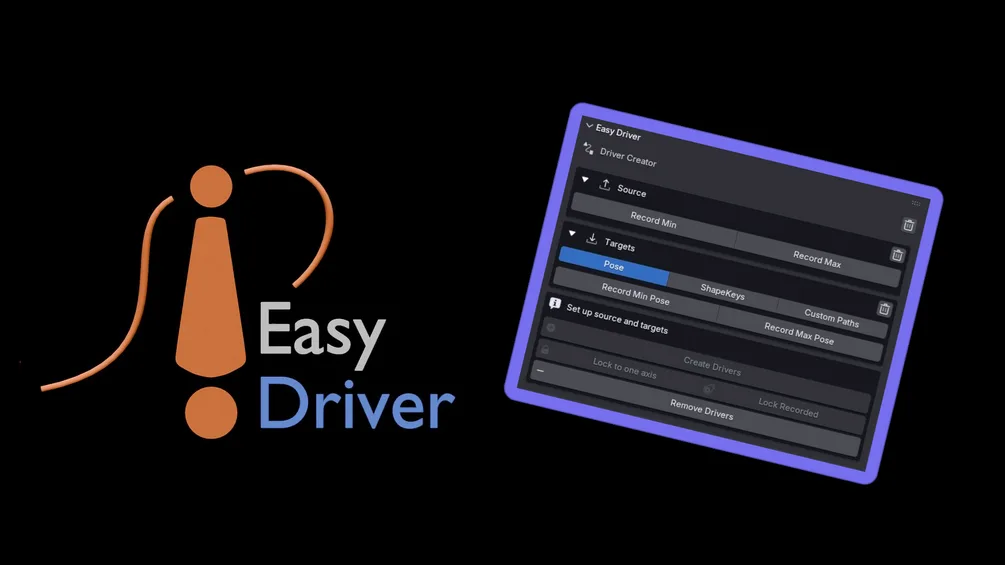
The controllers use plain bones and drivers, so rendered rigs need no separate runtime dependency. For shape key maintenance, the add-on supports batch edits, mirroring with pre-validation, checkbox-based deletion and name synchronization. Chain drivers can make one slider affect additional keys with individual factors. You can keyframe all controllers together, save and restore default poses, and export or import the layout as JSON, including its mocap mapping.
Capture facial movement or make lip sync from audio
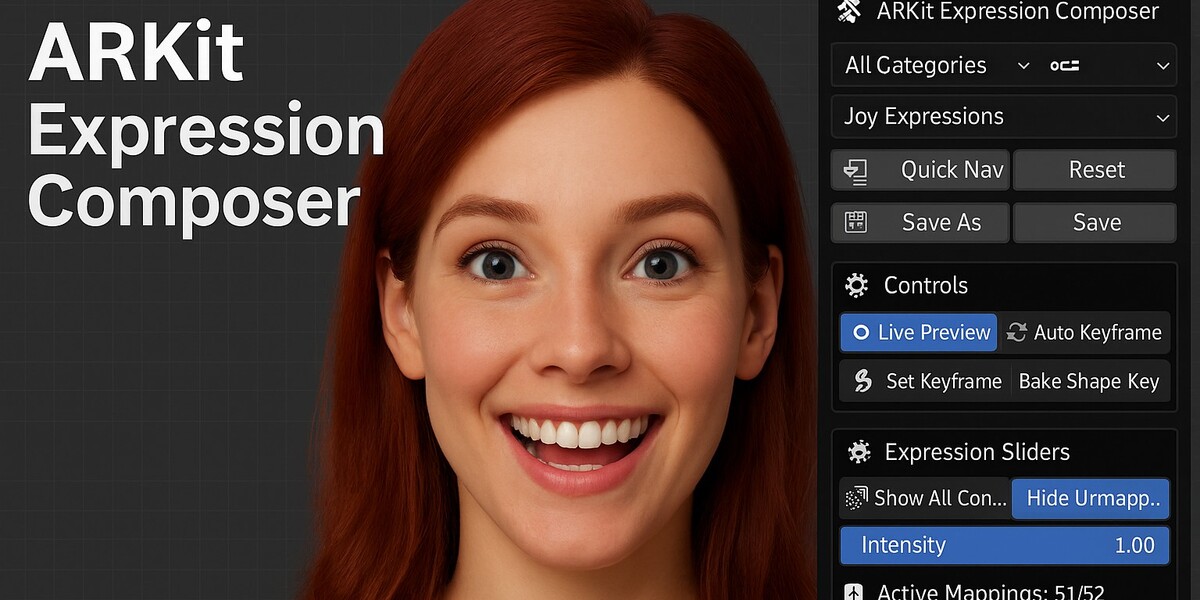
For live capture, Face Shape Key Rig receives ARKit blendshape data from the iFacialMocap iPhone app over local Wi-Fi. A mapping table connects that data to a panel or shape key, and an auto-setup wizard can configure eyebrows, blinks and an AEIOU mouth pad. The workflow also includes neutral calibration, viewport preview, smoothing, head and neck rotation controls, expression presets, and countdown recording that stops at the end frame.
For audio-driven animation, load a WAV, MP3, OGG, FLAC or M4A voice recording. Formant analysis generates mouth movement, including in-between shapes and diphthong glides; sparse keyframes and adjustable cross-fades help shape the timing. The lipsync editor opens in a browser window and includes waveform navigation, audio-range editing, a mouth-pad preview, named favorites, undo for audio operations, and synchronization with Blender's Dope Sheet.
The editor works best in Chrome or Edge. Its always-on-top option is available only on Windows. Audio edited inside the editor is converted to mono 16-bit WAV, so keep the original recording for final renders.
Experimental mesh parts for sprite faces
Version 1.0.244 adds experimental Mesh Parts. You can convert a sprite part into a mesh, edit it in Blender, place bone pins, and use automatically calculated weights or paint them yourself. IK controllers and mirrored parts are supported. Mesh parts follow shape keys and head movement, with draw order and canvas-edge clipping handled by the add-on.
Mouth parts cannot yet be converted. Clipping masks, crop, parent inheritance, parallax and Over Hair do not apply to mesh parts, and mesh bone poses are not yet saved in expression presets.
Requirements, permissions and installation
The extension requests file access to import or export canvas archives and load sprite-sheet images. Its listing describes network access for iFacialMocap over local Wi-Fi and a local server for editor windows. The notes say the network permission is used to receive iFacialMocap data on the local network and that nothing is sent externally.
The listing offers drag-and-drop installation or a download followed by Blender's Install from Disk option. See the Blender installation instructions for the manual route. For code or issue reports, use the project's GitHub issue tracker.
Frequently asked questions
Which Blender version does Face Shape Key Rig require?
The listed version 1.0.244 requires Blender 5.2 or later.
Does the rig need a separate runtime dependency?
The add-on says its controllers use plain bones and drivers, with no separate runtime dependency for rendering.
Can Face Shape Key Rig generate lip sync from a voice recording?
Yes. It analyzes supported audio files and generates mouth animation that you can refine in its browser-based editor.
Can every sprite part be converted to a mesh?
No. Mesh Parts are experimental, and mouth parts cannot currently be converted. Several features, including clipping masks and parallax, also do not apply to mesh parts.
Does the extension send iFacialMocap data outside the local network?
The listing says its network permission receives iFacialMocap data on the local network and that nothing is sent externally. It also identifies a local server for editor windows.