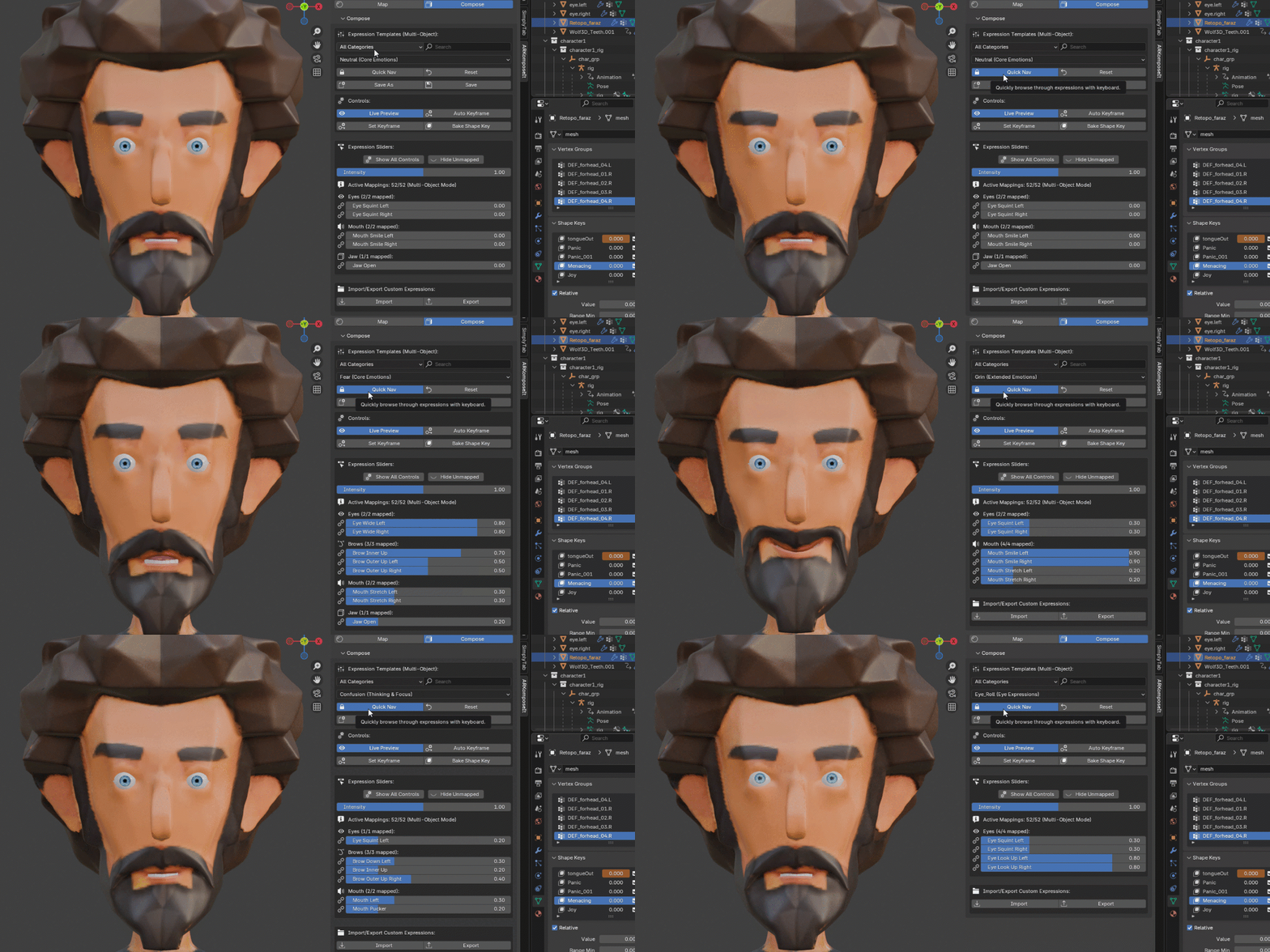
ARKomposeIt is a Blender add-on that composes facial expressions from ARKit-compatible shape keys already on a character. It scans and maps those keys, then provides more than 100 presets for emotions, speech visemes, and stylized expressions. The add-on uses existing shape keys; it does not create them.
Compose expressions from mapped shape keys
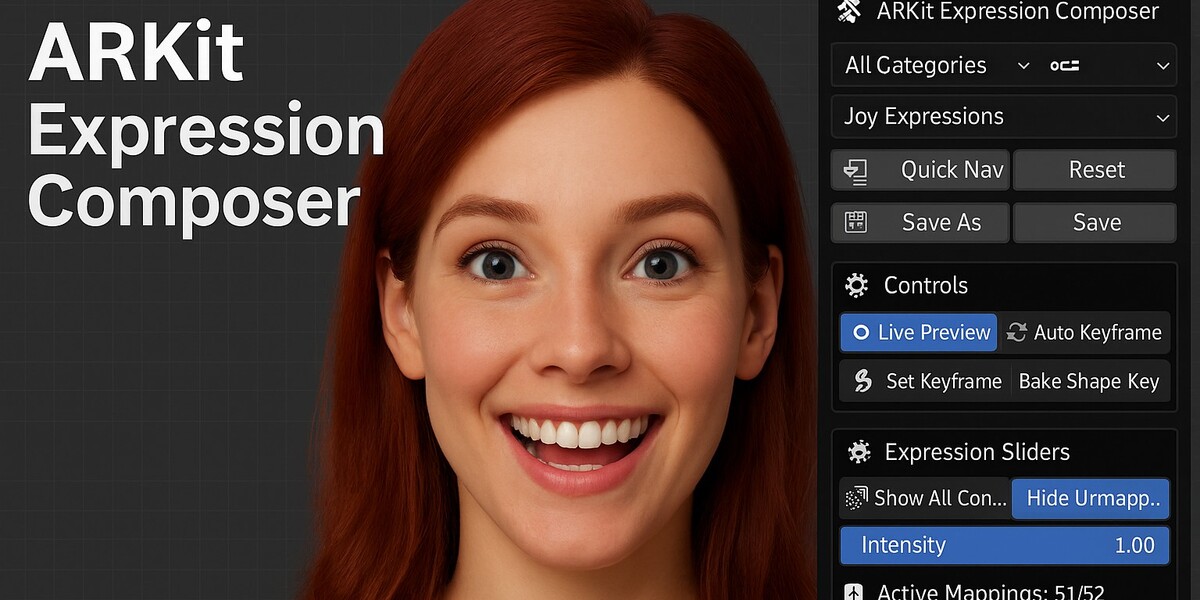
ARKomposeIt works in Blender’s Map and Compose tabs. Mapping connects a character’s shape keys to ARKit expression controls, with pattern recognition to help match names, including on custom rigs. The preset library covers emotions, speech, fantasy, and cartoon styles. Choose a starting expression, adjust its controls, or combine it with individual shape key values.
As you edit, the add-on updates the facial shape keys for feedback in Blender. Categories and search help you find a preset, while indicators show which keys are mapped. Before setup, make sure the facial mesh has shape keys: the documentation says only mesh objects with shape keys appear when you add or scan objects.
Edit, save, and keyframe facial animation
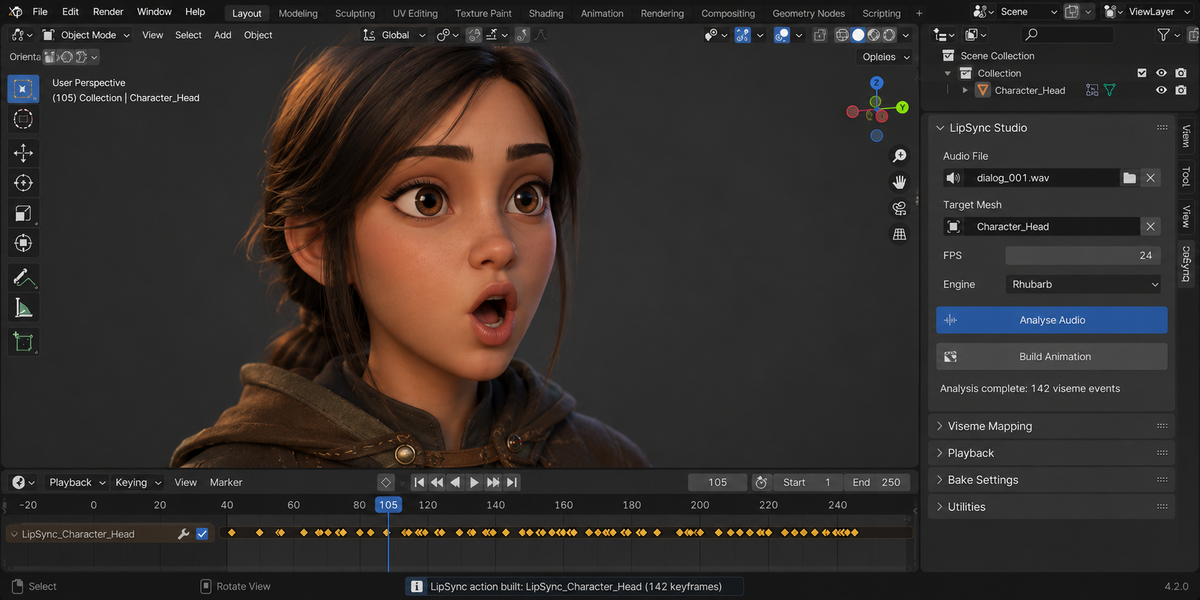
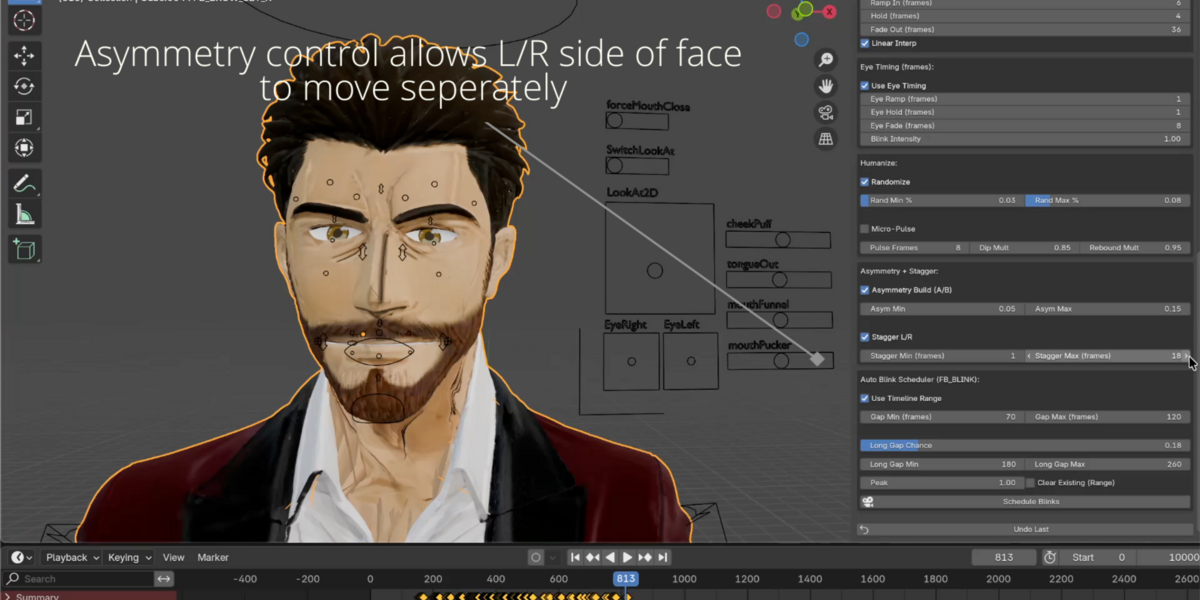
You can adjust expression intensity, mix expressions, and use auto keyframing to animate facial changes. This can support lip-sync work with the included speech visemes, though the listing does not describe automatic audio-to-viseme generation. Custom expressions can be saved and reused in other projects, and the product listing describes import and export for sharing expressions across platforms.
Saved expressions do not retain intensity. Set the intensity after loading so the same expression can be applied at different strengths.
The Video Mocap variant processes face video offline
The product listing describes a separate Composer + Video Mocap variant. It processes a face video offline and can automatically keyframe 52 ARKit blend shapes; it does not capture live video. Check the current product listing for available variants and compatibility, and consult the product documentation for setup details.