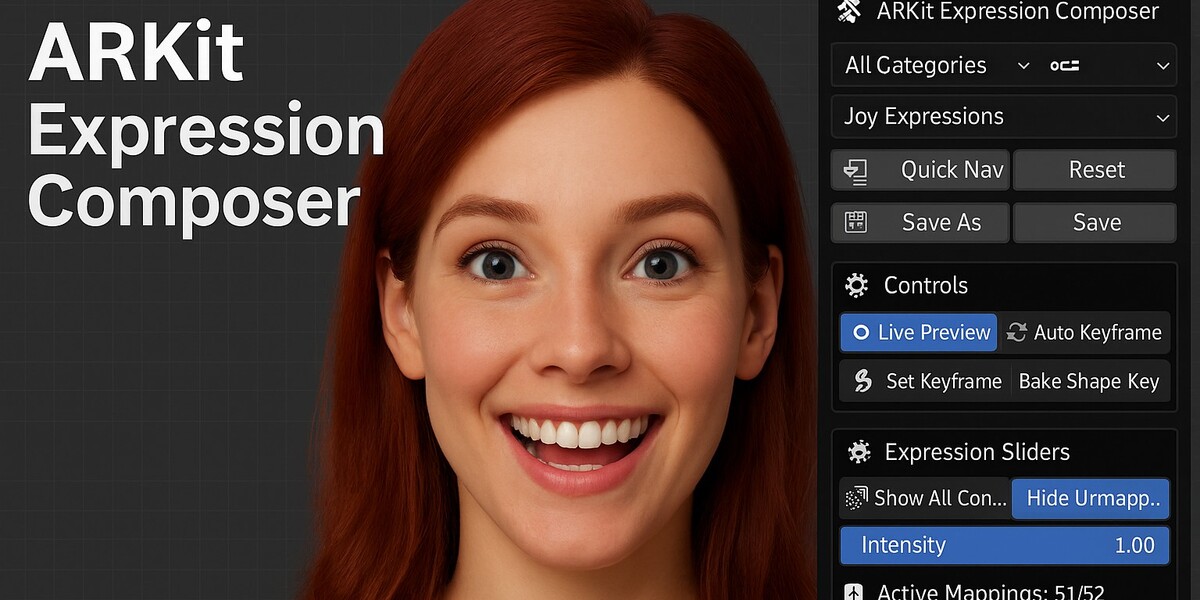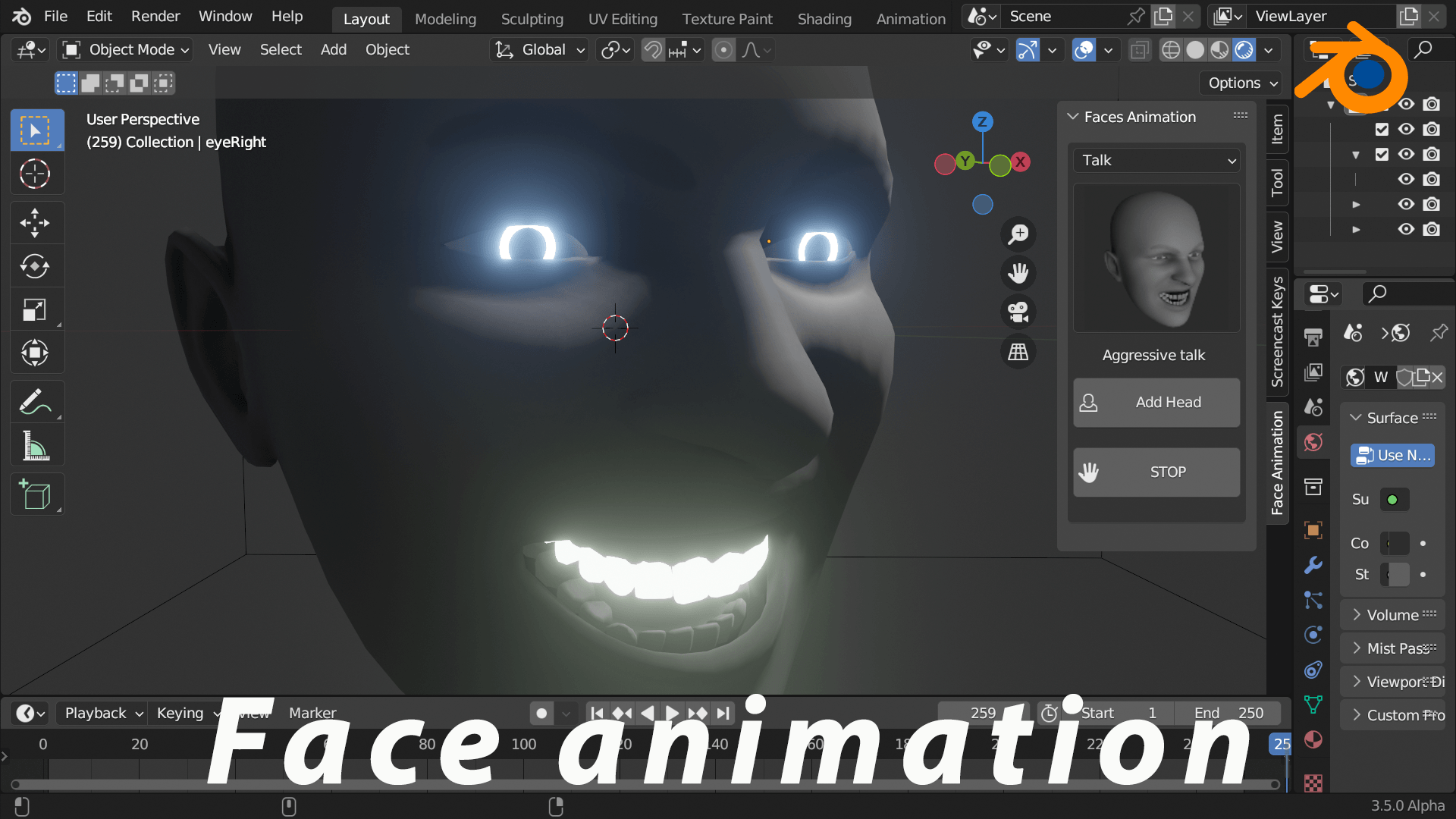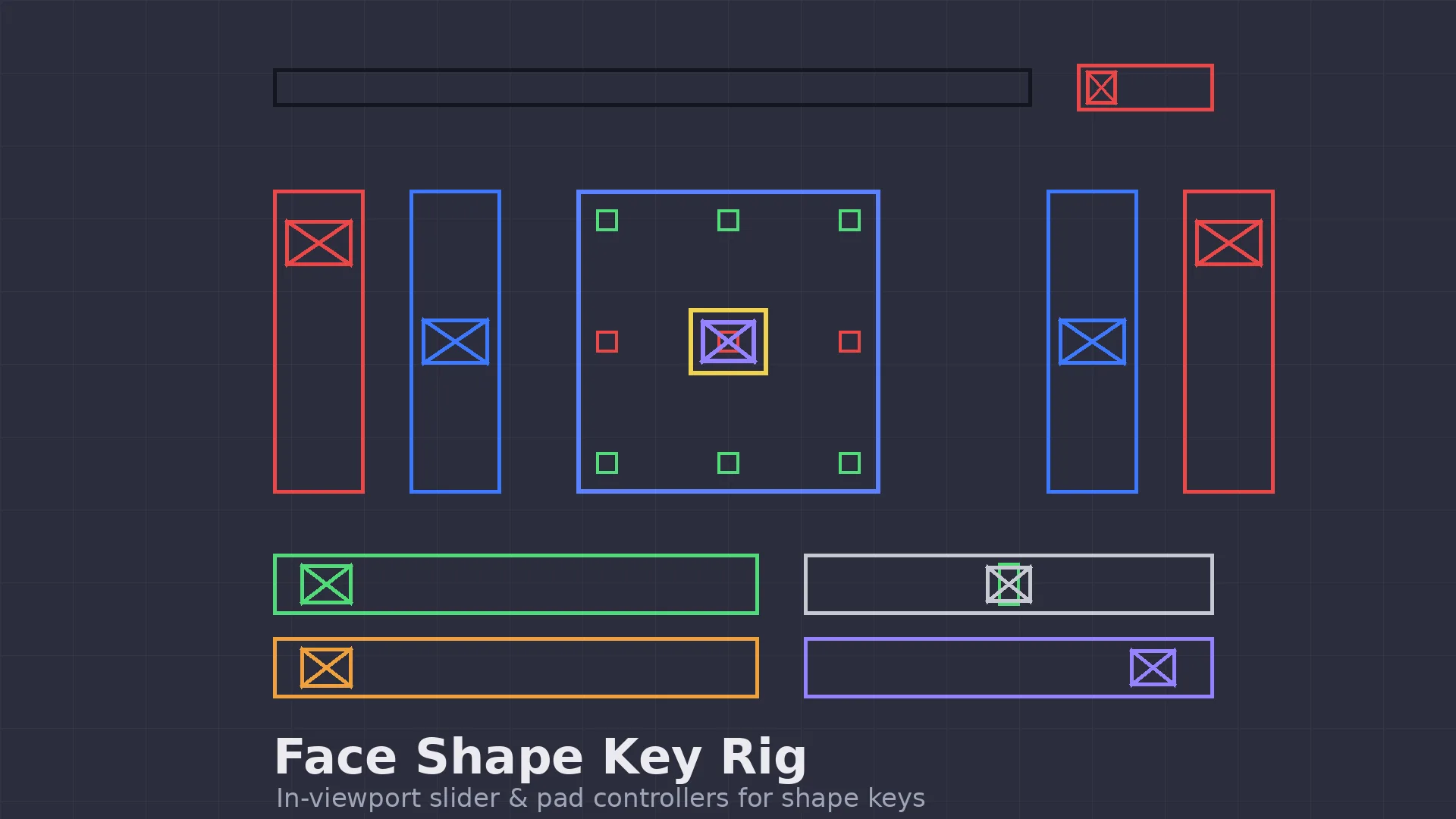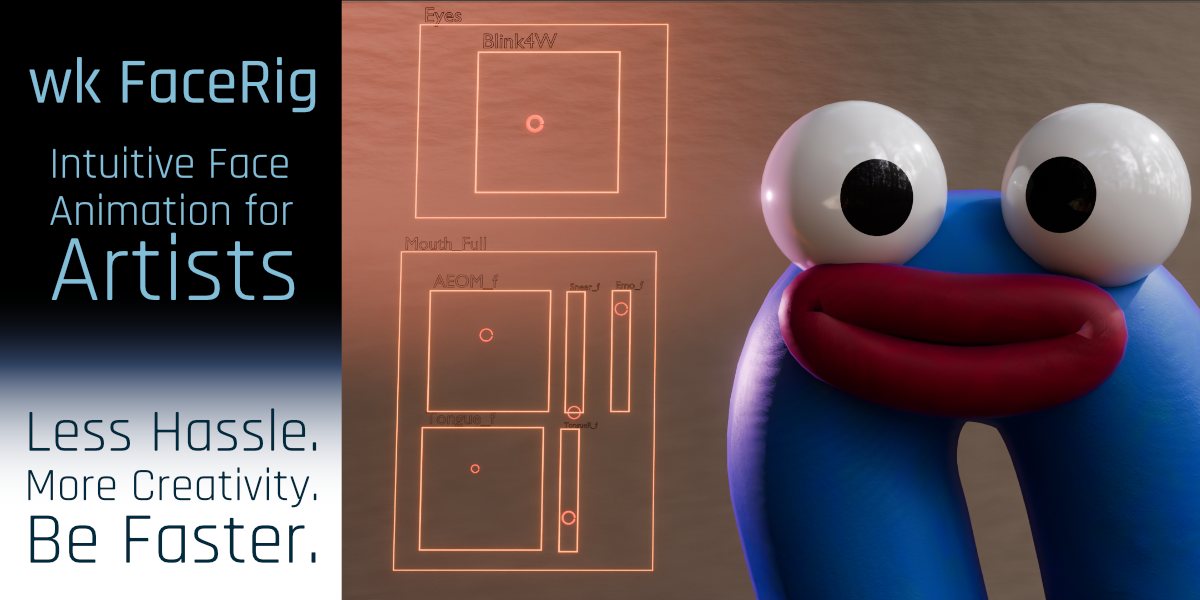
FaceBeats Pro: ARKit Performance Layer is a Blender add-on that layers editable emotional shape-key animation over baked ARKit 52 or Faceit facial capture, with ramp, hold and fade timing. The Superhive listing marks Blender 4.5–5.2 as verified.
From facial capture to acting keys
FaceBeats Pro works after the facial setup and capture are ready. The developer documentation calls for 52 ARKit shape keys with the expected names. Faceit can create that set, or you can create the keys manually. FaceBeats Pro does not create the initial facial rig or those 52 source keys.
- Install
FaceBeatsPro.zipfrom Blender Preferences using Install from Disk. - Select the character mesh and click
Create 12 + Eye Keys. The developer documentation says this builds 58 emotional shape keys from the ARKit set. - Move the playhead to the frame where you want an acting beat, then choose a beat to add keyframes.
- Adjust the result on the timeline. The add-on includes an undo control, and the documentation also lists Ctrl-Z.
Choose from 12 one-click acting beats, including Thinking, Skeptical, Smirk, Anger, Surprise, Determination, Disgust, Happy, Sad and Fear. The 12 beats are selectable actions; the 58 emotional shape keys are generated from the 52 ARKit keys.
Timing, asymmetry and eye acting
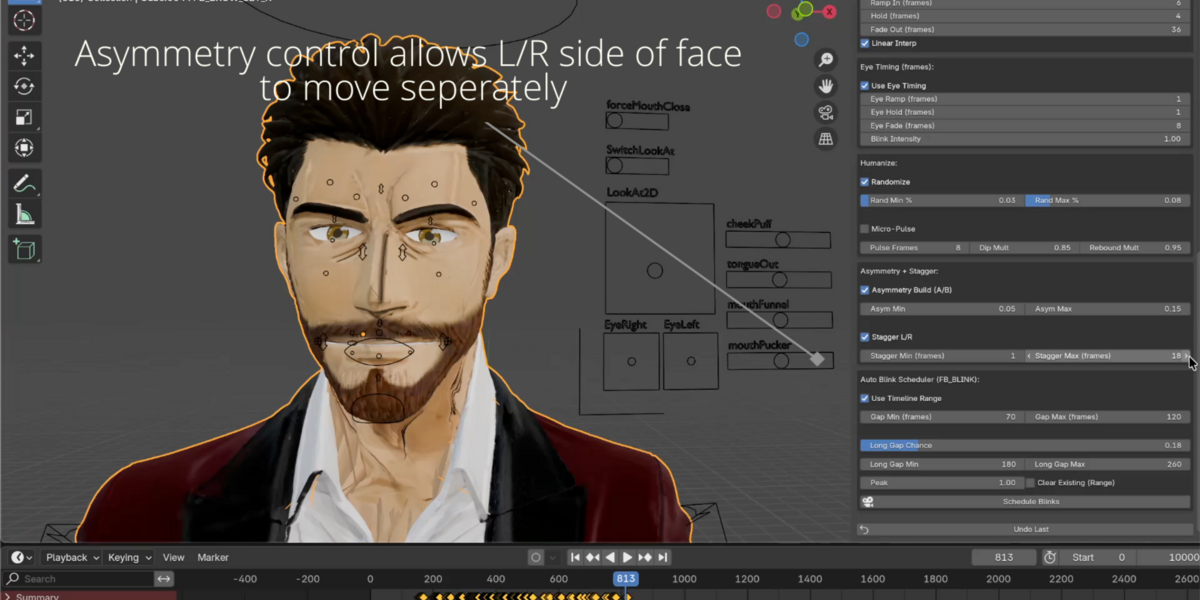
Ramp controls the move from rest to the expression peak, Hold sets how long the expression stays, and Fade controls its return to the basis pose. Intensity sets the peak value, including values above 1.0. Left and right timing can be split or staggered, with micro pulses and randomized intensity to vary repeated beats.
Eye tools include darts, long looks, directional beats and an automatic blink scheduler. These controls let facial animators direct eye movement and expression timing alongside the captured performance. The resulting Blender keyframes remain editable.
Compatibility and license
The Superhive listing marks Blender 4.5–5.2 as verified, identifies the add-on's license as GPL, and does not specify compatibility outside that range. Check the developer documentation for the required shape-key setup and workflow details.