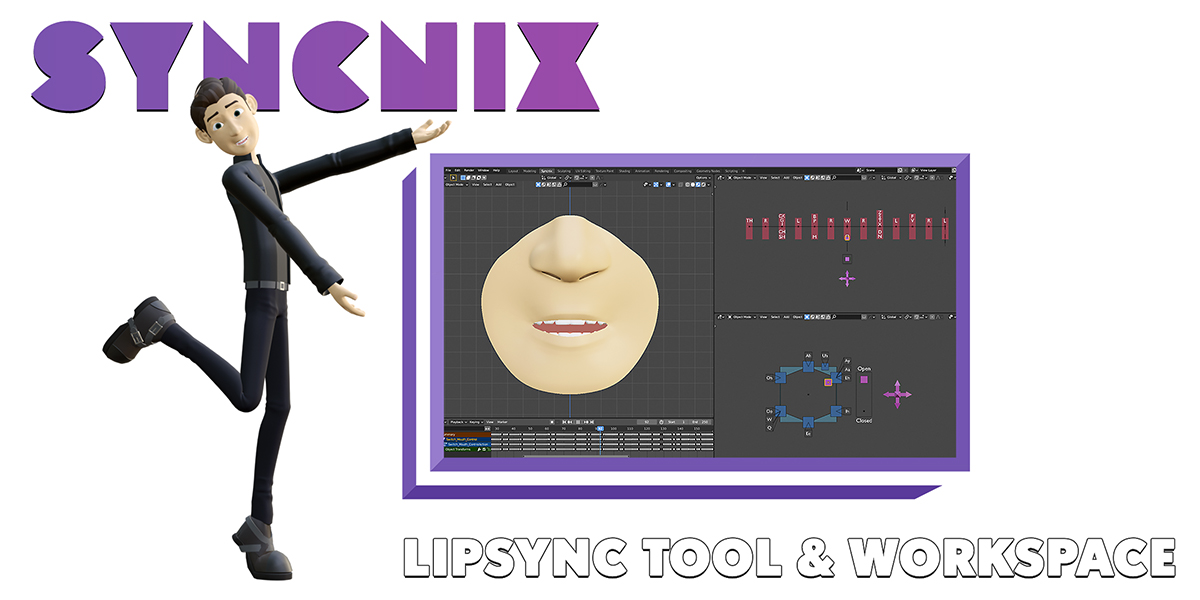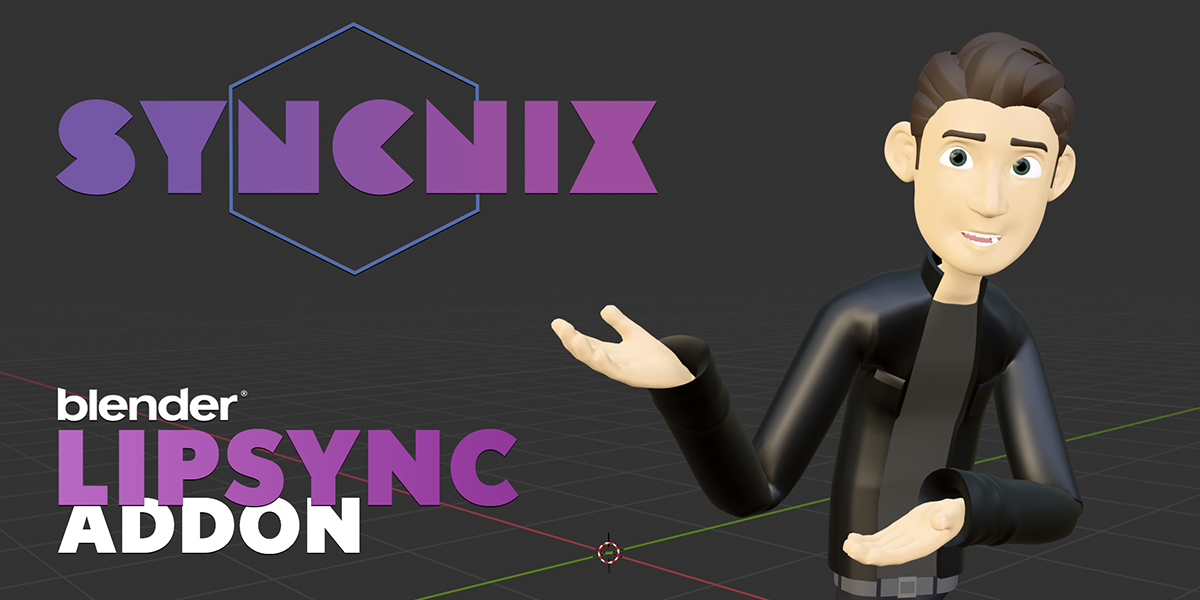
Syncnix combines a Blender lip sync addon with a tutorial. The tool drives a character model's shape keys to animate speech with smooth transitions. Mocknix describes it as close to automatic lip sync, while the setup notes focus on linking a prepared model and configuring facial shape keys. See the product listing and setup notes.
The supplied pages describe shape-key-driven speech animation but do not say whether Syncnix derives timing from audio or extracts phonemes. Check the product demo for any recording-based workflow before relying on it.
Preparing a character
The setup guide calls for creating and naming exactly 14 shape keys. It suggests vertex groups named Face, Top Teeth, Bottom Teeth, and Tongue to make setup easier. The guide also says that linking a model renames it "Template" and moves it into a Template collection. You can move and rename the model afterward; for multiple Syncnix tools in one scene, the notes suggest renaming the Syncnix collection.
Blender compatibility and license
Mocknix lists Blender 2.8, 2.81, 2.82, 2.83, 2.9, 2.91, 2.92, 2.93, 3.0, 3.1, and 3.2. The product page warns that Syncnix does not work with newer Blender versions. Check the listing before installing if your Blender release is outside the listed range. The listing identifies the addon as GPL.
Setup videos and documentation
The listing links to a product demo, a how-to example, and a setup video. It labels the example as 40 minutes and estimates setup at one minute for experienced Blender users or 12 minutes for beginners. The documentation page also links to a Google Doc and a downloadable PDF.