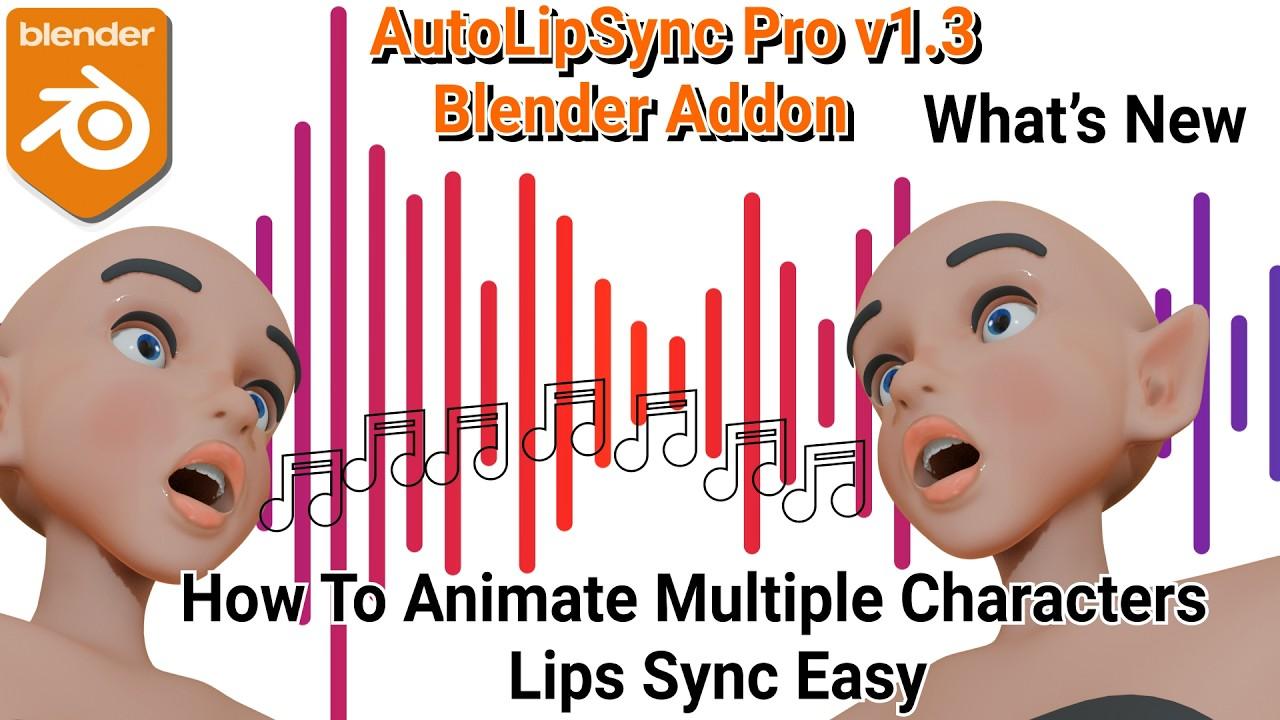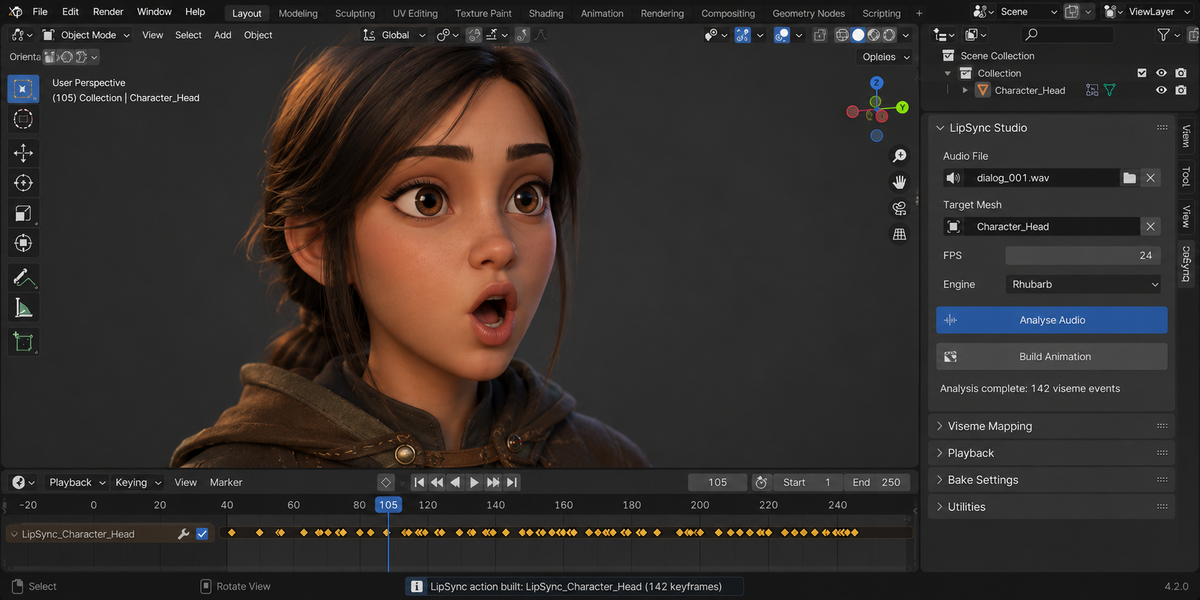
AutoLipSync Pro 1.3 is a Blender add-on that turns speech audio into character lip-sync animation. It transcribes the audio, maps phonemes to visemes, then creates animation with either shape keys or pose actions. Processing runs locally, so the add-on does not require an internet connection. The product overview and documentation describe its workflow and setup.
It may suit Blender animators who want to build dialogue from audio while keeping control over timing and facial animation. A test character and reference guides are included, though production characters still need suitable viseme shapes or actions.
From audio to viseme animation
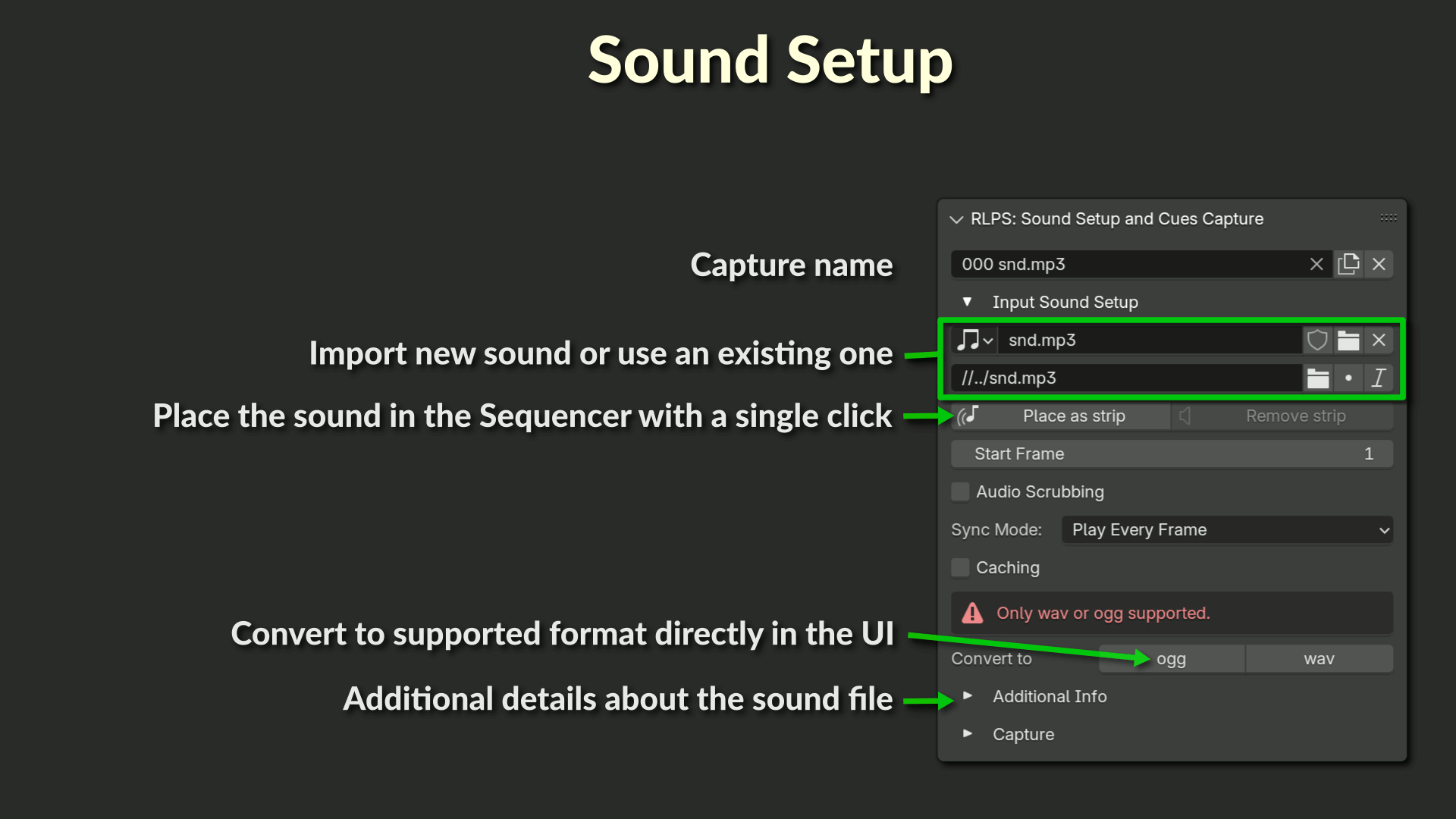
The documentation lists MP3, WAV, and OGG audio. After selecting a file, convert it for processing, then set a start frame and either enter an end frame or let the add-on calculate one from the audio length. Processing transcribes speech in the background and shows the detected words in the interface while Blender remains responsive. You can edit a detected word, regenerate that word, or rebuild the phoneme and viseme mapping.
For timing in the scene, AutoLipSync Pro can add audio to Blender’s Video Sequence Editor. Start and end frame controls determine where the audio and generated mouth movement play.
Shape keys or pose actions
The add-on supports two character setups: shape keys on a mesh, or pose actions assigned to a rig. Both use 13 visemes. The included visual reference explains mouth positions, and the test character provides an example setup to try before configuring your own character.
In shape-key mode, the add-on can create placeholders for missing keys, but you still need to sculpt those shapes. In pose-action mode, it can search for actions with the expected names; you can assign them manually if your names differ. Generation controls include blending, hold time, transition frames, and coarticulation, which adjusts how neighboring sounds influence mouth shapes. Automatic blinking is also available when blink shape keys are assigned.
What version 1.3 adds
Version 1.3 adds VSE integration, audio start and end controls, and an option to keep existing lip sync when adding another dialogue segment. With that option enabled, new animation can start at a chosen frame while earlier animation remains in place. The product overview also notes faster generation, stability improvements, and an updated eye-blink system.
Language and compatibility notes
The product listing describes English as the primary transcription language. For other languages, it says the add-on matches sounds to the closest English equivalents. It does not provide a list of supported languages, so review the detected words and resulting mouth shapes for your material.
The developer lists Windows 10 and 11, plus Debian-based Linux, as tested platforms; other Linux distributions are unverified. The product overview lists Blender releases through 5.3, while the documentation’s explicit tested-version list ends at 5.1. If you use Blender 5.2 or 5.3, check with the developer before installing. The documentation says to choose an add-on ZIP for your operating system and Blender version.