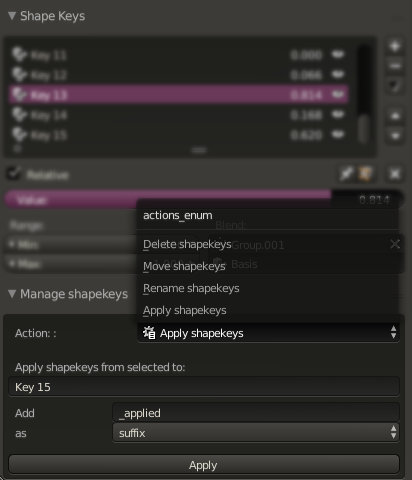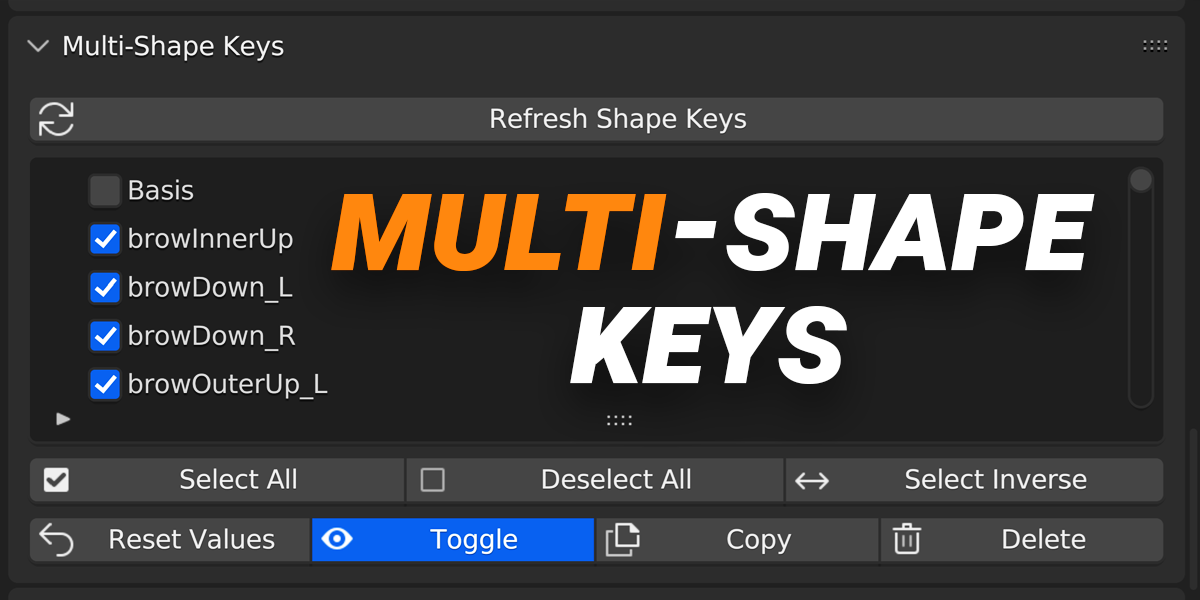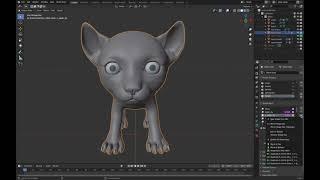
Shape Keys Plus is a Blender add-on by Lukas Bilek of Bilek Studio for duplicating and mirroring shape keys, called blendshapes in Maya. It duplicates and mirrors selected keys or all keys from left to right or from right to left. Its controls appear under Shape Key Specials in the Shape Keys attributes and in the BILEK Tools menu.
Mirror selected or all shape keys
Before using a command, select one or more objects in the scene. For a single key, choose the direction to duplicate and mirror it. The add-on recognizes side markers at the start or end of a name, including L_, l_, _L and _l, with corresponding R-side markers.
The batch commands process all keys on the chosen side. Check the destination side first: the documentation says a batch operation removes existing shape keys marked for that side before it creates the mirrored copies. A selected-key operation can also remove an existing matching key on the destination side before replacing it.
Copied values and limitations
Shape Keys Plus copies the shape key, mirrors it, and renames its left/right marker. The documentation also lists copying the Range Min and Range Max values. It says the add-on can generate shape keys for multiple objects. Some expressions may copy, but the author does not guarantee that behavior and recommends trying it for your setup.
The documentation says rig support is not currently available. If the original shape keys have connections, the target key may lose its connection. Review the result after mirroring, especially when the keys are part of a rigged workflow.
Compatibility and installation notes
The product listing includes Blender versions 2.92, 2.93, 3.0 through 3.6, and 4.0 through 4.3. The documentation specifically says the add-on was tested on Blender 2.92 and 2.93; it does not establish that every version on the listing received the same testing. Check the product listing for its compatibility list.
The published installation steps use Blender 2.93: open Edit > Preferences > Add-on, choose Install, select the shape-keys-plus.zip file, install it, and enable the add-on. The documentation says its controls then appear under BILEK Tools and in Shape Key Specials. For command details and cautions, see the Shape Keys Plus documentation. The product listing identifies the license as GPL.