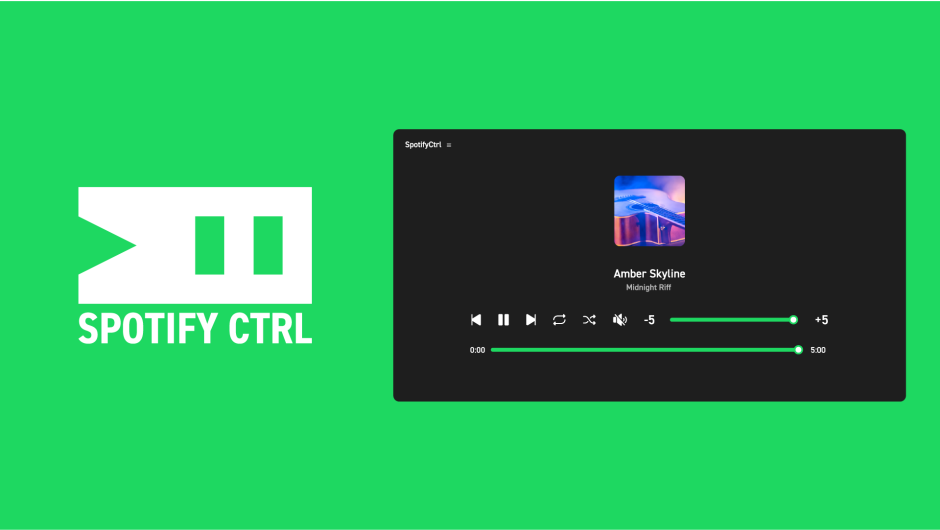
Spotify playback controls in After Effects
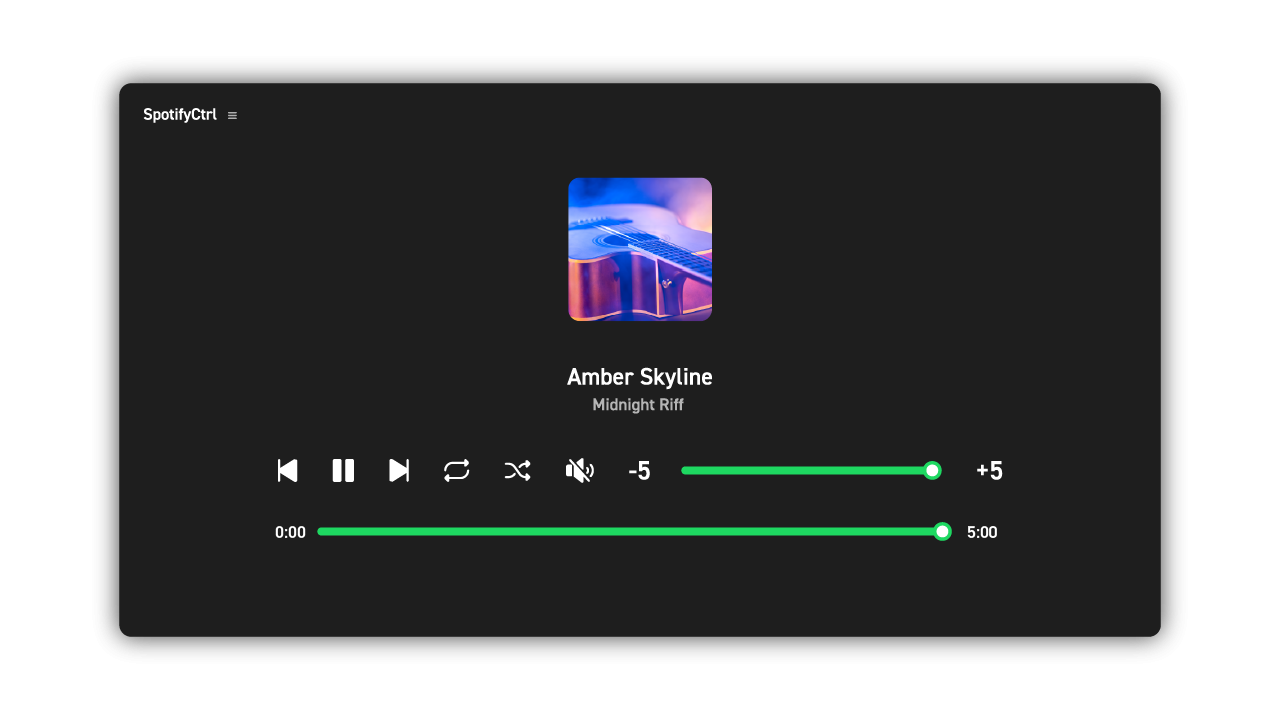
SpotifyCtrl is an After Effects plugin by CubeZeero that lets you control Spotify from within the application. It puts playback controls alongside your editing workspace, so you can manage music without switching to the Spotify app.
The plugin supports play and pause, previous and next track, repeat, shuffle, mute, volume adjustment, and seeking through a track. It also displays the current track name, artist, and artwork.
Choose which controls and details to show
SpotifyCtrl lets you show or hide the artwork, track information, control buttons, and seek bar individually. You can keep the parts you use visible and hide the others.
This setup suits After Effects editors who listen to Spotify while working and want playback controls and track details available in the same application.
Compatibility and account requirement
The product listing names After Effects 2026, 2025, 2024, and 2023 as compatible versions. It lists version 1.0.0 as the initial release, dated September 20, 2025.
SpotifyCtrl supports Spotify Premium accounts only. A free Spotify account is not supported.
Check current product details
For current pricing, trial availability, and product information, see the SpotifyCtrl listing on aescripts.