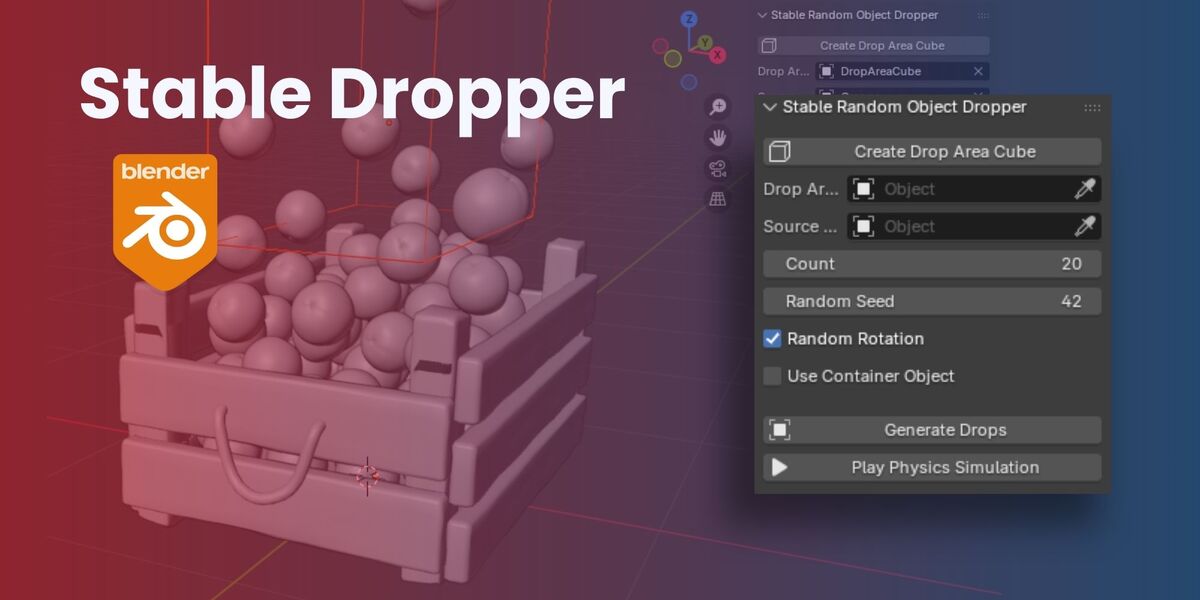
Stable Dropper is a Blender add-on for placing repeated objects inside a defined cube volume. It uses random placement with rigid body physics and collision avoidance, while letting you set the object count and control rotation. The workflow suits piles, stacks, scattered props, and container fills that need to settle through simulation.
Set up the drop volume
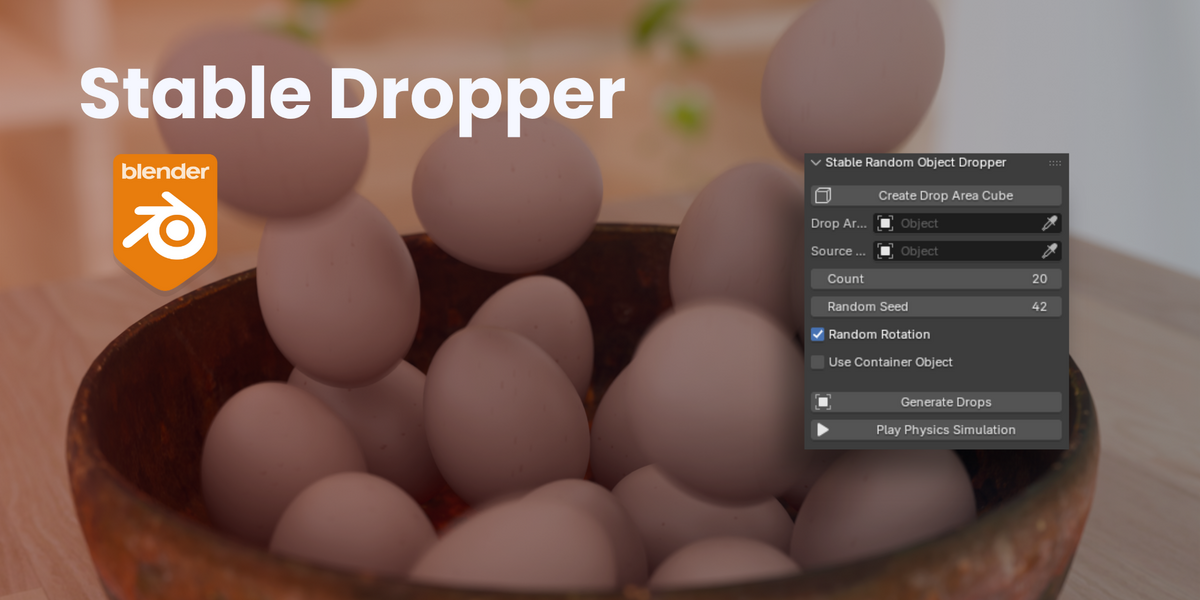
Choose an object to duplicate, then define where the copies will drop. In the Dropper panel, click Create Drop Area Cube to make a volume, or assign an existing cube mesh. Set the count and decide whether to enable random rotation. The documentation describes rotation as a 360-degree random turn across all axes.
When the source object and settings are ready, select Generate Drops. Stable Dropper places the copies in the volume and prepares rigid body physics, using collision avoidance to prevent overlaps. The count, rotation setting, drop area, and random seed give you controls to adjust the result.
Repeat or vary a layout
Random Seed controls repeatability. Keep the same seed to reproduce a placement, or change it to try another arrangement. This can help when making alternate clutter passes or keeping a scene layout consistent while you work.
For contained piles, enable Use Container Object and assign a mesh, such as a box, bin, or bucket. The documentation describes this object as a passive collider. When the drops are ready, Play Physics Simulation starts the simulation from the starting frame using Blender's rigid body world.
Where it fits in a Blender scene
Stable Dropper is suited to filling containers with objects, making piles or clutter, prototyping physics-based game layouts, and adding randomized objects to an environment. The product documentation also describes it as a way to scatter objects without building a complex node setup. It is most relevant when you want objects placed in a volume and then handled through Blender physics.
Installation and Blender support
After downloading the .zip file, open Blender's Edit > Preferences > Add-ons, click Install and select the file, enable Stable Dropper, then open the Dropper tab in the 3D Viewport Sidebar. The product listing identifies Blender versions 4.0 to 4.5, while the documentation says Blender 4.0 or higher. Confirm compatibility with the developer if you plan to use a version above 4.5.