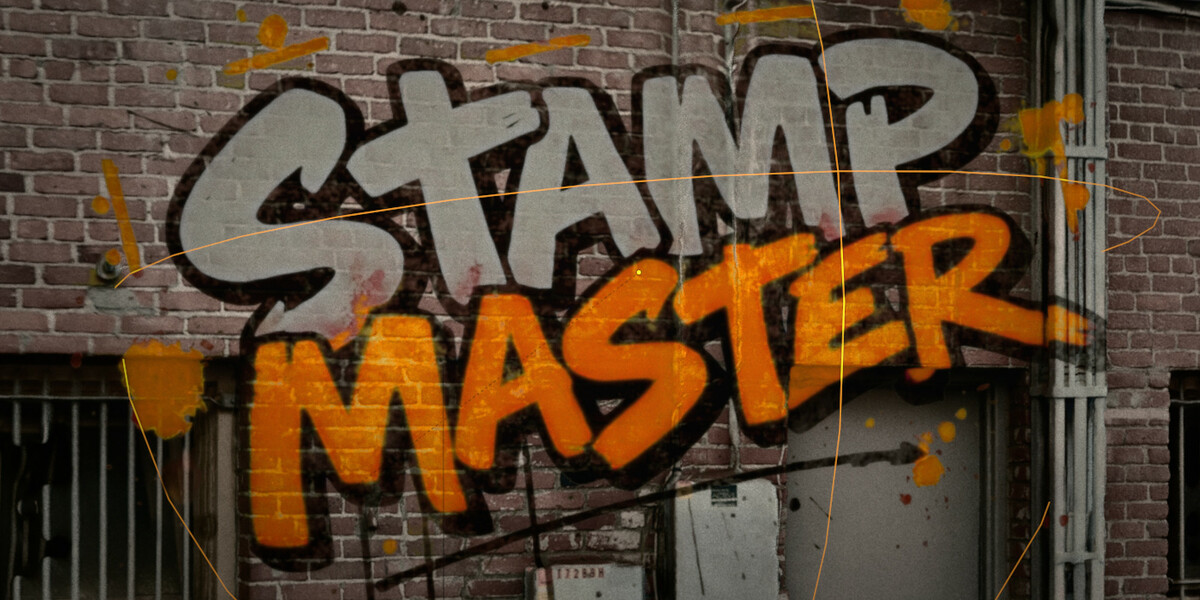
Stamp Master is a Blender add-on by CGMatter for placing image stamps and decals on a selected surface. It uses material-based projection with guided coordinates, offering an alternative to stencil workflows involving shrinkwrap, parenting, or projection setup.
How the stamping workflow works
- Select the target surface.
- Press Shift + Ctrl + D and choose a stamp.
- Set the guided coordinates. You can adjust fading with the mouse wheel.
- Apply the stamp.
The add-on includes an integrated layering system and noise-based fading. Its listing says images work with or without transparency, so an alpha channel is optional.
Compatibility and learning the controls
Superhive lists Stamp Master as a Blender Extension-compatible add-on for Blender 4.2, 4.3, and 4.4, under a Creative Commons license. Check the product listing for current compatibility and license terms. The listing also links to documentation and a creator tutorial for a fuller walkthrough.
Stamp Master is suited to Blender artists who want to place image-based marks on surfaces using guided projection, with layering and fading controls available in the same workflow.