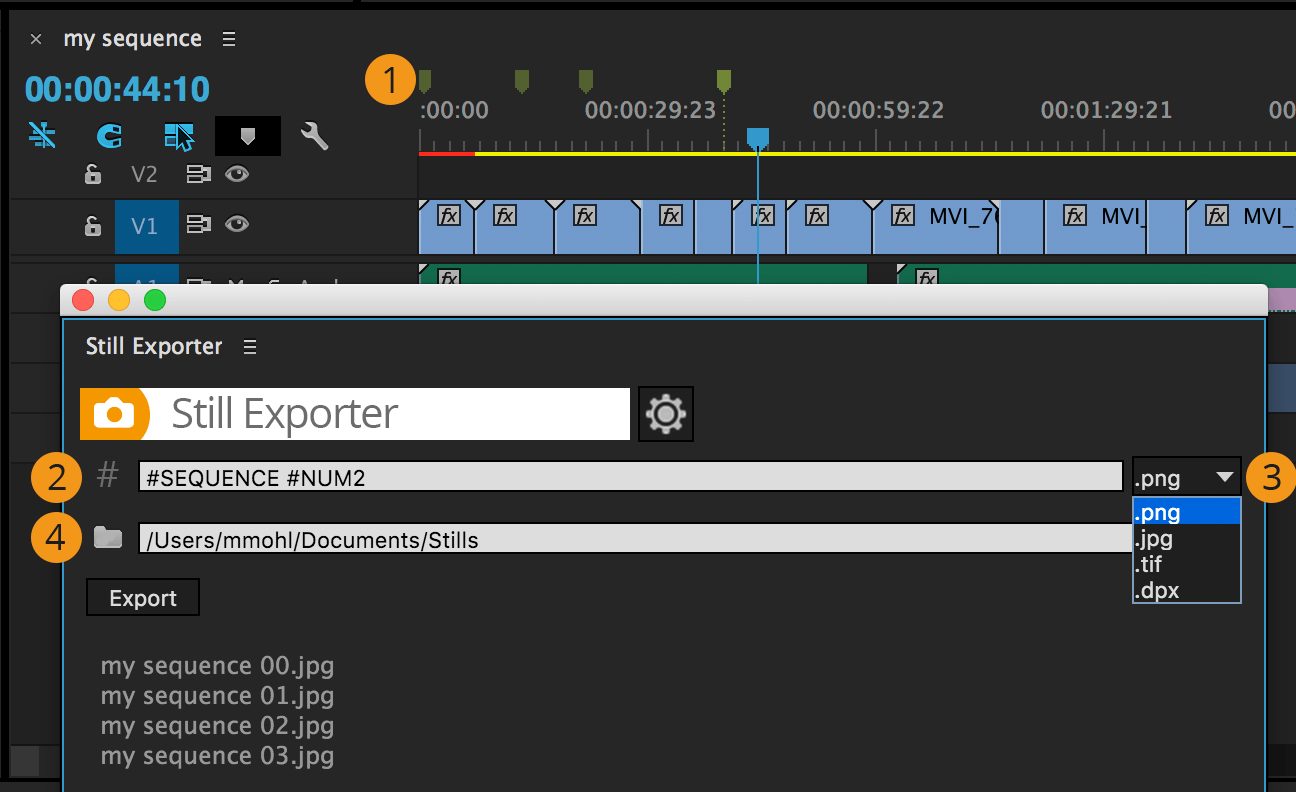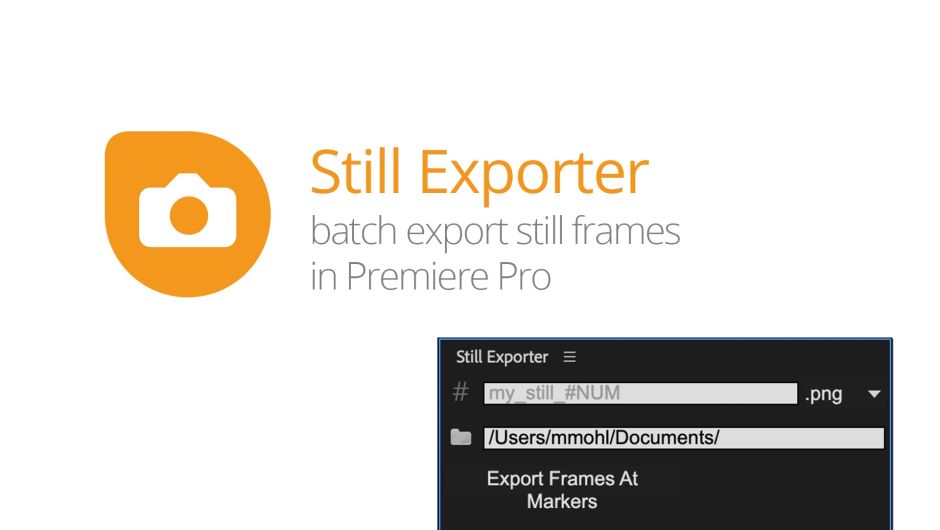
Still Exporter is an Adobe Premiere Pro extension for exporting still images from marked timeline frames. Use it when a client needs a set of images from a video: place markers on the frames to capture, choose a naming pattern and file type, select a destination folder, then export.
Export frames at markers
The workflow starts with markers at the points you want as stills. Still Exporter writes an image file for each marked frame, so you can prepare a set of selected images without exporting the sequence as a video.
- Place markers on the frames to capture.
- Choose a filename pattern.
- Choose an output format, then select a destination folder.
- Click Export.
Choose an image format
Still Exporter supports four output formats:
- JPG for smaller file sizes.
- PNG when you need transparency or lossless quality.
- TIFF.
- DPX.
Build filenames from timeline details
Filename patterns can include the marker number with #NUM, or #NUM2 and #NUM3 to add leading zeros. Use #NAME for the marker name and #COMMENT for its comment. #PROJECT inserts the project filename without the .prproj extension, while #SEQUENCE inserts the sequence name.
You can also add sequence timecode with #TIMECODE. It follows the timecode format selected for the Premiere Pro sequence. Add a separator in parentheses, as in #TIMECODE(-), or use #TIMECODE() for a value without separators.
Premiere Pro compatibility
The aescripts listing identifies version 1.2.008, dated May 4, 2026. Its compatibility list includes Premiere Pro 2026 through 2020, CC 2019, CC 2018, CC 2017, CC 2015.3 and CC 2015. Check the aescripts Still Exporter listing for current version, compatibility, trial and purchase details.