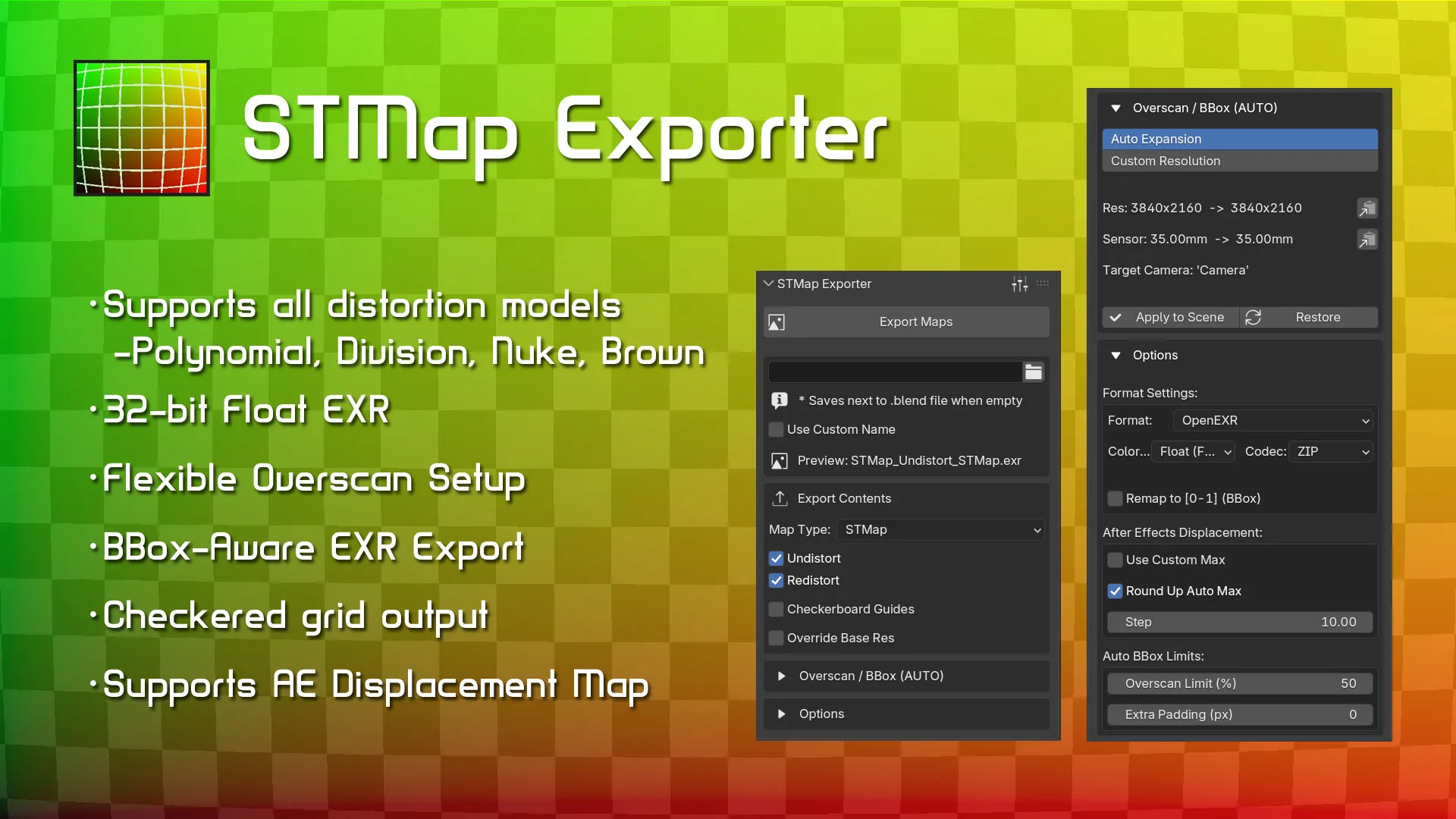
STMap Exporter transfers Blender camera lens distortion data from the Movie Clip Editor into STMap images or displacement maps for compositing. It is listed as compatible with Blender 4.2 LTS and newer and calculates Polynomial, Division, Nuke, and Brown-Conrady distortion models. Its STMaps are designed for compositors such as Nuke, Fusion, and Natron. It can also export maps for After Effects' Displacement Map effect.
Undistort, redistort, and inspect
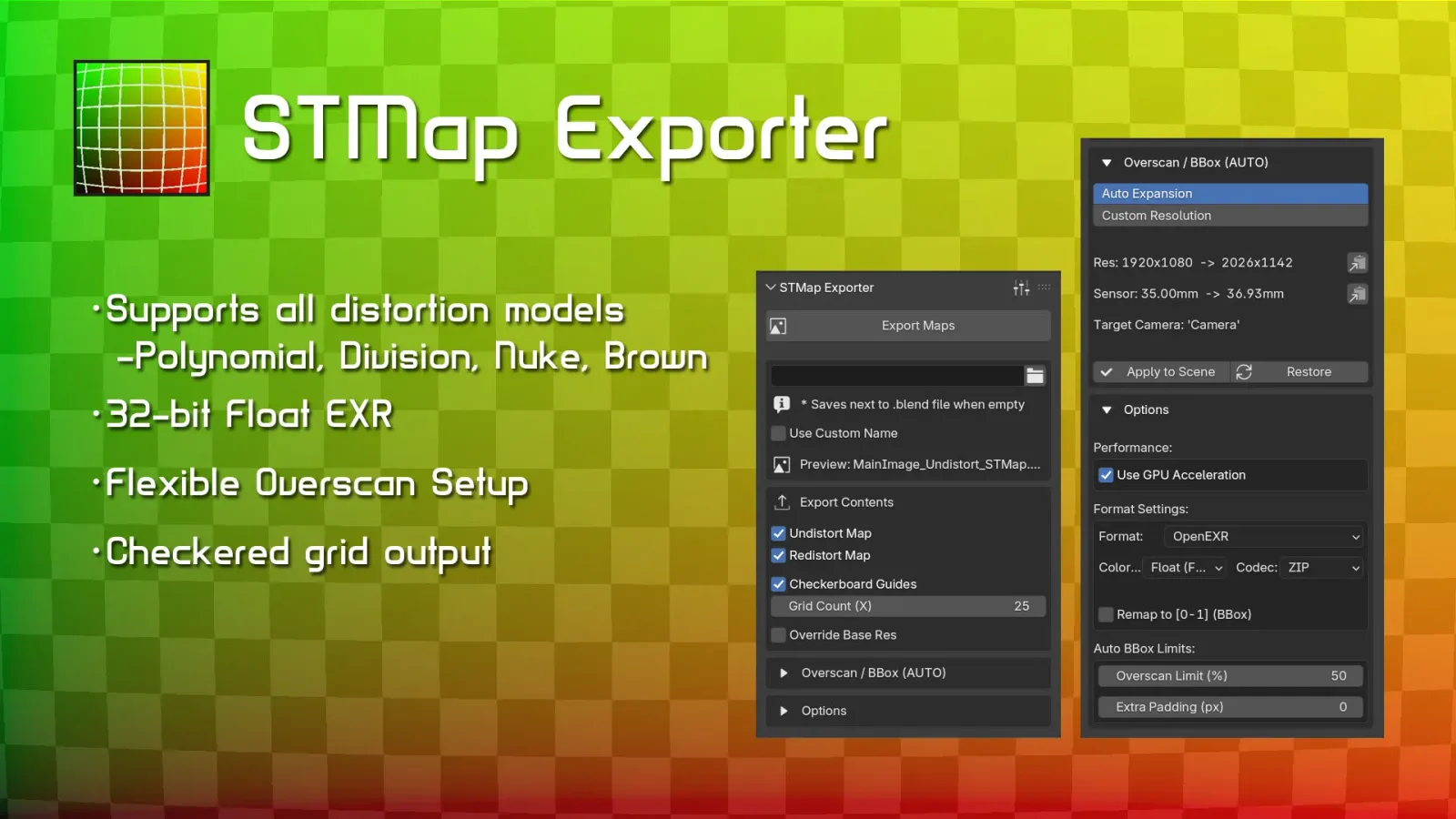
An Undistort map flattens the original footage, mapping from distorted to undistorted coordinates. A Redistort map applies lens curvature to straight CG renders so they match the original plate. You can export either map, both together, and optional grayscale checkerboard guides to visualize the distortion.
Set overscan and preserve image bounds
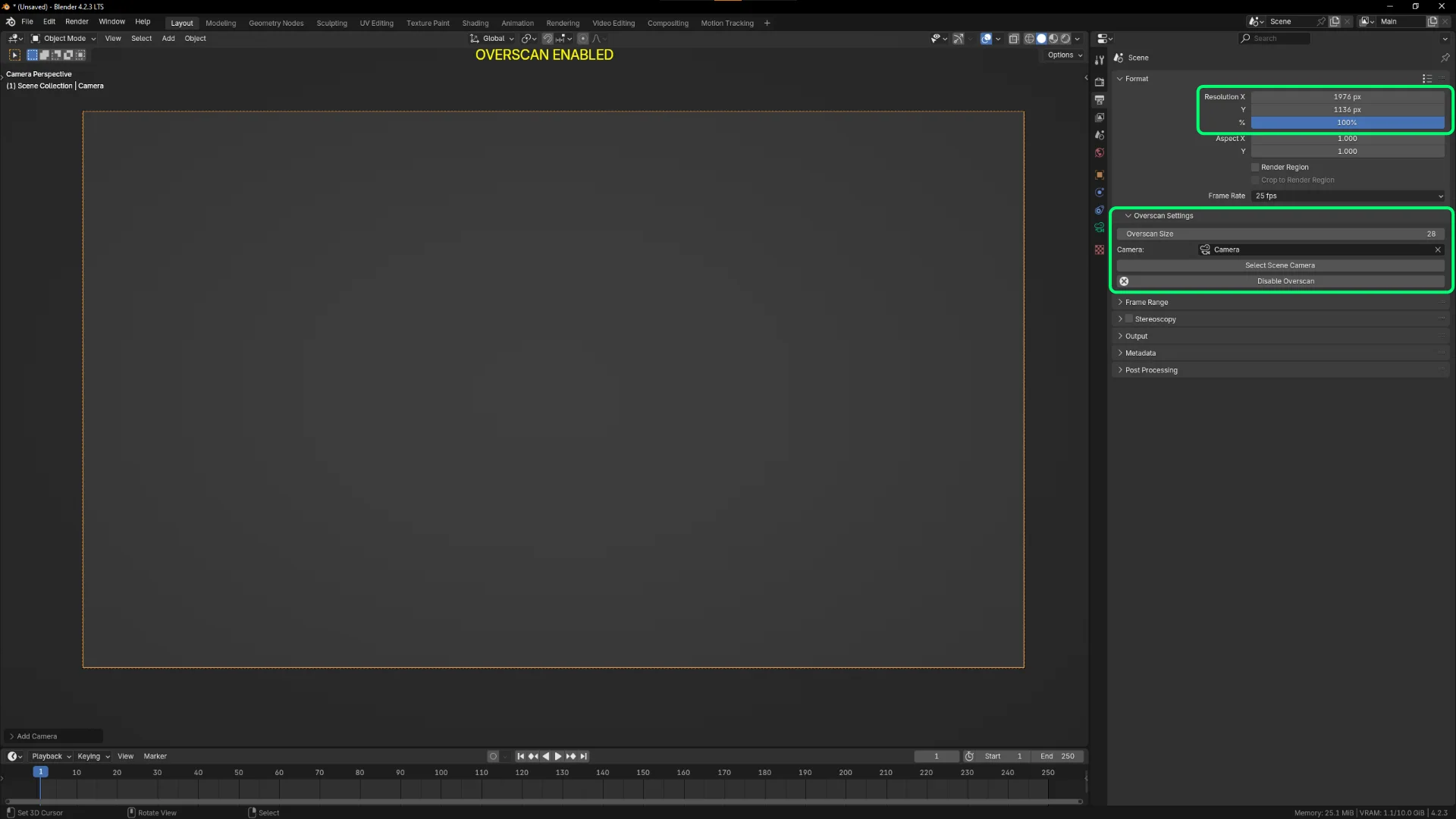
Auto Expansion calculates a bounding box from the distortion curve to help keep curved image edges from being cropped. Custom Resolution lets you set overscan as a percentage or enter pixel dimensions with an aspect-ratio lock. Apply to Scene updates the render resolution and scales the active camera's sensor width proportionally to retain its field of view. Restore returns the scene resolution and sensor width to their previous values.
OpenEXR is recommended. The exporter can write dataWindow and displayWindow metadata for bounding-box-aware workflows in compatible compositors. It supports 16-bit Half and 32-bit Float depth; the extension recommends 32-bit Float to reduce sub-pixel stepping and banding. For Redistort EXR exports, leave Remap to [0-1] off in standard EXR and Nuke workflows to retain out-of-range UV values and use the bounding-box metadata. PNG and TIFF exports apply remapping automatically because those formats cannot reliably preserve bounding-box-style out-of-range values.
Export displacement maps for After Effects
The AE Displacement option writes a relative displacement image and a settings text file with the recommended channel setup and Max Horizontal and Max Vertical values. Use Red for horizontal displacement and Green for vertical displacement, and preserve RGB values when importing the image. A 32 bpc composition is recommended when possible. If a map exceeds custom Max values, it can be clipped; the settings file reports Clipped: Yes.
Typical export workflow
- Track the footage and solve its camera and lens distortion in Blender's Movie Clip Editor.
- Open the Sidebar with the N key, choose the Track tab, and find the STMap Exporter panel.
- Choose a map type, overscan settings, and output path. You can leave the path empty to save beside the current .blend file.
- Use Apply to Scene if the CG render needs the expanded resolution, then click Export Maps.
For Nuke or Natron, connect the exported Undistort STMap to an STMap node's UV input. The documented workflow then uses a Reformat node with preserve bounding box enabled and resize type set to none to crop back to the original footage dimensions. For After Effects, use the exported displacement image with the listed channel and Max settings.
Performance and release details
The Blender Extensions version does not include GPU acceleration. High-resolution exports can take tens of seconds to several minutes. A separate GPU-enabled version is available from the developer. The Blender Extensions listing identifies version 1.2.2, Blender 4.2.0 or later compatibility, and the GNU GPL v3.0 or later license. The developer's GPU-enabled version is listed on GitHub.