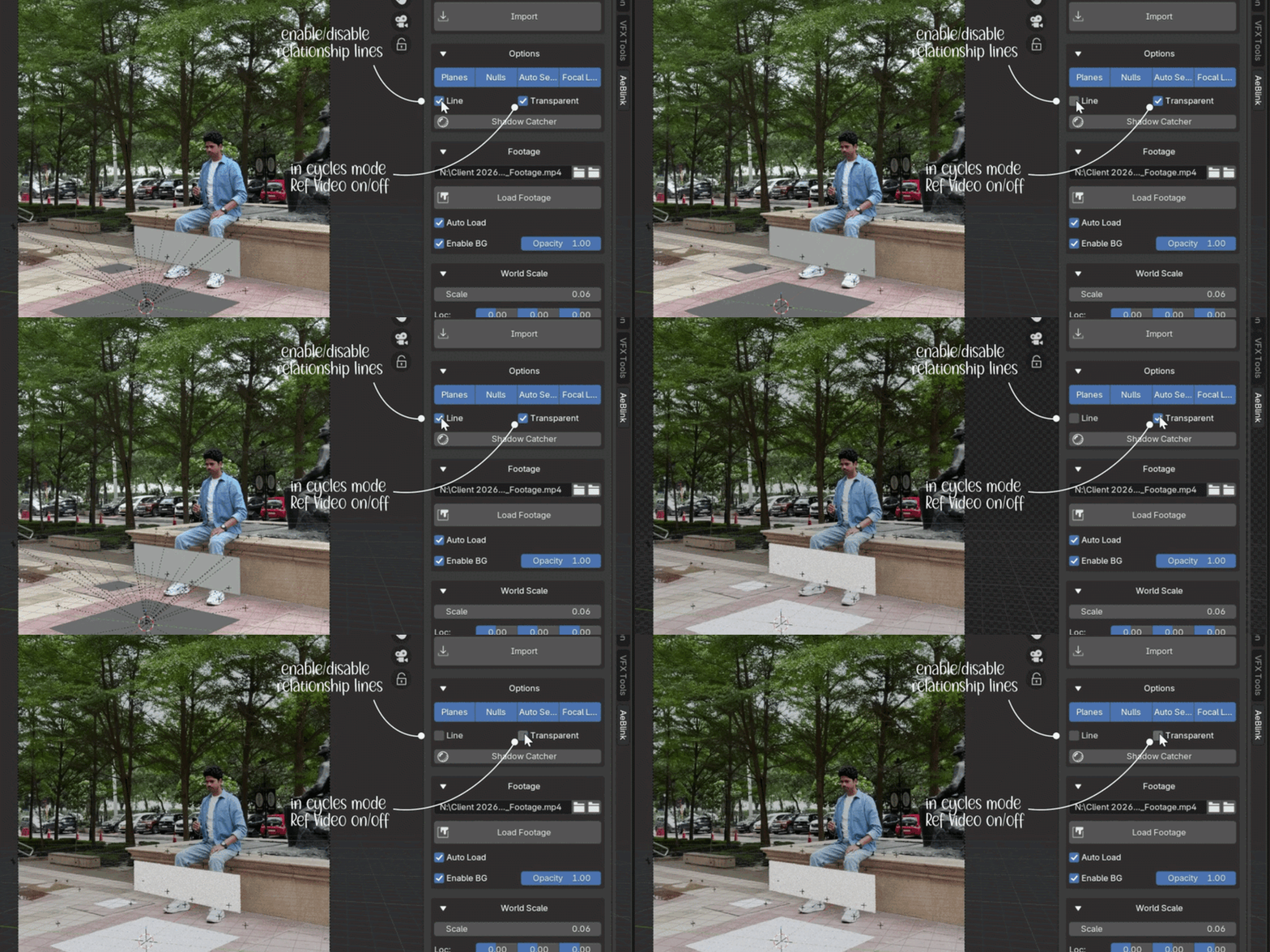
Ae Track 2 Blend is a Blender extension add-on by Watermelon for moving tracking keyframes from Adobe After Effects into Blender. The Superhive product listing describes it as a bridge between the applications and gives a sequence for setting up the imported track.
Documented transfer steps
The workflow brings the camera and timing information into Blender, then configures the camera and scene around the footage:
- Import the camera, FPS and timing.
- Set the focal length and sensor fit.
- Add the video to the camera background.
- Import the solid planes.
- Adjust the scene position.
The listing also links a demo video, and its documentation page repeats the quick steps.
Compatibility and license
Superhive lists Ae Track 2 Blend as a Blender extension add-on compatible with Blender versions 4.5 to 5.1 and released under the GPL license. Check the current listing for compatibility details and license terms before installing.