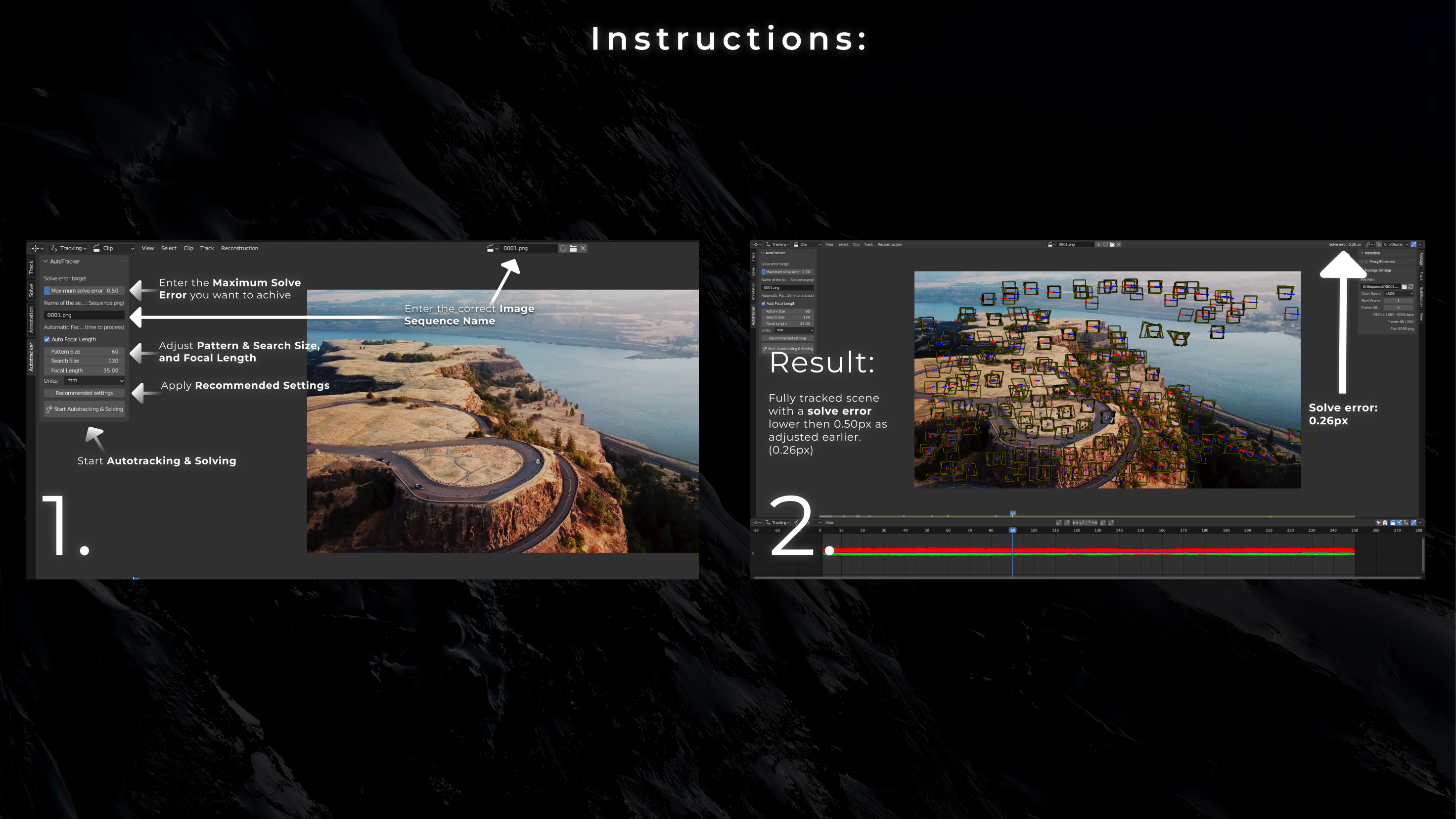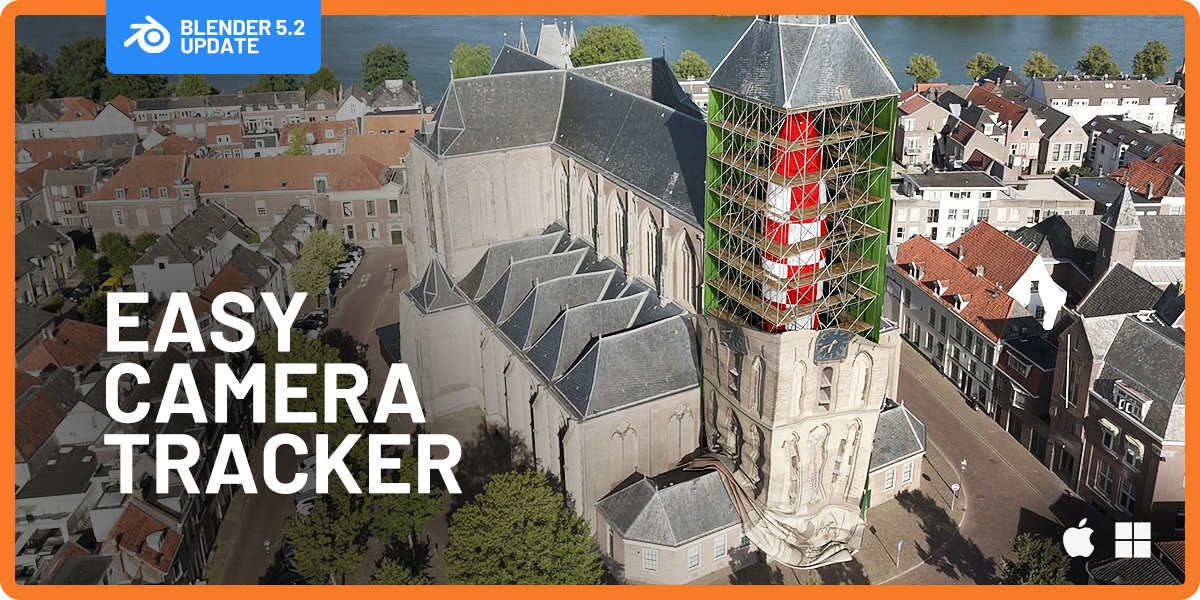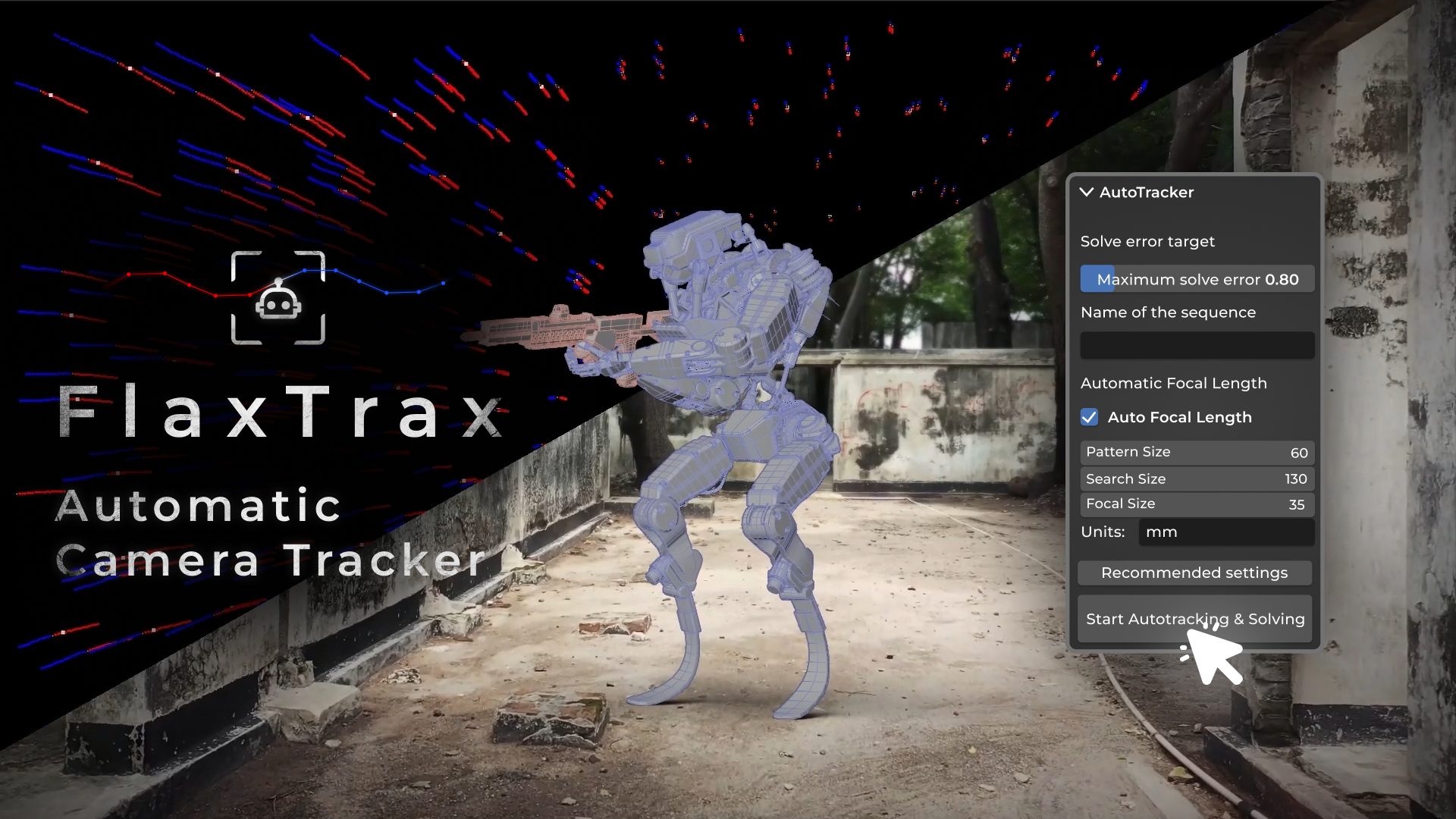
FlaxTrax is a Blender add-on by Axel Olsson that automates much of the camera tracking and solving process. It places and tracks markers, adjusts tracking settings, estimates focal length, solves the camera motion, and cleans up poor tracks. You can use it with video files or image sequences. The add-on handles many steps automatically, while you still choose the tracker pattern size and search size and set the target solve error.
What FlaxTrax automates
After you start auto-tracking, FlaxTrax processes the footage through a series of tracking and solving steps. It can find a focal length, filter trackers, remove weak tracks, and keep more than the required number of trackers across the frames. It also sets the tracked footage length to match the original footage. The product listing describes the process as working toward a desired solve error, so the result still depends on the footage and settings you provide.
Version 1.7.0 added direct support for both videos and image sequences. That means you do not need to convert a video into an image sequence before using the add-on.
Set up a track
- Install the downloaded ZIP through Blender’s Add-ons menu in Properties. Do not unzip it before installing.
- Open FlaxTrax from the side panel in Blender’s motion tracking area and load your video or image sequence.
- Set the tracker pattern size and search size. Define a focal length or enable Auto Focal Length, then set the target solve error.
- Choose Recommended Settings to apply the suggested options. For vertical footage, enable Use Vertical Footage. The scene needs a camera for this option to appear.
- Start auto-tracking. You can open Blender’s system console first to view processing messages as they appear.
The FlaxTrax add-on tutorial linked from the product page provides a walkthrough of the setup and controls.
Footage that helps tracking
The developer recommends footage with detailed, stationary features such as buildings or ground surfaces. Low motion blur, clear exposure and steady camera movement help keep details trackable across frames. Parallax provides the different perspectives and angles used to create 3D location data for each tracker. The product page calls 1920×1080 a useful resolution and says higher resolutions, including 4K, may take longer to process. It also recommends prefetching footage to speed up tracking.
People or vehicles moving through the shot can interfere with a camera solve. FlaxTrax includes a masking feature for excluding those areas.
Blender compatibility and installation details
The Superhive listing names Blender 3.6 and versions 4.0 through 4.3 as compatible. Its version 1.7.1 update note specifically says the add-on can be downloaded in Blender 4.2. Check the FlaxTrax product listing for the current compatibility and download details before installing.