AutoTrack is Siemen-Lens’s Blender add-on for automating 2D feature tracking and camera solving from footage. The current catalog record identifies version 5.1.2, which requires Blender 4.2 LTS or newer. Its main controls are in Blender’s Movie Clip Editor. See the official AutoTrack listing and version history.
Track footage and solve camera motion
AutoTrack follows feature markers forward and backward through a clip. Its substep tracking divides longer clips into sections, while smart filtering analyzes tracks at the substep level to maintain marker density. The dual-pass solver first solves the camera, then uses that result to remove poor tracks before running a second solve. The developer says this process usually reaches a reconstruction error of 1 pixel or less.
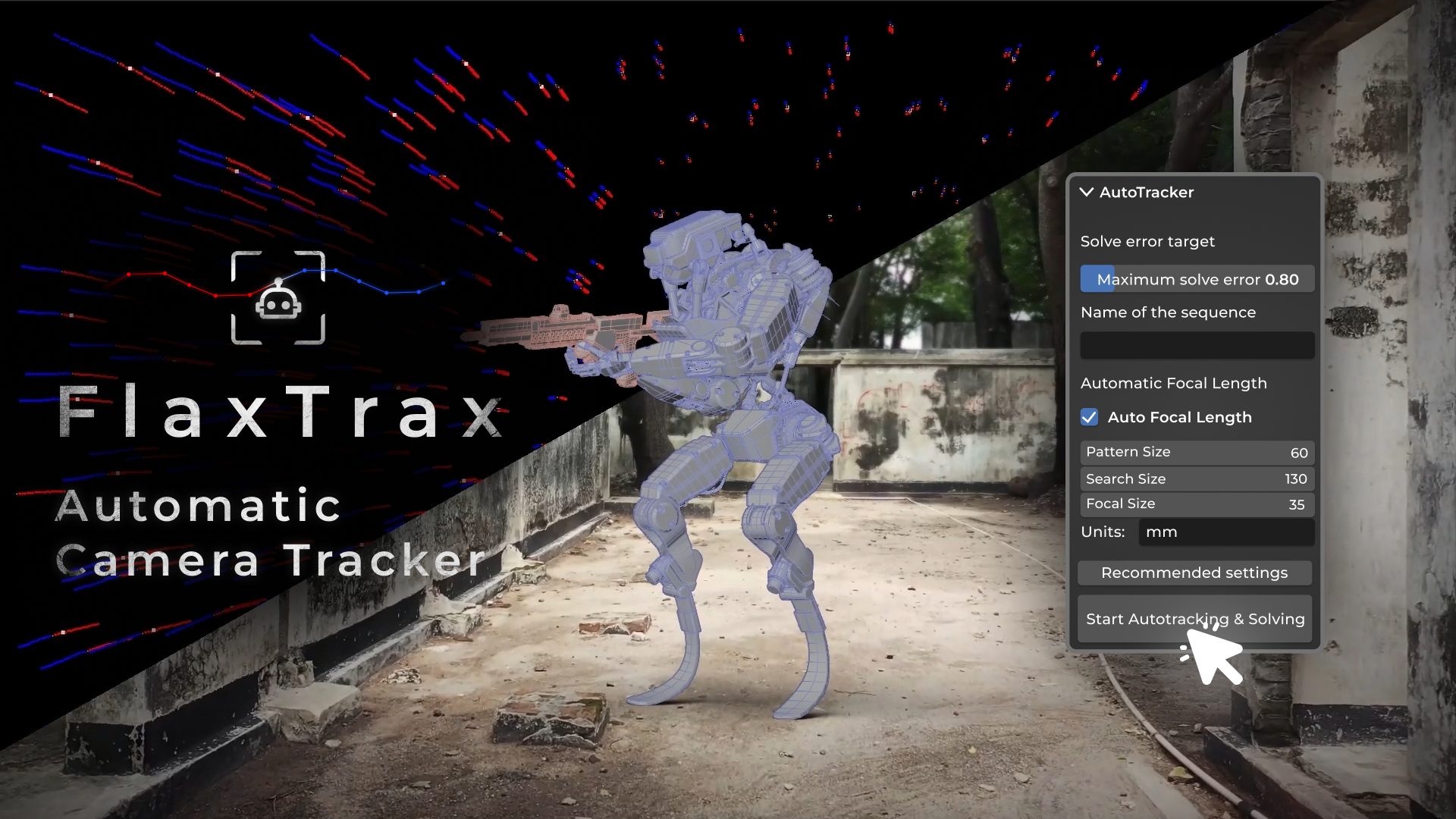
To start, open footage in the Movie Clip Editor, press N to show the Sidebar, and select the AutoTrack tab. Set values such as focal length, then start tracking. The add-on runs the tracking and solving process in that editor.
Mask areas and refine lens settings
Annotation Masks let you draw areas to exclude from tracking, such as a moving actor, or limit tracking to a chosen region. Sensor presets cover full-frame, crop-sensor, Micro Four Thirds and smartphone cameras. For lens-specific work, AutoTrack also supports custom lens data and solve refining for focal length and radial distortion.
Tripod Mode is available for tripod and nodal pans. After a solve, the Surface Generator can turn the point cloud into projected surfaces, with resolution and radius controls in the AutoTrack panel.
Object tracking in version 5.1.2
Version 5.1.2 adds Object Tracking support in beta. Its collapsible panel lets you add, select and remove tracking objects. Annotation masks are stored per object, and a Distance (Scale) slider adjusts the scale and distance of an object’s solution in 3D camera space. The official release history lists these changes.
AutoTrack is suited to Blender VFX work that needs camera tracking or solving from video, with object tracking available as a beta workflow in this release. Check the version history before installing if you need details about a particular release.