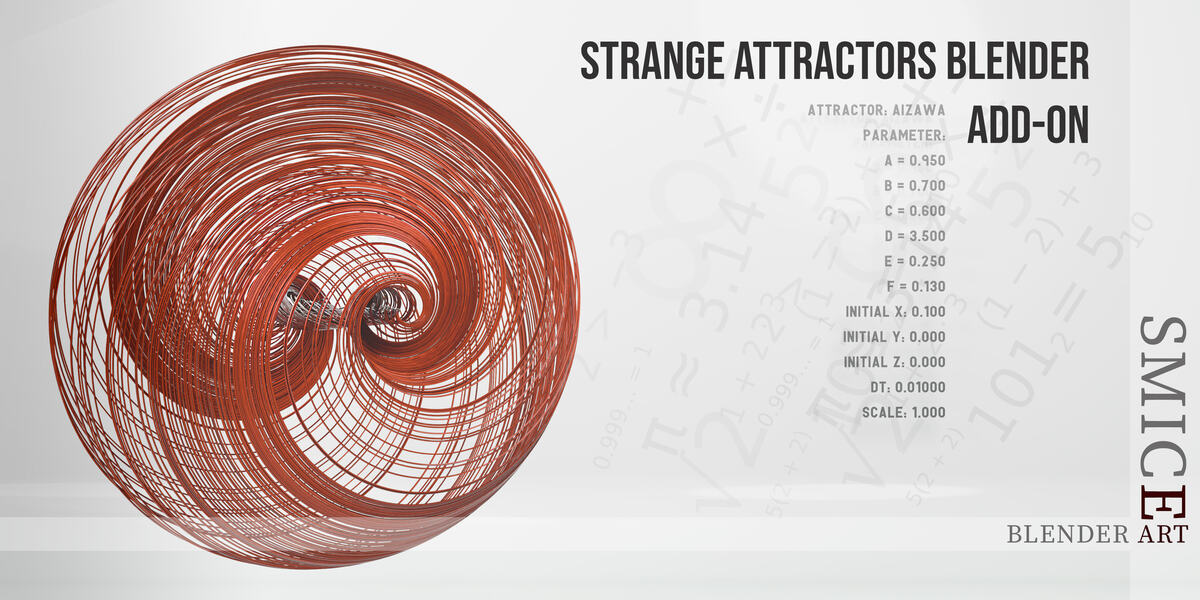
Strange Attractors creates curve objects in Blender's 3D View from a selectable set of strange attractors. In chaos theory, a strange attractor describes patterns in a chaotic system; the Lorenz attractor is one familiar example.
Add an attractor curve
- After installing the add-on, switch to Object Mode in Blender's 3D View and press Shift + A.
- Choose Curve > Strange Attractors, then select an attractor. The project README suggests Lorenz as a starting point.
- Select the new curve and open Object Data Properties. Adjust its available settings in the Geometry section.
Fork history and setup
Strange Attractors is a fork of mtyka's Attractors. 7bitretro maintains the fork, which credits corrections from Spirou4D and adds a TSUCS1 attractor curve. The Blender Extensions listing gives Blender 4.2 LTS and newer as the compatibility for version 2.1.0. The project README says the code works with Blender 3.3 and newer and documents manual installation and the curve menu steps.