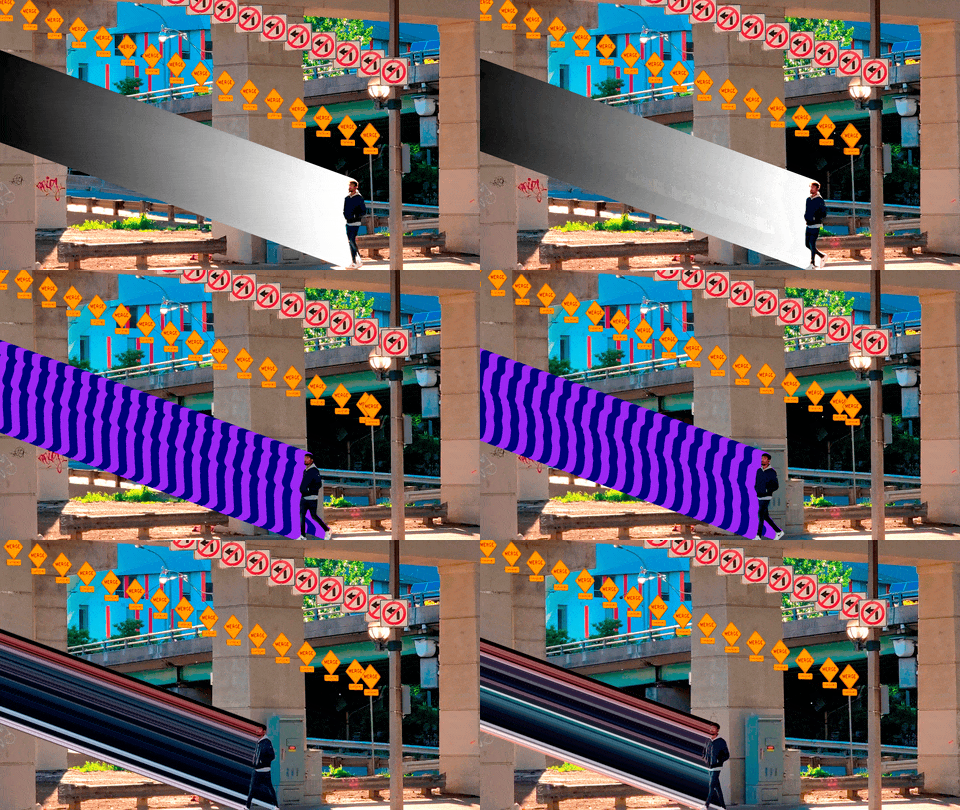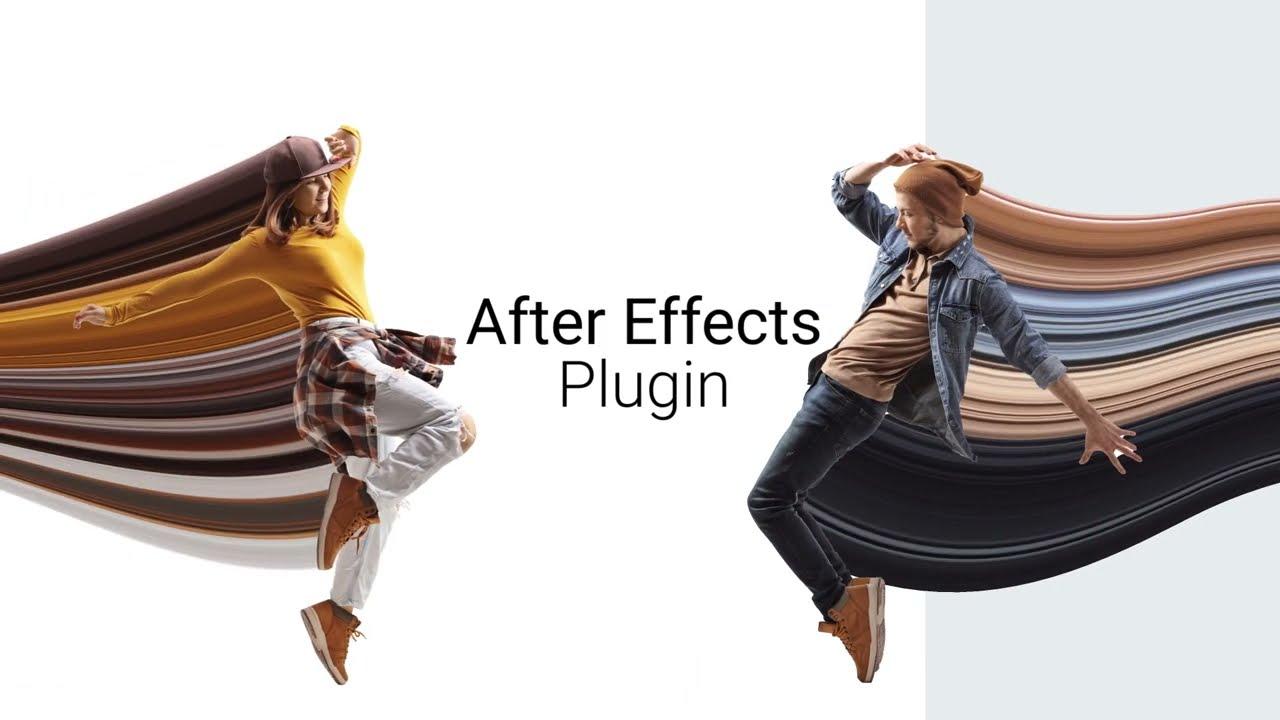
irrealix Stretch is an After Effects plug-in for stretching image pixels along curved paths built from two masks. It offers Along Masks and Across Masks modes, then lets you refine the look with ramp, noise, strip and opacity controls.
How Stretch uses masks
Start with two mask shapes to define the curves. Choose Along Masks or Across Masks to set how the stretch relates to those paths. The Stretch Ramp gives finer control over how the pixels stretch, so you can tune the effect beyond its two direction modes.
Distortion and detail controls
Noise and a Ramp distort the stretched pixels, while Noise Offset animates that distortion. Strips Random Factor adds detail to the strips. Opacity Ramp controls transparency along or across the stretch, giving you separate controls for distortion, strip detail and opacity.
Animation and mesh preview
The animate-with-loop option adds seamless flow animation with one click. Mesh Wireframe Preview shows the underlying mesh, and adjusting the Base Mesh Points count can improve results. If a shot calls for a curved pixel stretch with motion or textured distortion, Stretch brings those controls together around the mask setup.
For current availability and licensing terms, check the Toolfarm Stretch listing.