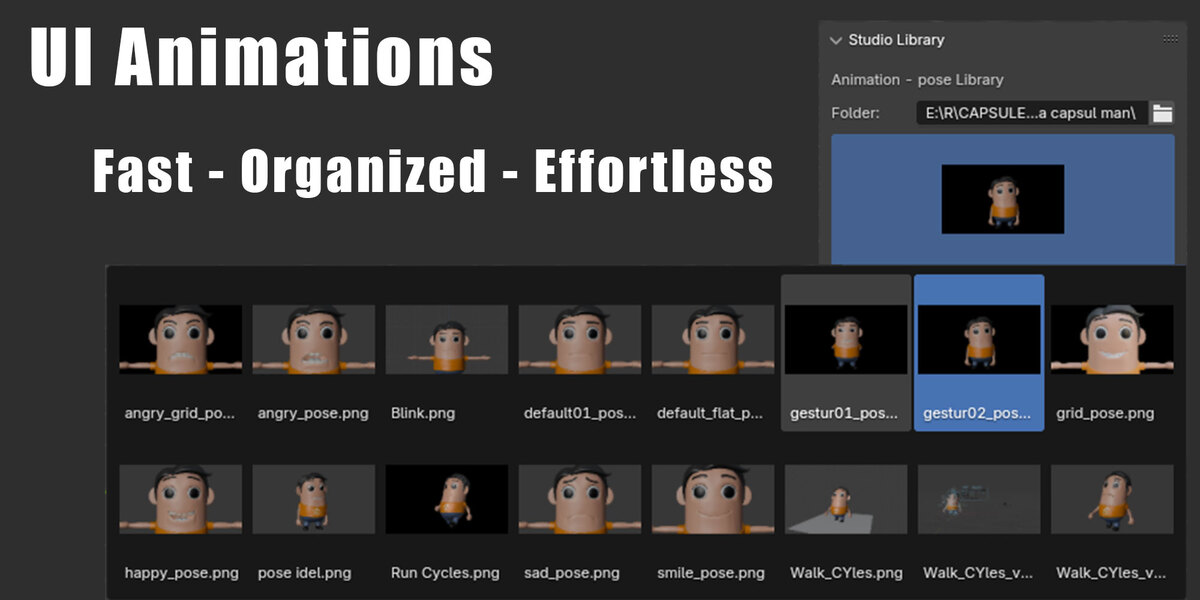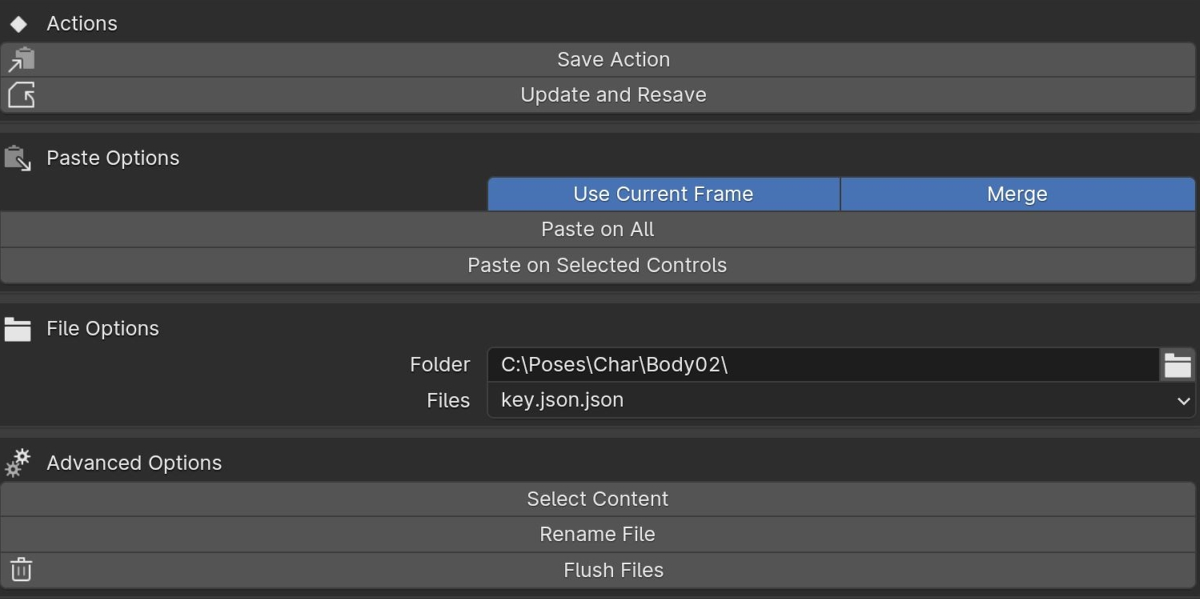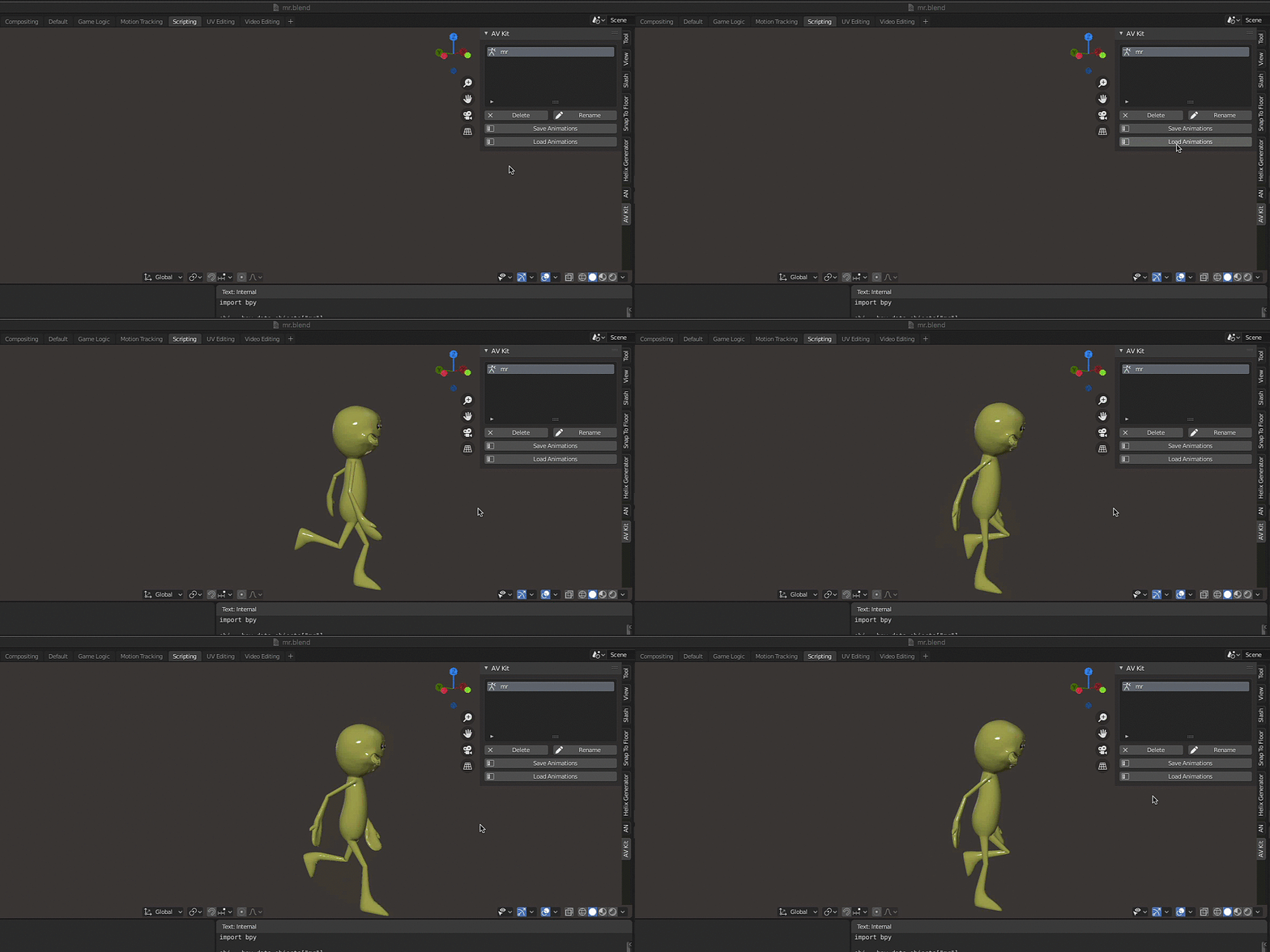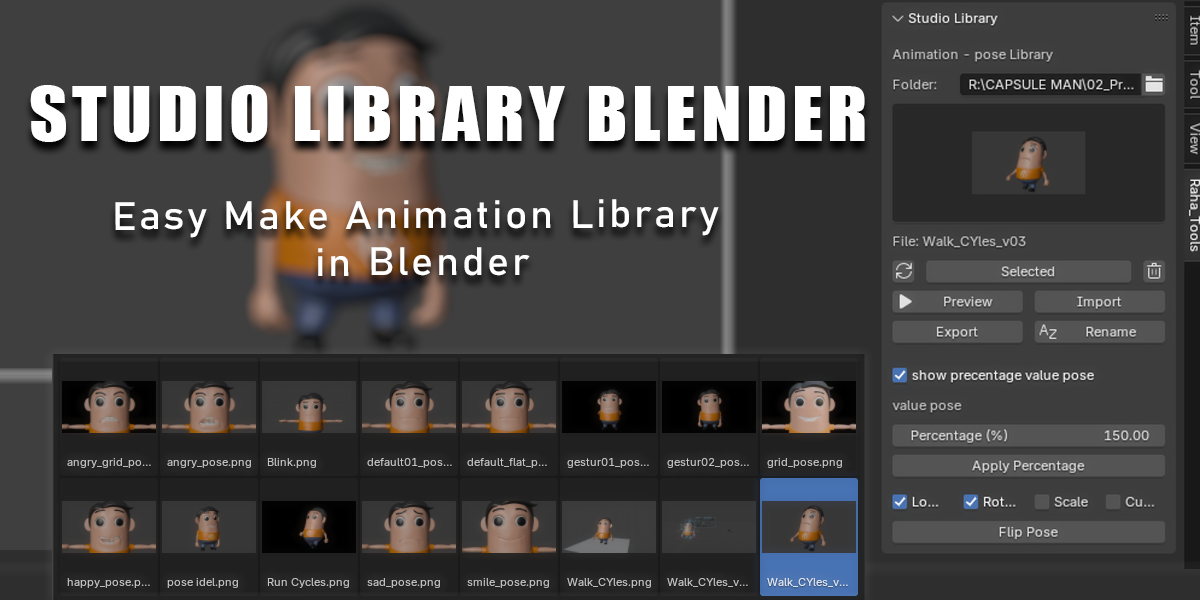
Studio Library Animation is a Blender add-on for saving and reusing poses and animation data. It stores libraries in JSON, lets you preview a selection before import, and provides controls for organizing libraries. The workflow is intended for animators who want reusable poses and motion close at hand instead of repeating Blender's append process.
Save, preview, and manage libraries
- Save animations and poses in JSON format.
- Preview a selection before importing it.
- Select, rename, or delete libraries.
- Adjust pose values.
Blender versions and variants
Superhive's product details list Blender 4.2 through 5.2. Its release notes explain that Blender 4 and Blender 5 are sold as separate individual variants because Blender 5 introduced API changes. The Studio Seat includes both variants. Check the selected variant before downloading, especially if you are moving from Blender 4 to Blender 5.
The Blender 5.2 LTS v03 notes describe changes to export paths, better pairing of exported animation files with their thumbnails, and automatic selection of a newly exported file in the interface. These notes apply to that version; they do not establish the same changes for every variant.
Installation and keyframe cleanup
The documentation's installation steps are to open Blender Preferences, select Add-ons, choose Install, and select the add-on file. See the Studio Library documentation for installation details and the product FAQ for version and release notes.
The FAQ also describes a Fix Your Keyframe option for export. If a keyed frame is missing one of the X, Y, or Z transform axes, the exporter can treat that value as zero, which may change the resulting motion. The option fills missing axes at frames that already have keyframes. It does not bake the animation or add keys on every frame. Scanning and correcting keyframes can add export time, particularly for complex animations; the FAQ notes that selecting fewer bones can make export faster.