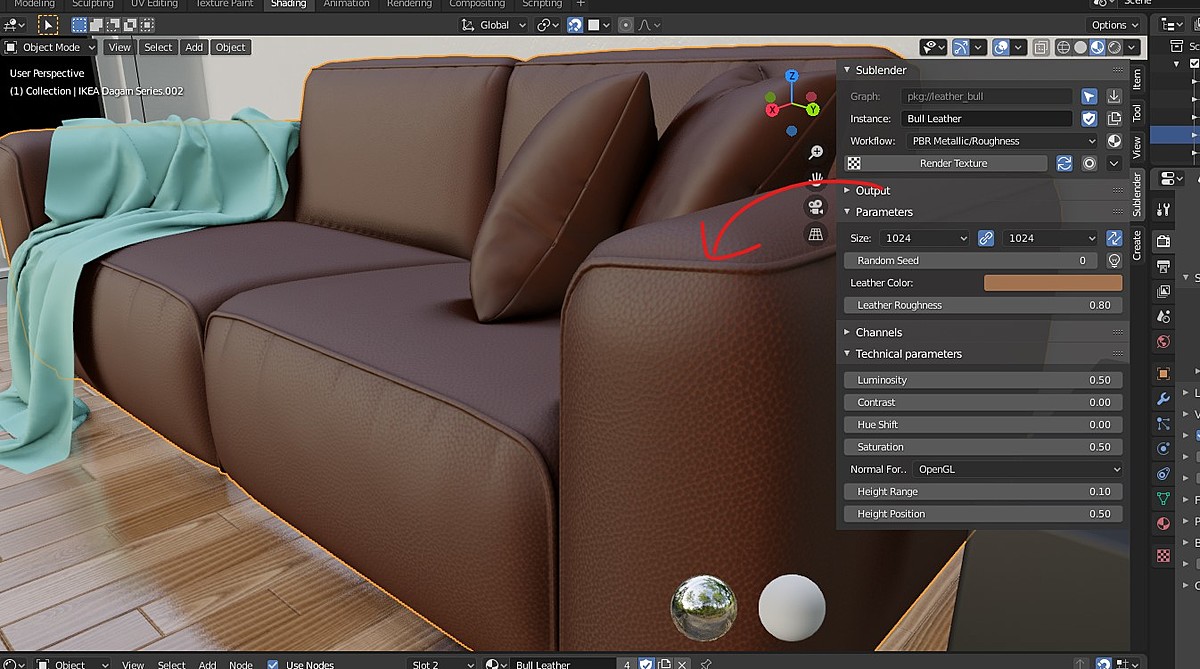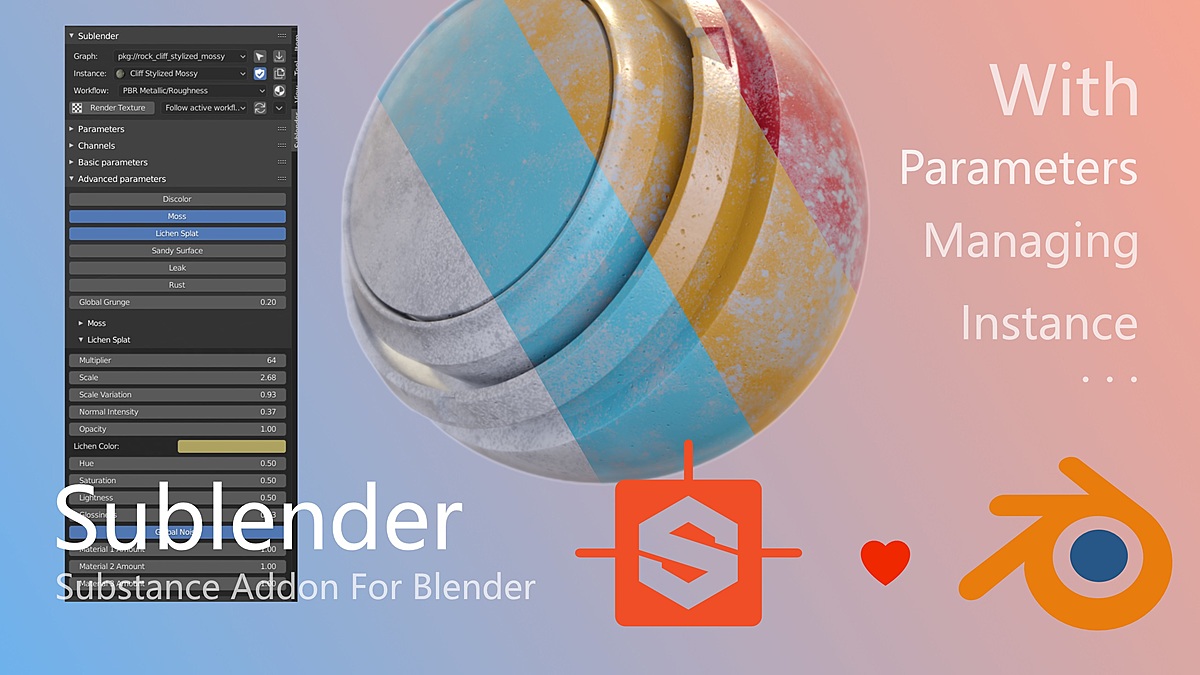
Sublender: Substance is a Blender add-on for importing .sbsar files and working with their parameters inside Blender. It supports material generation and live updates, for artists who want to adjust Substance materials as part of a Blender workflow.
Import and adjust materials
The product listing describes three main tasks: importing .sbsar files, changing their parameters directly in Blender, and generating materials. Live update is also listed, so changes can take effect as you work. The listing does not detail specific parameter types or material outputs; check the project preview and documentation if you need to confirm behavior for a particular file.
Sublender is a focused add-on for Blender workflows involving Substance materials. It still requires Substance Designer to be installed, so it does not replace that application.
Requirements and compatibility
The Superhive listing says the Substance Automation Toolkit is no longer required. The Superhive listing requires Substance Designer; the installation guide for v1.0.4+ (sbsar-lite) says it must be activated but gives no activation steps. Review the installation guide before setup.
The Superhive listing, published over six years ago, names Blender releases through 2.93; the project README states support for Blender 2.8+. For version-specific problems, check the project issue tracker. The Superhive listing reports Windows and Linux as tested; the project README also lists macOS.
Project and support
The Superhive listing, published over six years ago, describes Sublender as free and open source under the GPL license. The listing points users to the Sublender GitHub project and issue tracker, but its future-release note does not establish a current release schedule. A BlenderArtists discussion covers Sublender's live updates and parameter support.
Before adding it to a production setup, confirm that your Blender version is covered, Substance Designer is installed, and the activation requirement is understood.