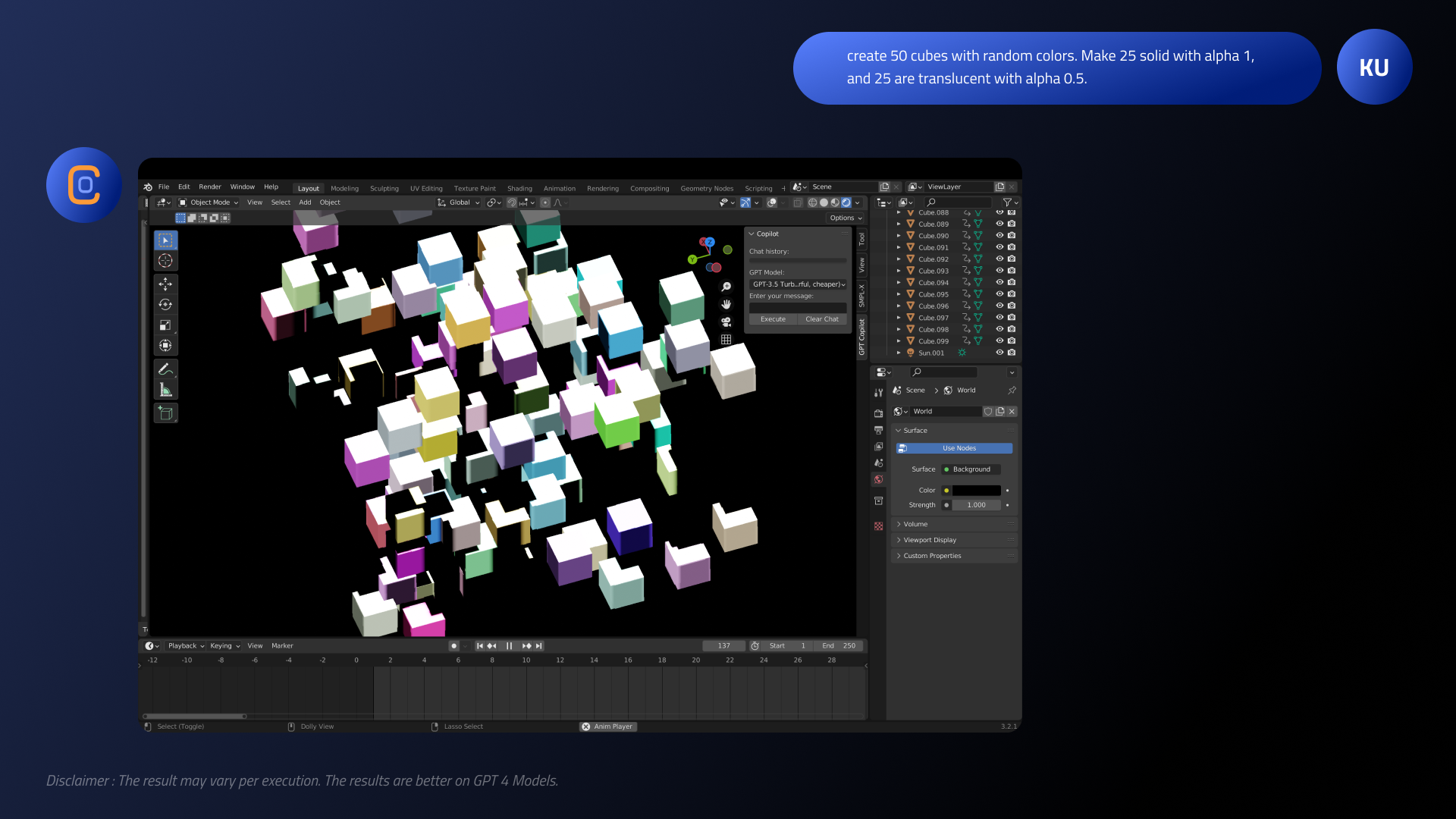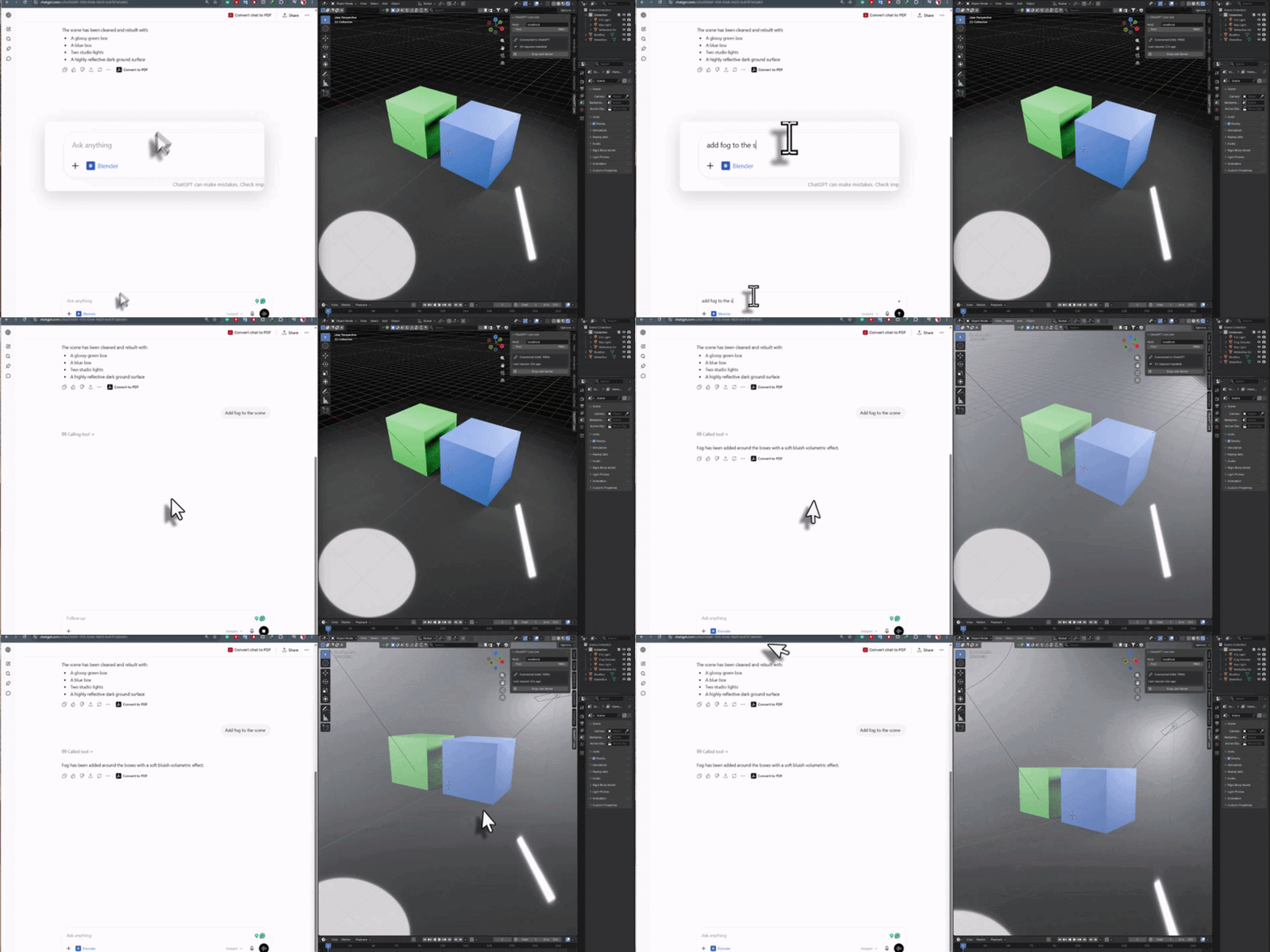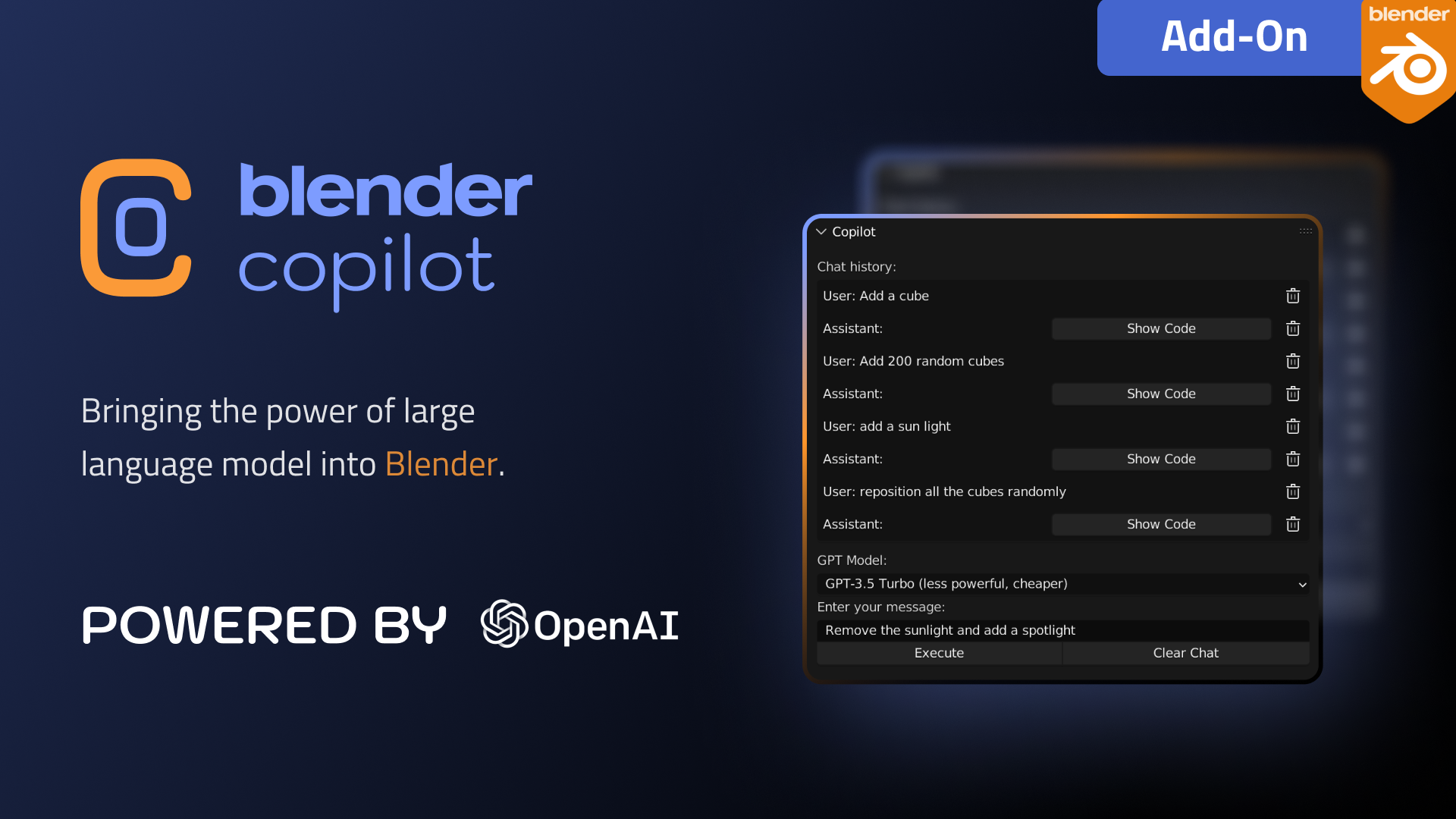
Blender Copilot (Blender Gpt) is a Blender add-on from CreatorStone. Describe a task in plain text and ChatGPT turns it into code Blender can understand and execute. The product listing states that the add-on requires an OpenAI API key.
What Blender Copilot can do
The add-on is intended for Blender users at different experience levels, including those who want help with repetitive tasks. Its listed features include:
- Plain-text requests converted into code for Blender
- A dialog interface and a history feature
- Texture and material generation
The product documentation gives examples of requests such as creating a scene from basic shapes or placing 100 boxes at random locations with random colors.
Install the add-on and add an API key
The product instructions specify entering the key in the API Key field in the add-on configuration. Installation follows Blender's add-on workflow:
- Download the add-on ZIP file.
- In Blender, open Edit > Preferences and select the Add-ons tab.
- Click Install and choose the downloaded ZIP file.
- Enable Blender Copilot by checking its box in the add-on list.
- Enter the OpenAI API key in the add-on configuration.
Listed Blender versions and license
The product listing names Blender 3.2, 3.3, 3.4, and 3.5, and lists the license as MIT. It does not state compatibility beyond those Blender versions. If you use another release, check the current product listing or ask CreatorStone before installing.