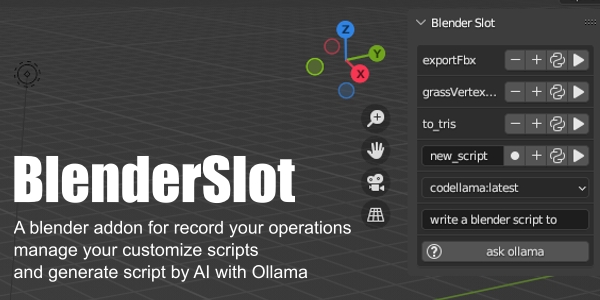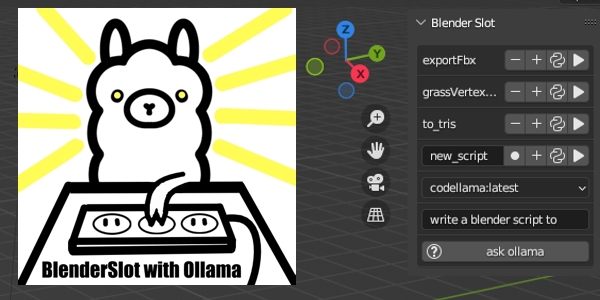
Blenderslot is a Blender add-on by DKZ for recording Blender operations as scripts and managing them inside Blender. Version 1.1 adds AI script generation, which requires Ollama.
Record and manage Blender scripts
- Name the script you want to record.
- Press the record button and perform operations in Blender.
- Press stop to edit the resulting script.
- Press execute to run it, or use the add button to save it to BlenderSlot.
AI script generation with Ollama
Ollama is required for AI script generation. The recorded-script workflow has separate controls for editing, executing, and saving scripts.
Blender compatibility and license
The Superhive listing names Blender v3.6.8 LTS and v4.0.2 as supported releases and identifies the license as GPL. If you use another Blender release, check the linked product documentation or the developer's page for current compatibility details.
Who Blenderslot may suit
Blenderslot may suit Blender users who want to capture a sequence of operations, edit the resulting script, and keep scripts available in the add-on. Users interested in AI generation will also need Ollama.