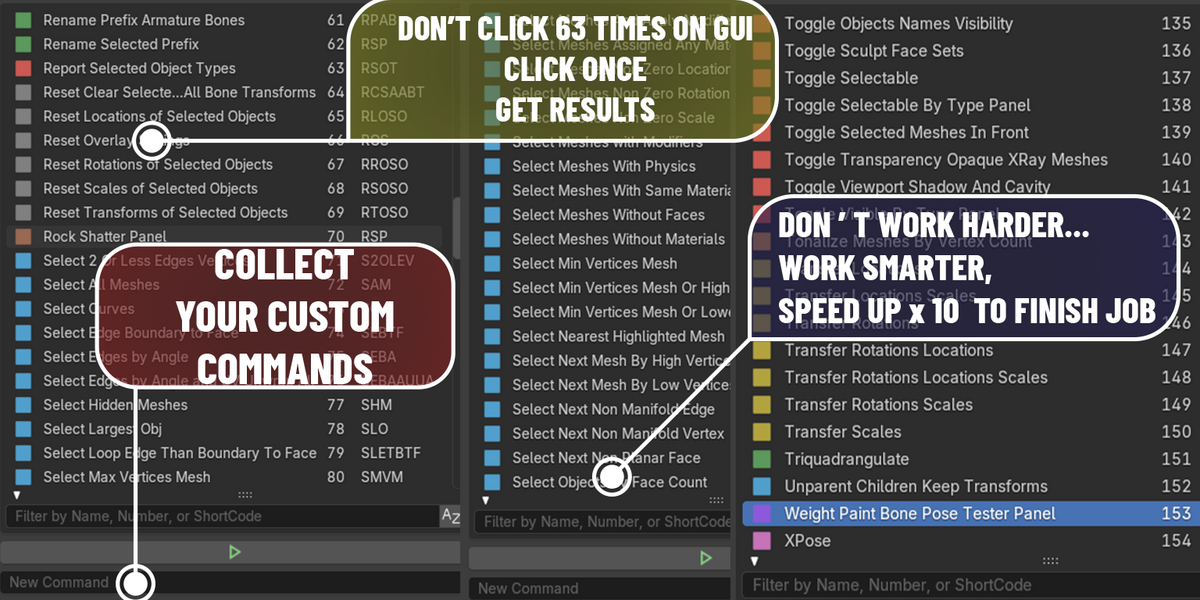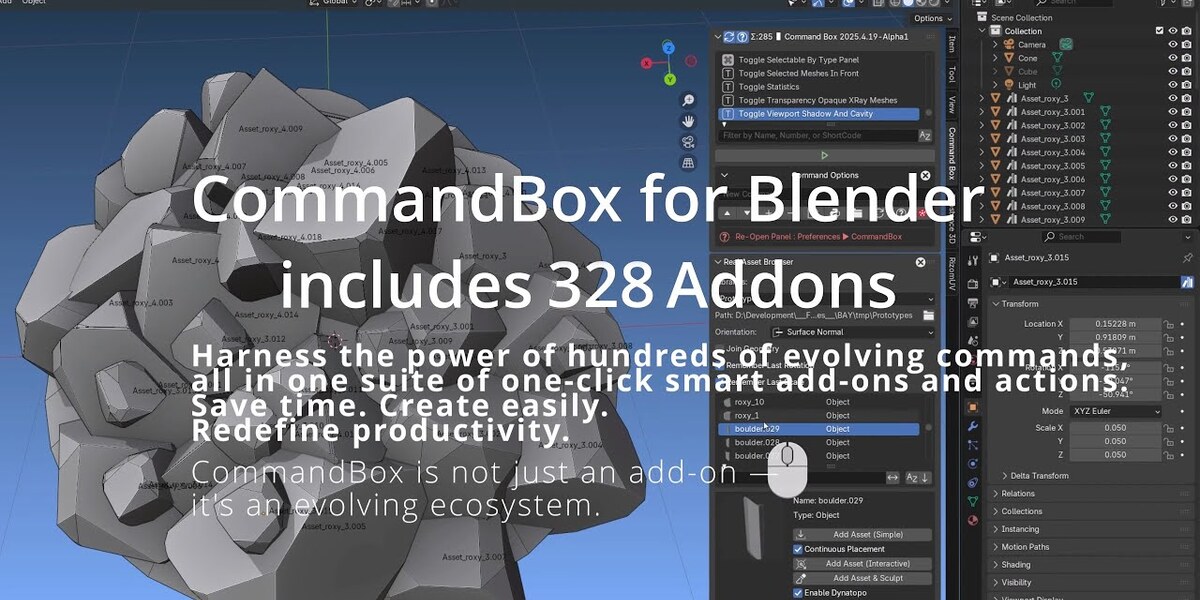
Command Box Addon by fables alive games brings hundreds of commands into one Blender suite. Press Alt+X, type a command name, and press Enter to run it. The collection covers mesh editing, selection and inspection, scene controls, viewport changes, generators, and Geometry Nodes. The publisher describes its loading approach as on demand: an inner add-on loads when called and then clears from memory. The product listing does not provide performance benchmarks.
Run commands by name or from the panel
Alt+X opens the command popup. Enter a name such as “slop,” “eve,” “triq,” “kaw,” or “tors,” then press Enter. This name-based workflow avoids browsing tabs or categories. For a panel view, use Ctrl+Alt+X; the listing says commands there can be filtered and run with a double-click. F5 can be set as the default shortcut for the Run Current Script button.
Examples of included tools
The command collection covers common modeling and scene tasks. Examples in the listing include closing holes, merging overlapping vertices, separating loose parts, selecting objects by face or vertex count, and finding meshes without UV maps. Other commands set pivots, manage cameras and lights, change viewport visibility, and create assets such as rocks, tubes, or vertex springs. Several tools use Geometry Nodes.
This range may suit Blender users who want a single command entry point for varied modeling and scene utilities. Because many commands are launched by name, users may need to learn the names of the tools they use often. The panel's filter and double-click controls provide another way to find them.
Custom scripts and startup behavior
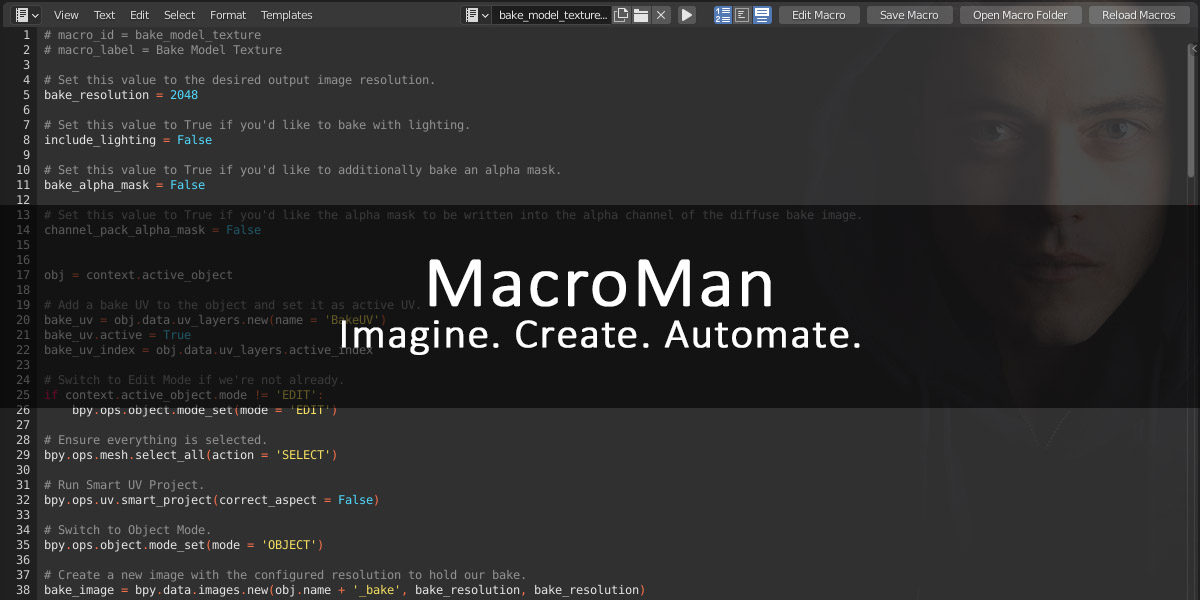
Commands can be customized within files. The product instructions also describe a startup option for Python scripts: add #Autorun=True as the third line of a .py file to have it execute when Blender starts. Use that setting only for scripts you intend to run at startup.
Compatibility and license
The product listing's 2026.10.21 update note names Blender 4.4, 4.5, 5.0, 5.1, and 5.2 as compatible, while its Blender Version field lists 5.0 to 5.2; it identifies the license as MIT. Check the Superhive product listing before installing. It links to the documentation and version history.