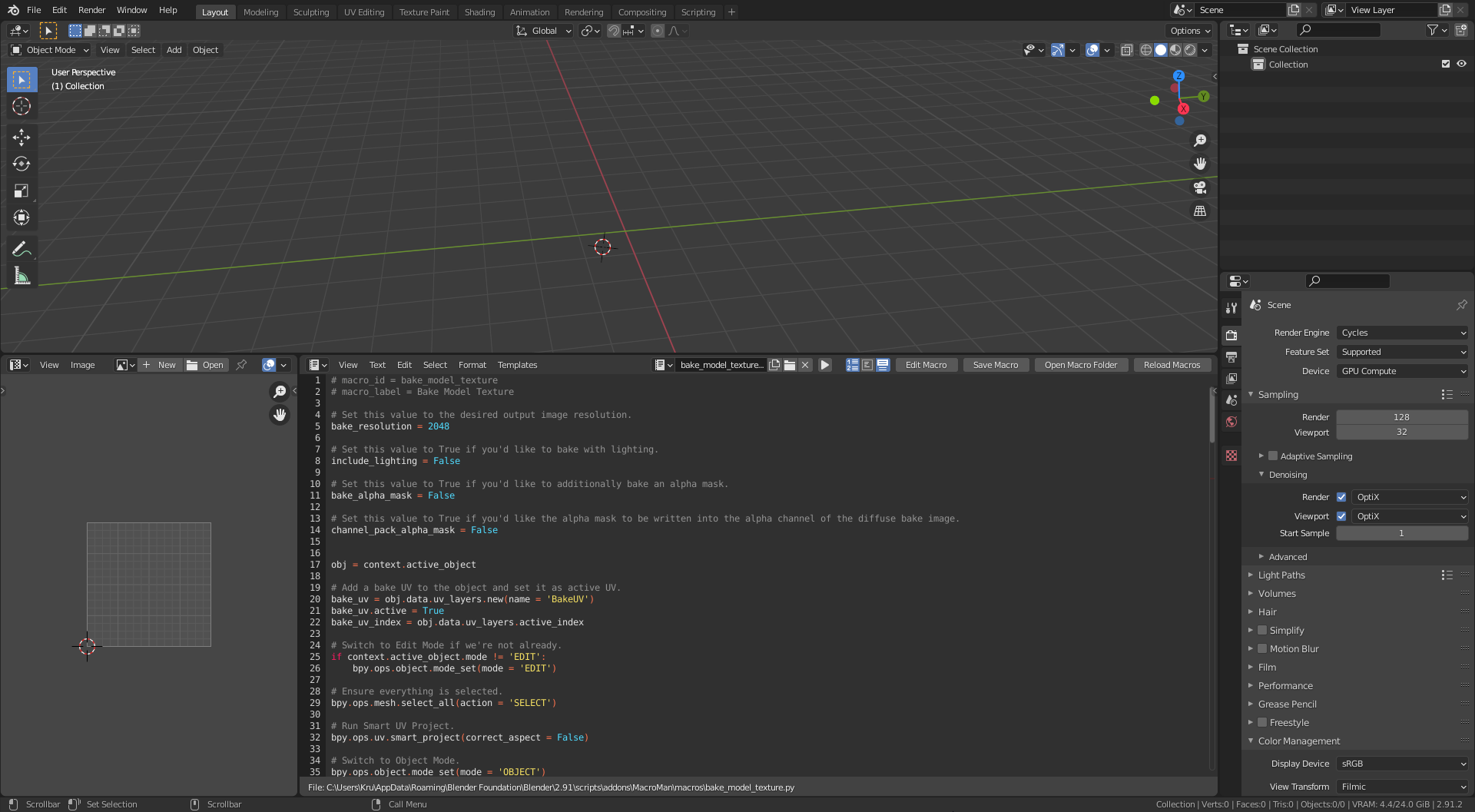
Macroman is a Blender add-on for saving, managing and running Python snippets as macros. It keeps these scripts in Blender's Text Editor and makes them available through a menu opened by a keybinding, individual keybindings or the Python API. The macro workflow in Blender lets power users reuse Python snippets without a separate snippet manager.
Where it fits in a Blender workflow
Macroman is useful when you already have Python code you want to run repeatedly in Blender. Each macro is saved as a .py file, so it can also be edited, organized or backed up with an external editor. The add-on gives those files ways to run from within Blender or from another script, add-on, macro or terminal.
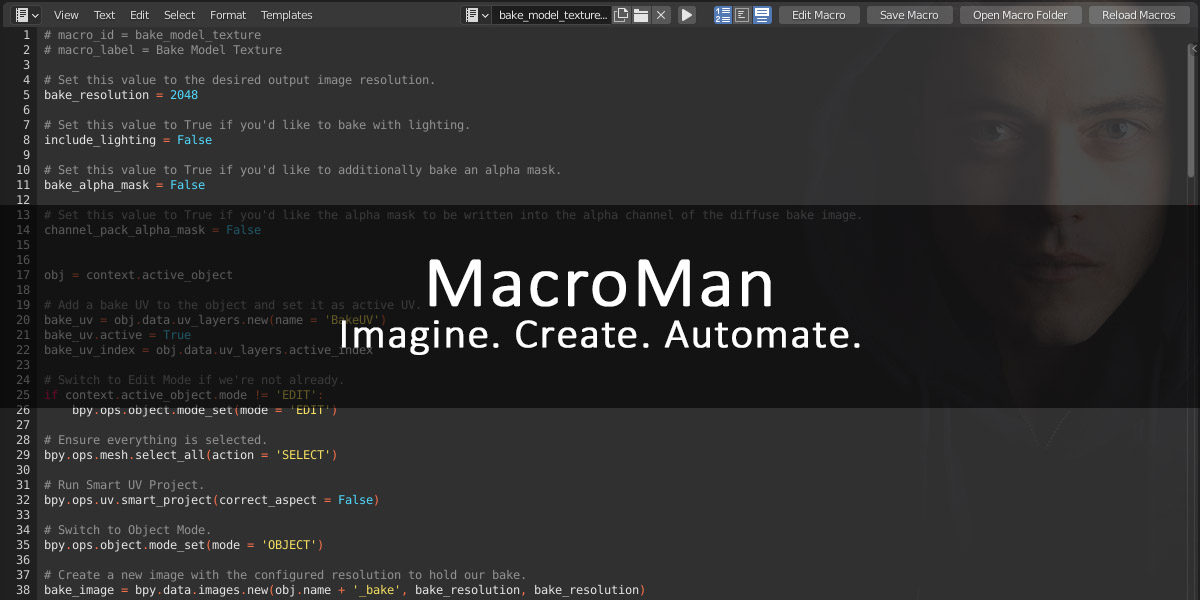
A macro has an ID and a label in its first two lines. The ID identifies the macro for direct keybinding and API calls; the label gives it a readable name in the menu. Once saved, create a keybinding to open the macro menu, or assign a dedicated shortcut to the macro.
Create and run a macro
- Open Blender's Text Editor panel and select
New Text. - Write or paste the Python snippet, and define the macro ID and label in the first two lines.
- Select
Save Macroat the top-right of the editor. - To open the menu, bind Blender's wm.call_menu action to a keybinding and set its name property to SCREEN_MT_macroman_menu. For a direct shortcut, set the keybinding action to macro.my_macro_id, replacing my_macro_id with the macro's ID; you can also call it through Blender's Python API.
The menu and direct keybinding suit scripts you run by hand. API calls let another script, add-on or macro invoke a saved macro as part of a larger workflow.
Files, compatibility and safe use
Macros are stored on disk as Python files. You can open their folder from the Text Editor panel, edit or back up the files externally, then select Reload Macros to load changes. To remove a macro, delete its file from that folder and reload the macros or Blender.
The Superhive listing names Blender versions from 2.6x and 2.7x through 3.4. It also says the product was published almost five years ago, so this version list does not confirm compatibility with current Blender releases. Check the seller's listing before installing. The listing identifies the license as GPL.
Macros have full access to Blender's Python API. Treat them like other executable Python code: review a macro before running it, especially if someone else wrote it.