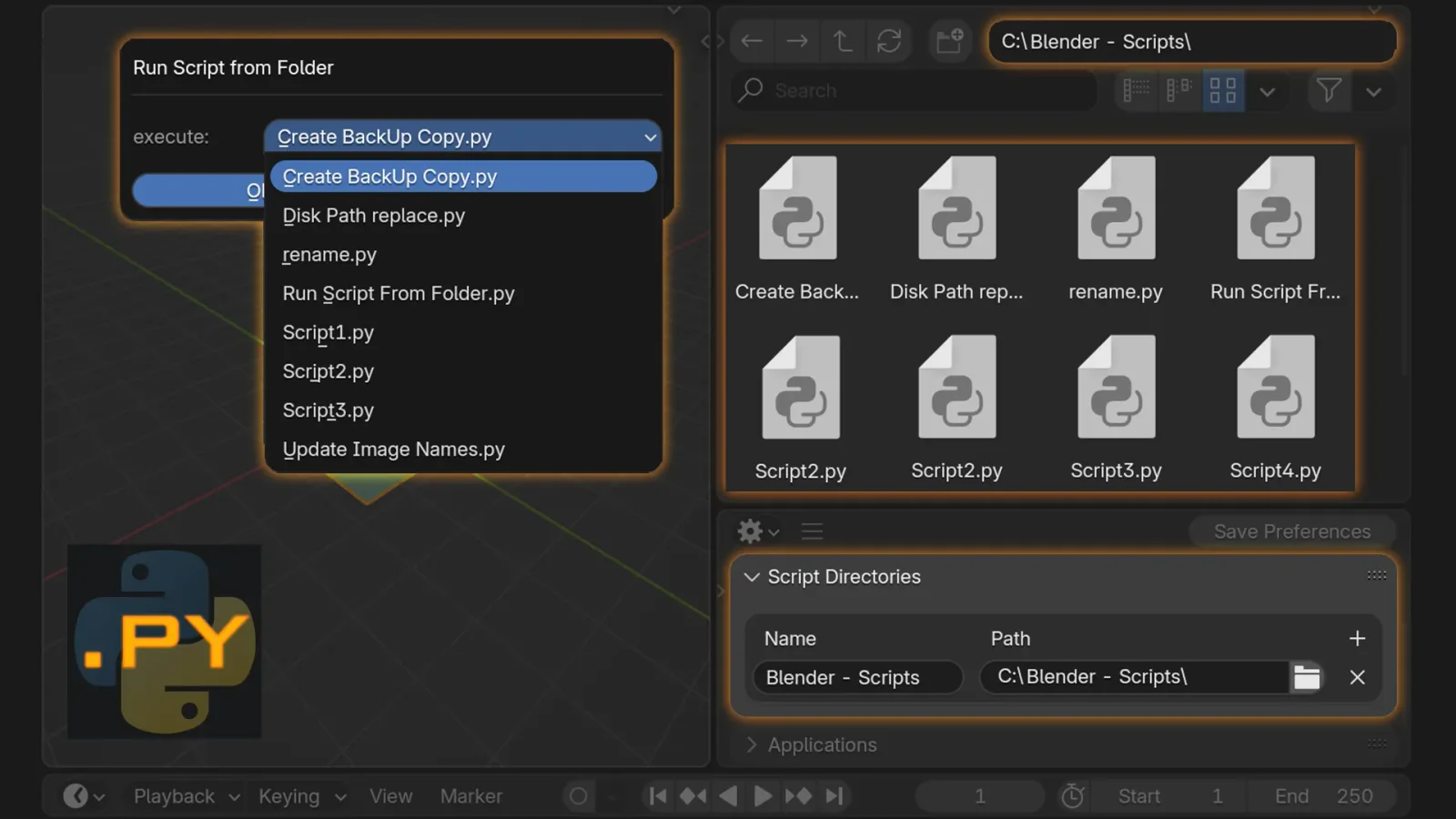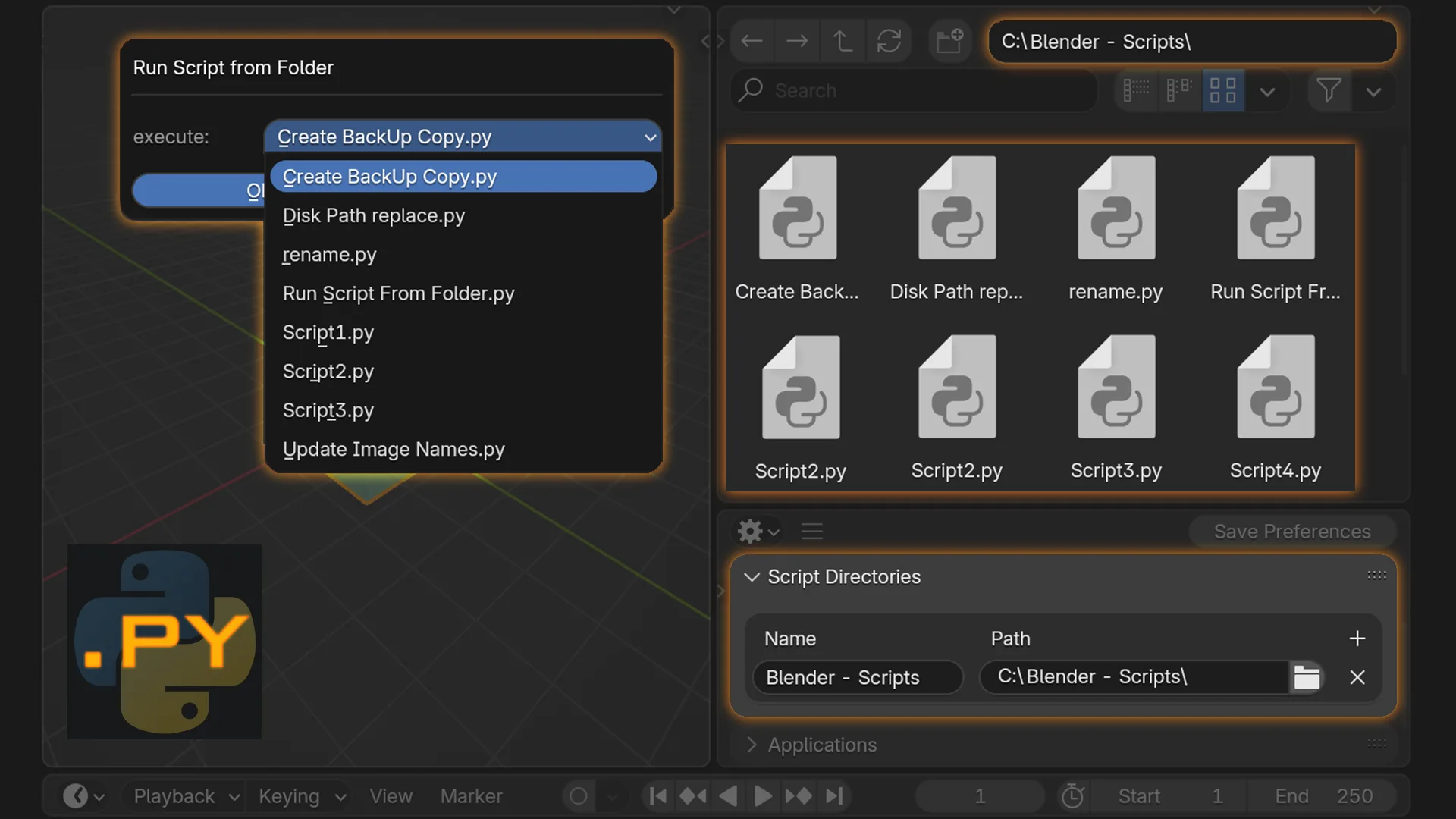
Run Scripts From Folder is a Blender add-on by Alexander-Bicukow for choosing and running Python scripts stored in Blender’s configured Script Directories. The extension catalog lists version 0.0.7, Blender 4.2.0 as the minimum version, and permission to read .py files from disk.
Find and run a script
Set a script folder in Blender under Preferences → File Paths → Script Directories. The add-on adds an operator to the Topbar Edit Menu. You can also find it through F3 search by typing “Run Script From Folder.” Add the operator to the Q quick menu or assign a keyboard shortcut if you use it often.
Run operators in the right context
A Blender Python operator can depend on which area is active. For example, bpy.ops.view3d.camera_to_view() needs a 3D View context. Running a script from the relevant Blender area can make this kind of operator available without manually building a context override. This suits users who keep their own scripts or operator macros in a configured script folder.
Version, compatibility, and permission
The catalog lists Run Scripts From Folder 0.0.7 for Blender 4.2.0 and later. Its declared file permission is to read .py files from disk, and its license is GNU GPL v3.0 or later. Check the Blender Extensions listing for the current release details; the Blender Extensions API record contains the catalog’s version, minimum Blender version, permission, and license fields.