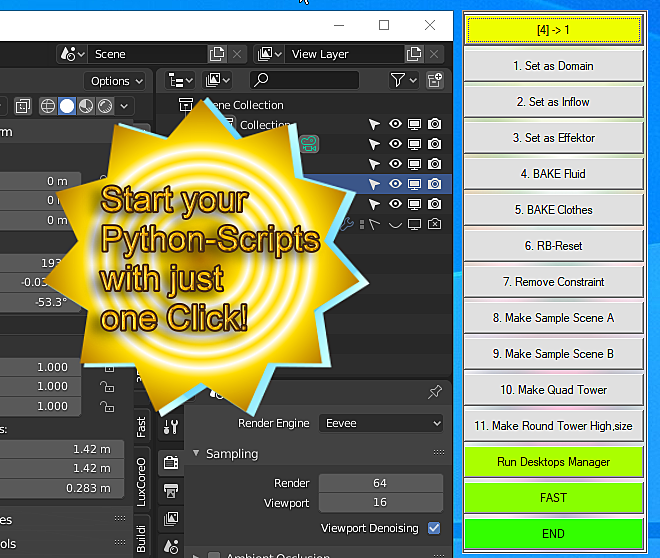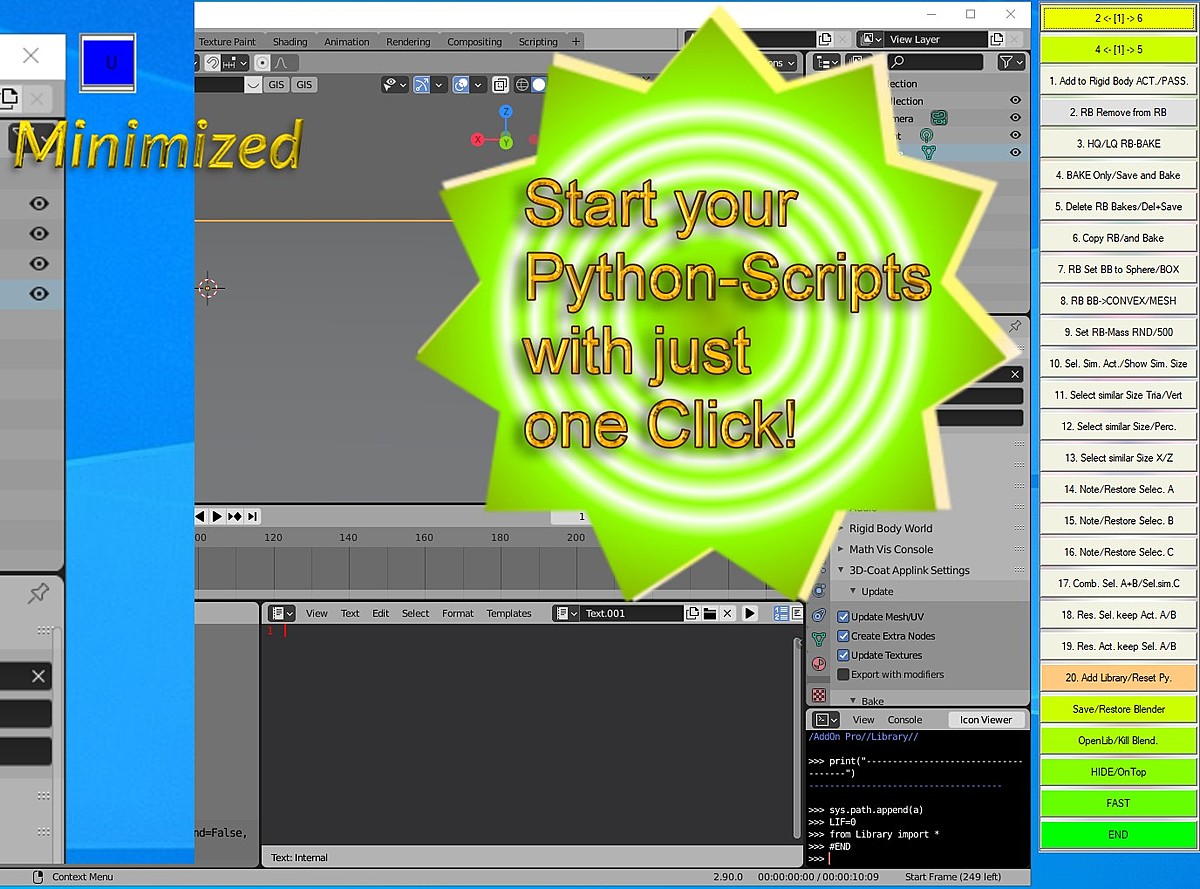
Blender Quickbuttons 6.0 Python-Buttonbar is an external button bar for Blender that runs on Windows. It puts frequently used actions and Python scripts behind customizable buttons, so tasks such as preparing video settings or saving and baking can be run from a single click.
A button bar outside Blender
The publisher describes Quickbuttons as an external program rather than a conventional Blender add-on. Its buttons and scripts sit outside Blender's window, and the product page says it does not interfere with other add-ons. You can hide or minimize the bar when it is not needed.
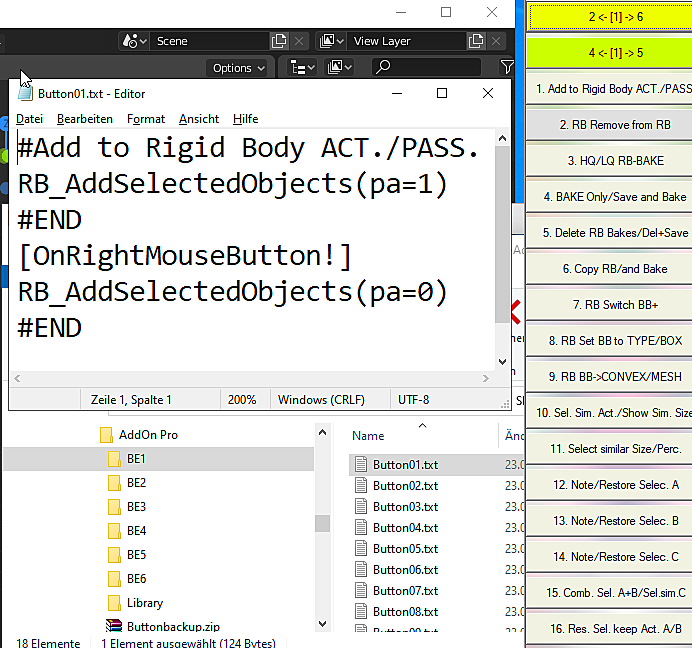
The package includes more than 140 predefined buttons as examples. They cover actions such as selecting similar objects, saving and restoring selections, changing video settings, working with keyframes, aligning objects and operating on Outliner collections. The exact tools are organized in button layers described in the publisher's documentation.
Custom buttons and Python scripts
You can add buttons for your own macros and scripts, then edit their text files to change what they do. The product page gives Button09.txt, used for video settings, as an example. A supplied Python library includes reusable routines and code samples for Blender actions. The documentation says to register the library in Blender with the Add Library button when Blender starts.
Quickbuttons also includes rigid-body workflows, with examples such as bullet-swarm and machine-gun animations. The publisher describes defining the bullets and setting a target and origin before running the animation from a button. Other listed examples include MantaFlow simulation and camera or video-setting actions.
Windows and display requirements
Quickbuttons works on MS Windows only. The publisher explicitly says it will not work on Mac, Linux or other systems. It also recommends a high screen resolution and says the interface may not suit laptop use, so check the screenshots and documentation against your display setup.
Check Blender compatibility before installing
The external-program design is intended to keep the button bar less dependent on Blender releases, but that does not establish compatibility with every current or future version. The publisher's listed Blender versions run through 3.4, and a 2022 update note says the product was tested with Blender 3.1. Check the current package and compatibility details with the publisher before relying on it for a newer release. The publisher's instructions say to use the included Update.exe to obtain the latest package.
See the publisher documentation for the button-layer list and library setup steps; the product page lists Blender versions and product details.