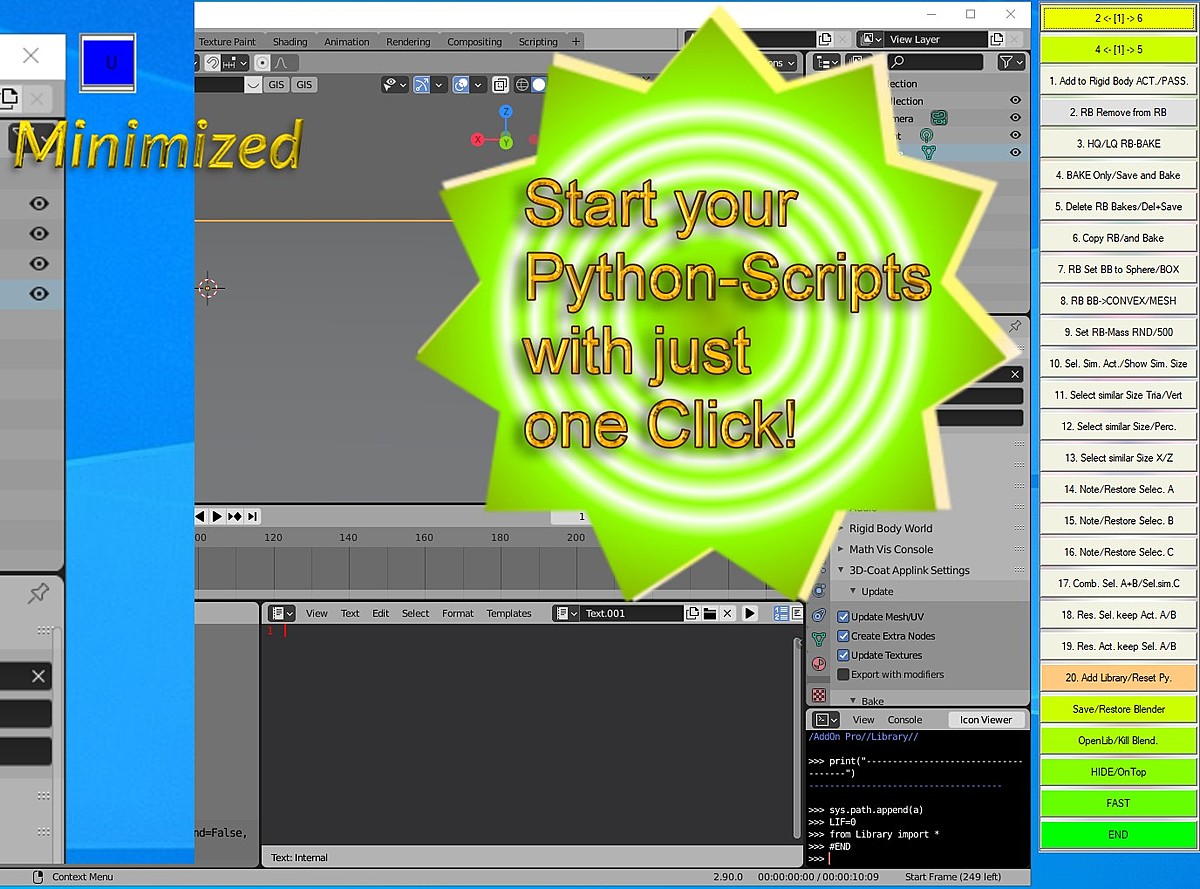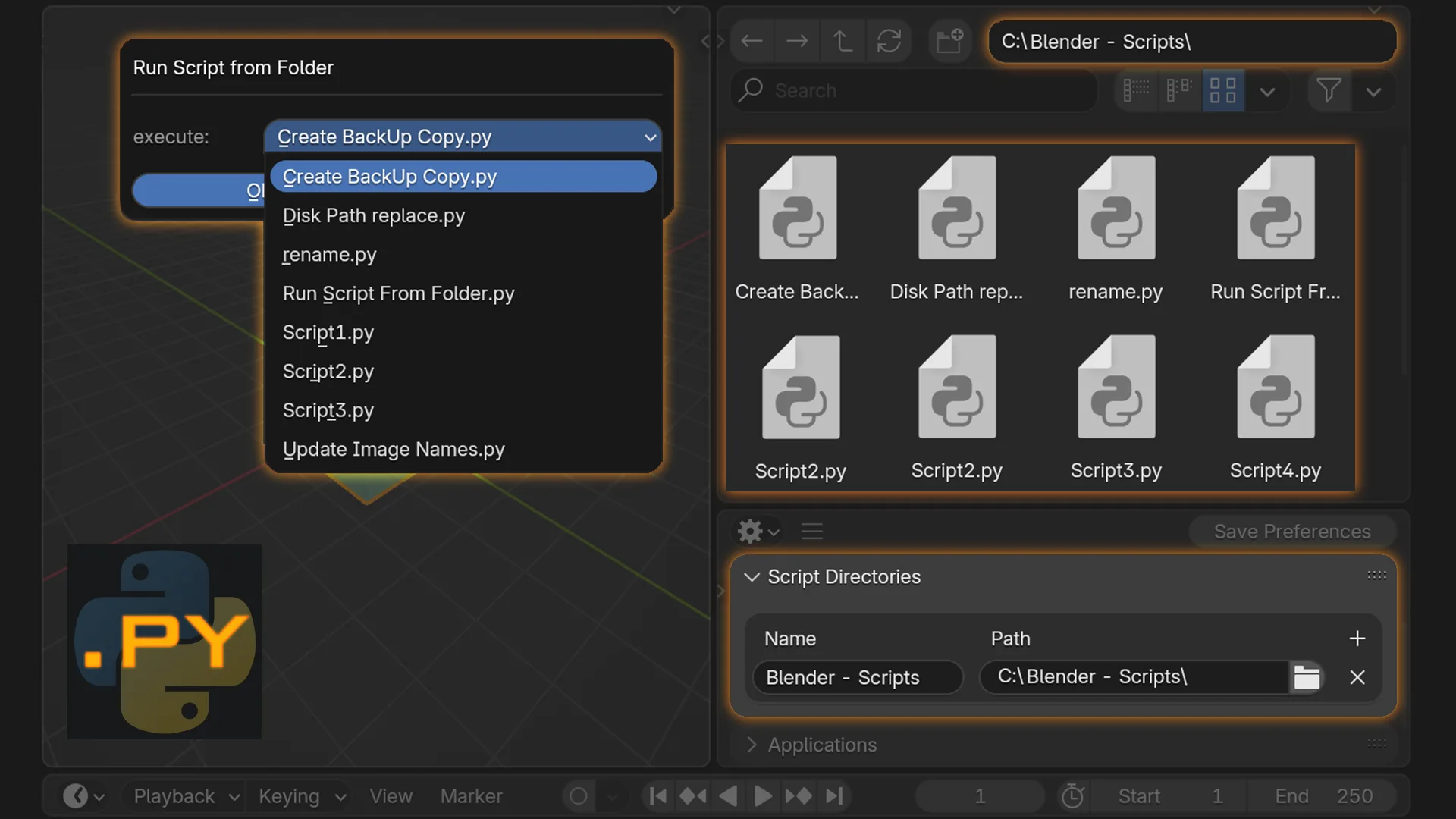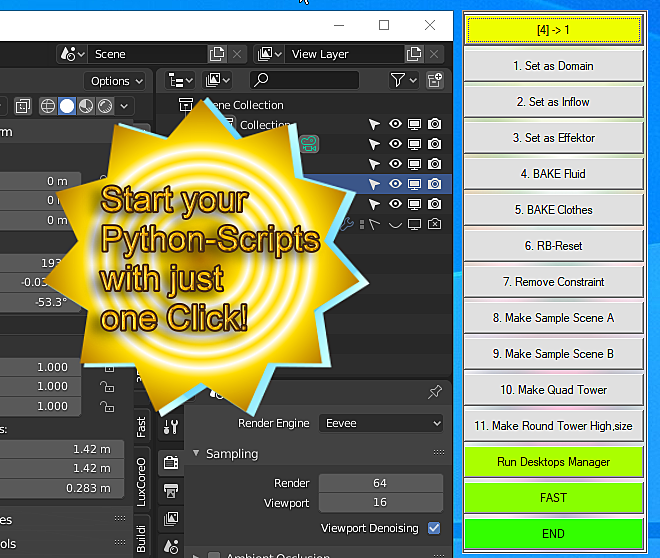
External Python Button-Bar Addon For Windows is a standalone Windows program for running Blender Python scripts from buttons beside the Blender window. When you press a button, the bar writes its defined script into Blender's Python Console, where Blender runs it. The bar stays outside Blender's Add-on area.
What the button bar can do
The package includes four button layers and lets you add five more, for up to nine layers. Each layer can hold up to 40 buttons; the seller's stated total of 360 includes reserved system buttons that users cannot edit. Supported buttons can run different actions for left and right clicks.
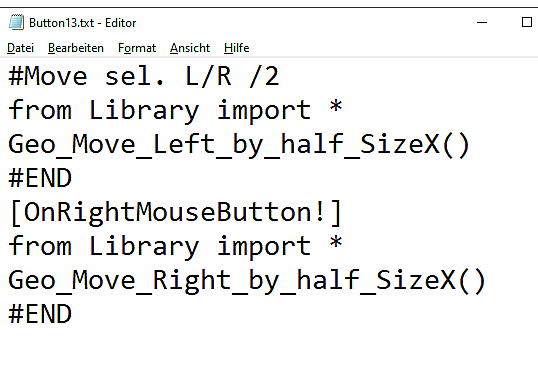
The included layers group ready-to-use scripts for rigid-body work, object generation, moving and rotating objects, and MantaFlow simulations, sample scenes, and plank towers. The seller lists more than 50 built-in functions, including Select Similar Size. You can edit numbered buttons in text files, add or remove buttons, and use input popups for values such as size or tolerance. The package also includes a Desktop-Manager for running multiple Blender instances, each with its own button bar, on separate real desktops rather than Windows 10 virtual desktops.
Setup and compatibility
This is an external Windows program, not an add-on installed through Blender's preferences. Unpack the downloaded folder, open Blender with its Python Console in the lower-right area, then launch the button bar. Click Add Library before using other buttons. Blender keeps the library registered while it remains open, so repeat that step after restarting Blender. The seller's installation and button documentation describes the setup.
The product listing gives Blender 3.0 to 4.5 in its Blender Version field; the manual separately says the bundled library was updated for Blender 2.80 to 2.90. It describes the standalone bar as generally independent of Blender releases, with compatibility depending partly on the bundled Python library. The listing and manual do not establish which functions work in each release, so check the functions you need in your Blender version before relying on them.
Limits to consider
This is the smaller edition of Blender Quickbuttons V.5. The seller lists a 70 KB Python library, compared with 132 KB for Quickbuttons V.5, and says this edition has no tooltips or minimize option. Update information conflicts: the product overview says there will be no further updates, while the seller FAQ says updates will continue, mainly for the buttons. Ask the seller about current plans if ongoing updates matter to you.
Some included actions can change or remove scene content. The documentation says New Scene and Delete All have no safety step or undo. Save your project before trying them, and inspect a button's text file if you want to see what its script does. The product listing labels the license GPL. See the seller's product overview for current product details and terms.