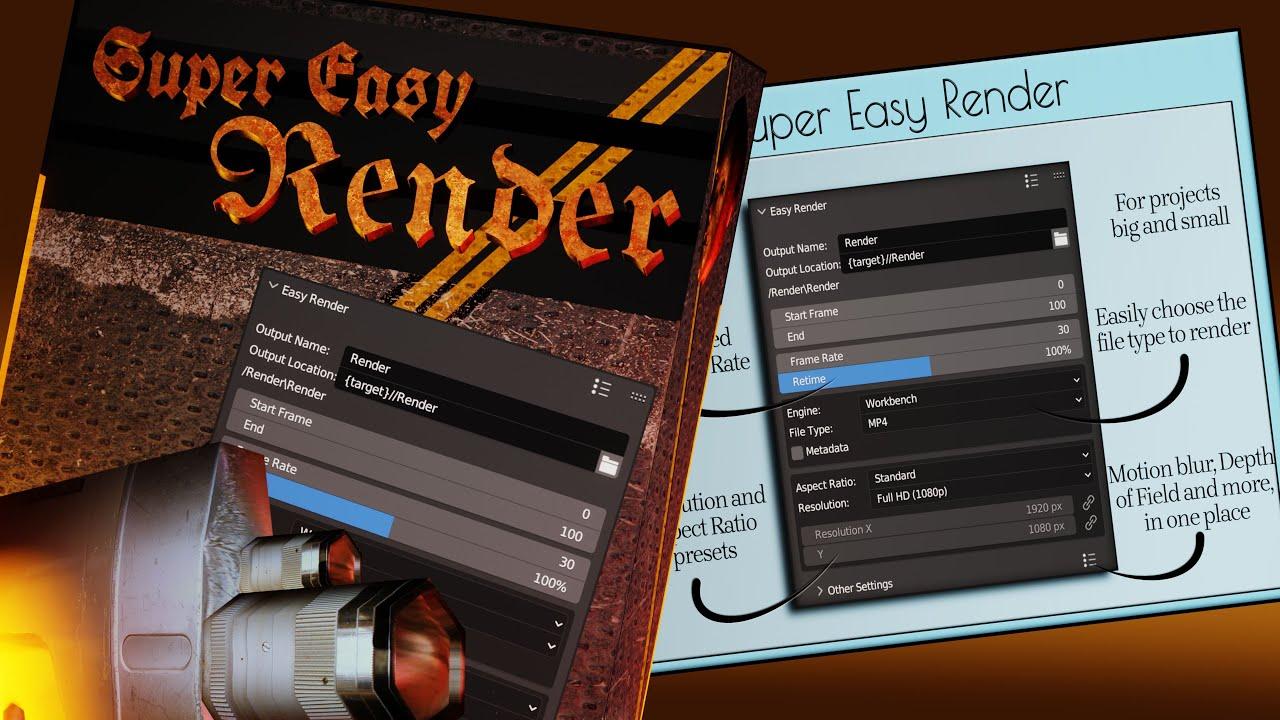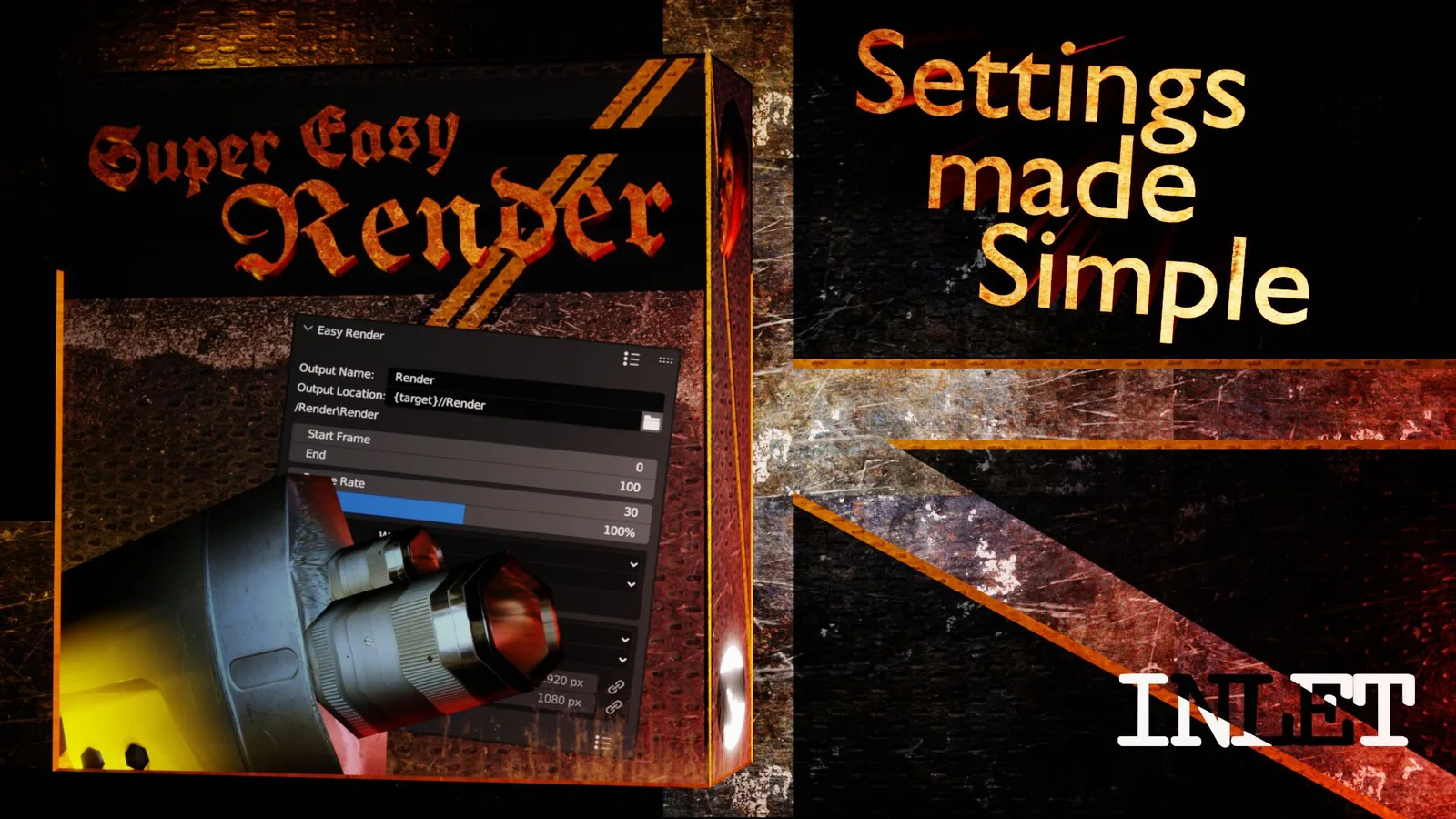
Super Easy Render is a Blender add-on by Inlet that gathers output and render controls in one panel. You can set the file type, output location, resolution, aspect ratio, frame range and frame rate, then adjust options such as samples, shadows, volumetrics, depth of field and motion blur.
It also separates output frame rate from scene retiming. The product documentation explains that changing the default Blender frame rate can change a scene’s speed. Super Easy Render provides a separate Retime control: 200% is double speed, while 10% is one tenth speed. Its documentation says the add-on renders the selected range with the chosen frame rate and retiming.
Output and render controls
For output, the panel includes image sequences in JPEG, PNG and OpenEXR, along with video options such as MP4, MP4 preview and AVI. The documentation describes JPEG as a quick, lossy preview format, PNG as lossless, and OpenEXR as a high-quality format with high color depth and multiple channels. AVI is described as lossless with large file sizes.
Resolution and aspect ratio can use presets or custom dimensions. When both are set to Custom, the X and Y pixel values can be adjusted freely. A selected aspect ratio constrains the other dimension when X or Y changes, while a selected resolution prevents the X and Y values from being changed.
Other controls include samples, shadows, volumetrics, depth of field and motion blur. The documentation says more samples can improve image quality but increase render time; shadows, volumetrics, depth of field and motion blur can also lengthen renders, with volumetrics especially slow at higher quality. It also lists switches to disable anti-aliasing, ambient occlusion and bloom.
Choose an interface version
The add-on includes two script versions. One adds the consolidated settings to Blender’s existing render interface. The other removes the default render UI and shows the new panel; that replacement version works with Blender 3.0 and later. The product listing states compatibility from Blender 2.83 through 5.0.
The panel is documented under Output Properties → Easy Render, and rendering starts as it does in Blender by default. The product is listed under the GPL license. Its FAQ says that if the ZIP archive does not install, extract it and install the included .py script. The product FAQ says the older bulk-render script remains available but is no longer supported.