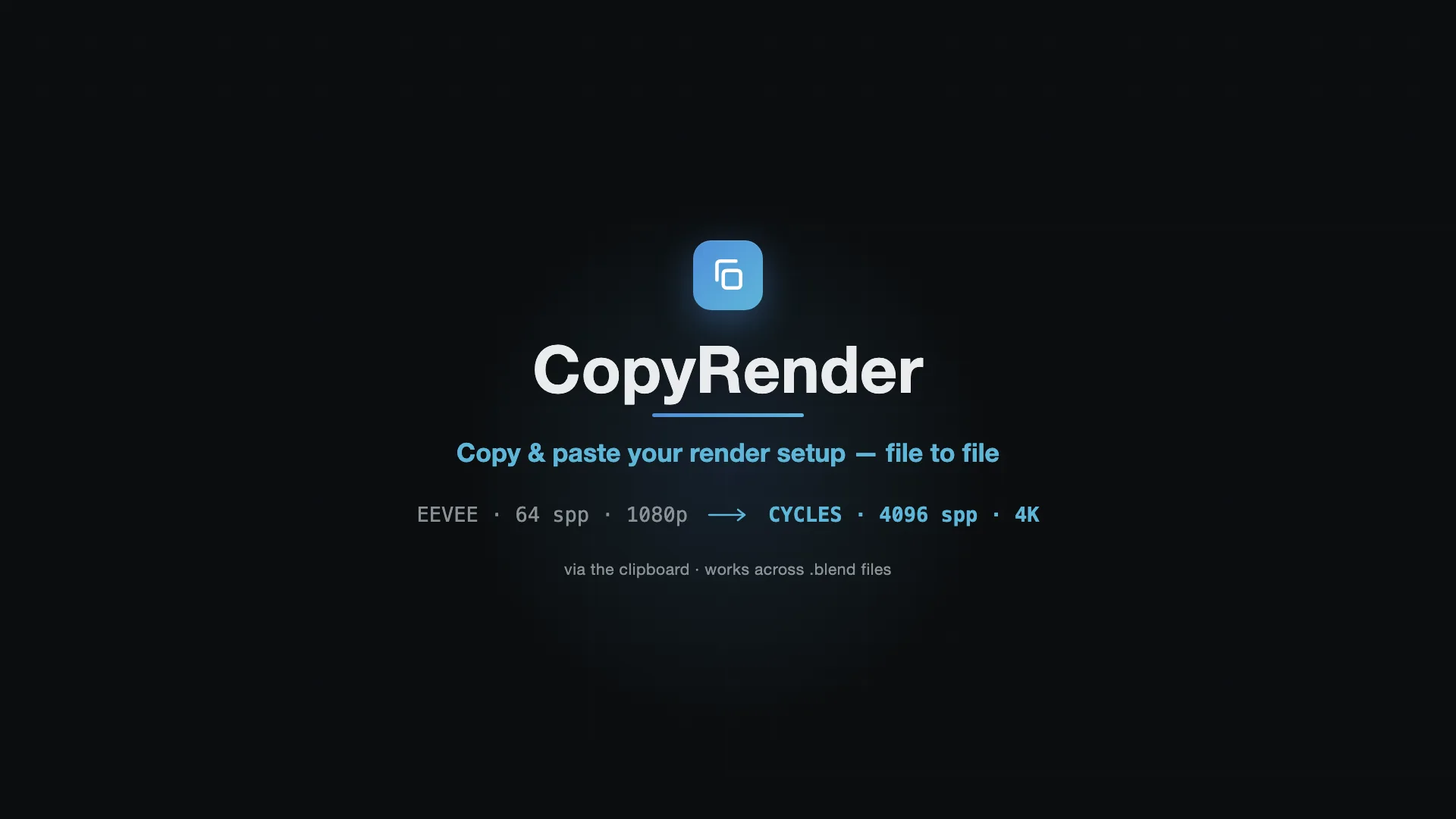
CopyRender transfers render settings between Blender files using the system clipboard or a JSON package linked to a scene. Its controls are in Properties > Render > CopyRender.
Settings CopyRender transfers
The add-on copies the render setup described in its Blender Extensions listing: Render, Color Management, Output, Cycles and EEVEE settings. Color Management includes view, display and sequencer color space. CopyRender matches values by property path, including nested settings. If a property is missing from the target file, it skips that value.
Copy settings between files or link a package
For a one-time transfer, copy the setup from one .blend file and paste it into another. To reuse a setup, save it as a .json file and link that file so the scene reapplies the settings on each load. The panel also has Save Settings to File and Load & Link Settings File controls.
These options suit workflows where several files need the same render configuration, such as keeping look development and final renders aligned or sharing settings with a colleague.
Blender compatibility and permissions
The listing sets Blender 4.2 as the minimum and says CopyRender was compatibility-checked against Blender 4.2 through 5.2 and the 5.3 beta. Version 1.3.1 was published on November 11, 2026. Copying and pasting uses clipboard access. Reading and writing a settings package uses file access.
For installation, Blender's Install from Disk instructions describe the available process. The listing also links to the developer's issue tracker for problems.