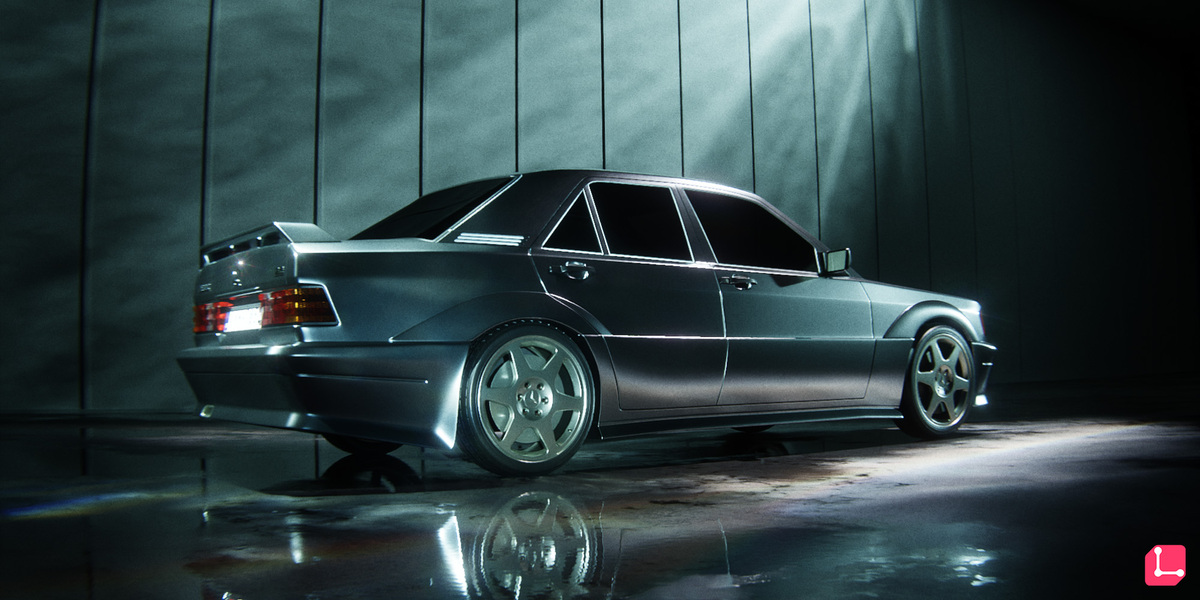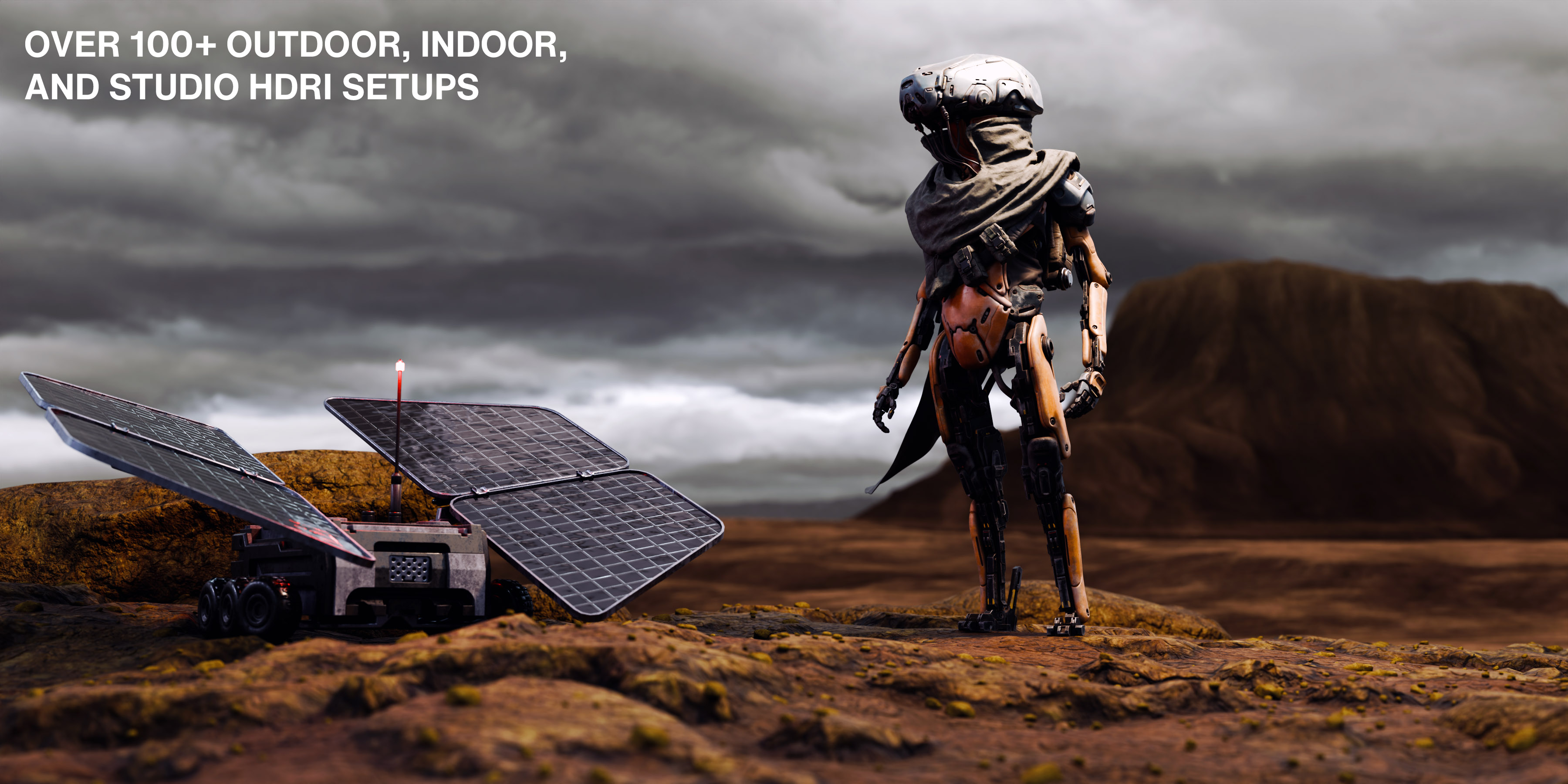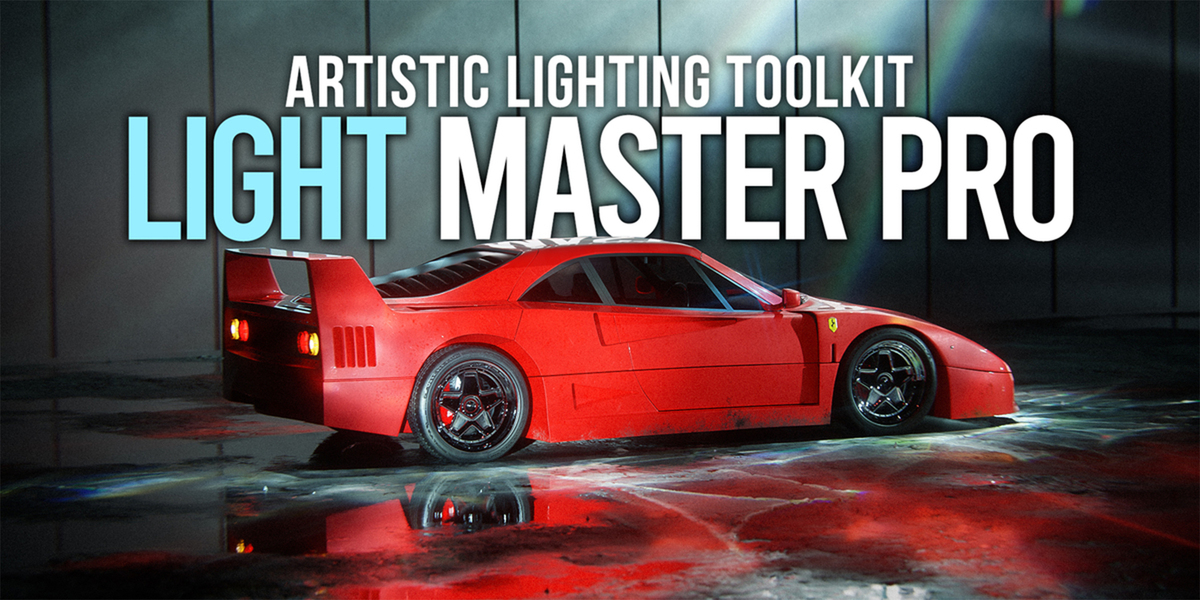
Light Master Pro is Lazy3D’s artistic lighting toolkit for Blender, built around light patterns and scene-lighting workflows. The Superhive listing identifies it as a Blender Extension compatible add-on, lists Blender 5.0 to 5.2, and names Cycles and Eevee as render engines. The listed license is GPL.
Light patterns and how the assets are made
The library includes digitally simulated light patterns, such as caustics and rays, alongside patterns based on photographed or observed real-world light. This gives Blender artists a collection of different lighting references to explore in a scene.
Lazy3D’s product FAQ explains that AI-assisted tools were used in parts of the production process. These included isolating some light patterns from their original backgrounds, upscaling selected assets, and cleaning a few digital artifacts. Lazy3D says the final assets were manually reviewed, adjusted, categorized, and optimized for Blender. The FAQ also states that no asset was added as a purely AI-generated light pattern without a real-world photo reference, observed light behavior, or controlled digital simulation as its source.
Cycles, Eevee, and Blender compatibility
The listing names both Cycles and Eevee. Lazy3D confirms that Light Master Pro works in Eevee, with some features potentially more limited there because of engine limitations. If a particular Eevee feature matters to your project, check it in the tutorial or product documentation before planning around it.
The listing’s Blender version range is 5.0 to 5.2. Check the current product page and download notes against your installed Blender version before installing, since the supplied listing does not establish compatibility with other releases.
Documentation, support, and license
Full documentation is included in the download files, and the documentation page links to a tutorial video. Lazy3D’s FAQ says lifetime product support is provided and future updates are included at no extra charge. The marketplace listing identifies the add-on’s license as GPL; consult the license terms for your intended use.
See the documentation page for the tutorial and the product listing for current release details.
Using a Nodeworks light library
Light Master Pro and Nodeworks’ Light Textures Addon are separate products. Lazy3D says Light Master Pro does not use assets from the Nodeworks add-on. The FAQ also says owners of that add-on will receive a tool for merging the libraries into the Light Master Pro workflow, so they can use Nodeworks light assets there. Check the product FAQ for the current details of that arrangement.