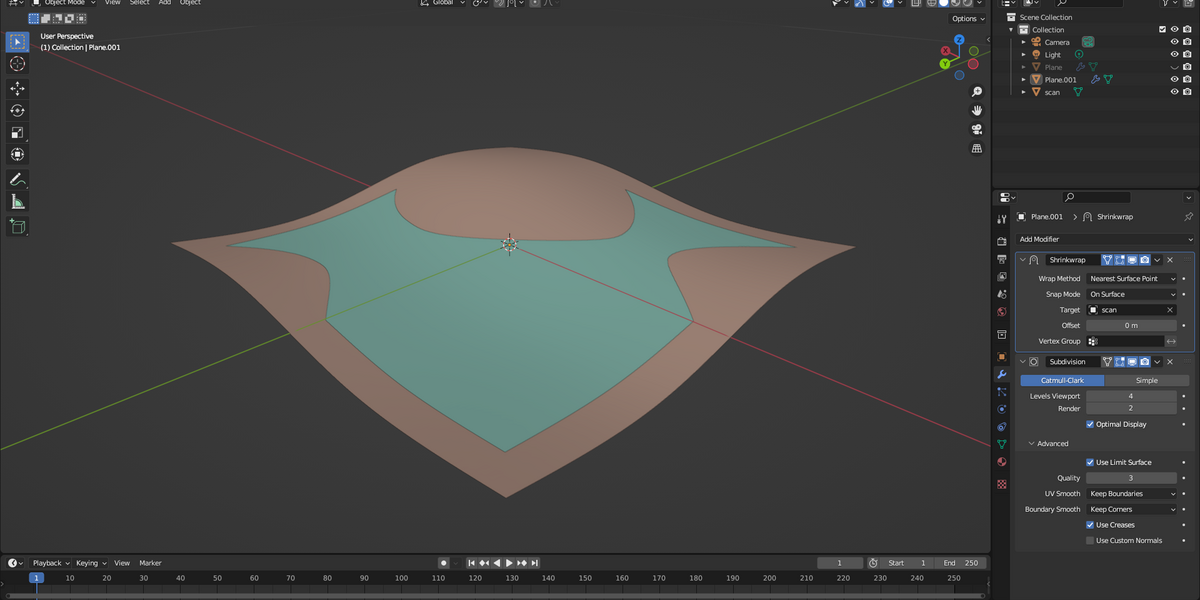
What Super Shrinkwrap Addon does
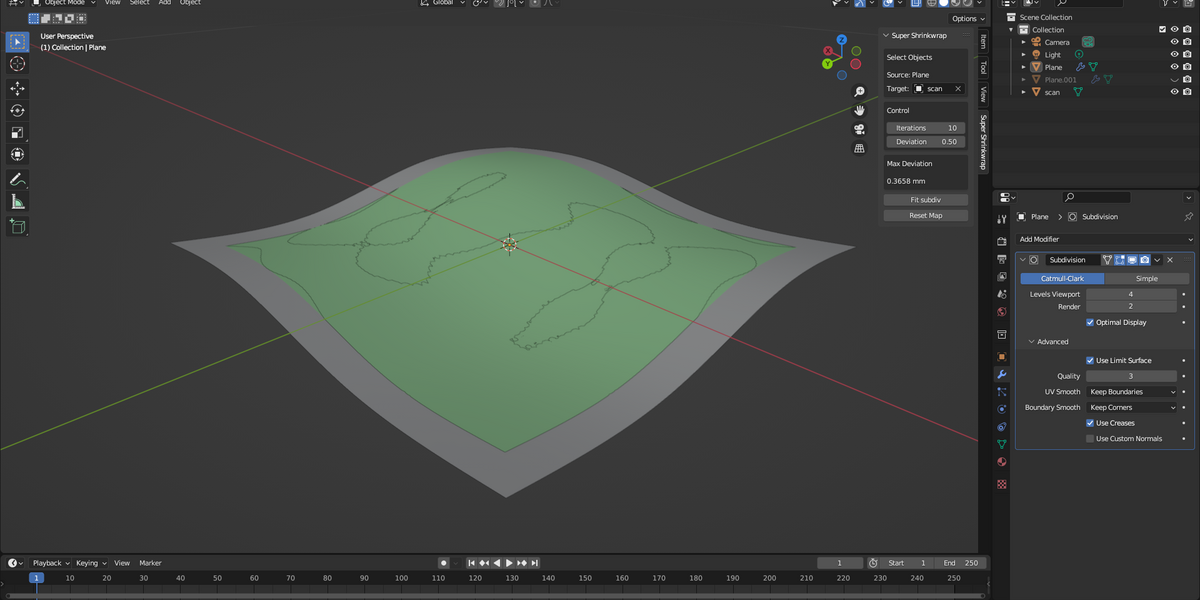
Super Shrinkwrap Addon is a Blender add-on for fitting a subdivision limit surface to reference mesh data. Its side panel shows the active object and has a reference-object field you can set with the eyedropper. If no valid object is active, the panel displays “Select object.”
Set the fit and inspect deviation
Select the mesh to fit as the active object, then choose the reference object with the eyedropper. Set the subdivision level, iteration count, and tolerance, then select “Fit Subdiv.” The add-on fits the selected mesh with a subdivision modifier and adds one if needed.
Subd levelsets the number of subdivisions. It defaults to 2 and can be set from 1 to 6.- The iteration field controls how many passes run toward the required tolerance. It defaults to 3 and can be set from 1 to 10.
- Tolerance is measured in millimeters and defaults to 2 mm. A separate row shows the tolerance achieved.
The deviation map uses red for positive deviation, blue for negative deviation, and green for areas within tolerance. The “Reset Map” button deletes the map and resets the deviation to 0.0 mm. The map helps you inspect how the fitted mesh compares with its reference; whether that result is acceptable depends on your modeling task.
Installation and license
The installation instructions say to keep the add-on file zipped. In Blender, open Preferences, go to the add-on section, choose Install, and select the zip file. Click the check mark to enable it; the Super Shrinkwrap side panel should then appear.
The listing names Windows, Linux and Mac OSX as operating systems, identifies the license as GPL, and marks the add-on as Blender Extension Compatible. It lists Blender 4.3, 4.2, 4.1, 4.0, 3.6, 3.5, 3.4, 3.3 and 3.2, while its system requirement says Blender version greater than 3.2. The listing therefore does not resolve whether version 3.2 is supported and gives no compatibility information for versions outside its list; contact Digital Sculptors to confirm.