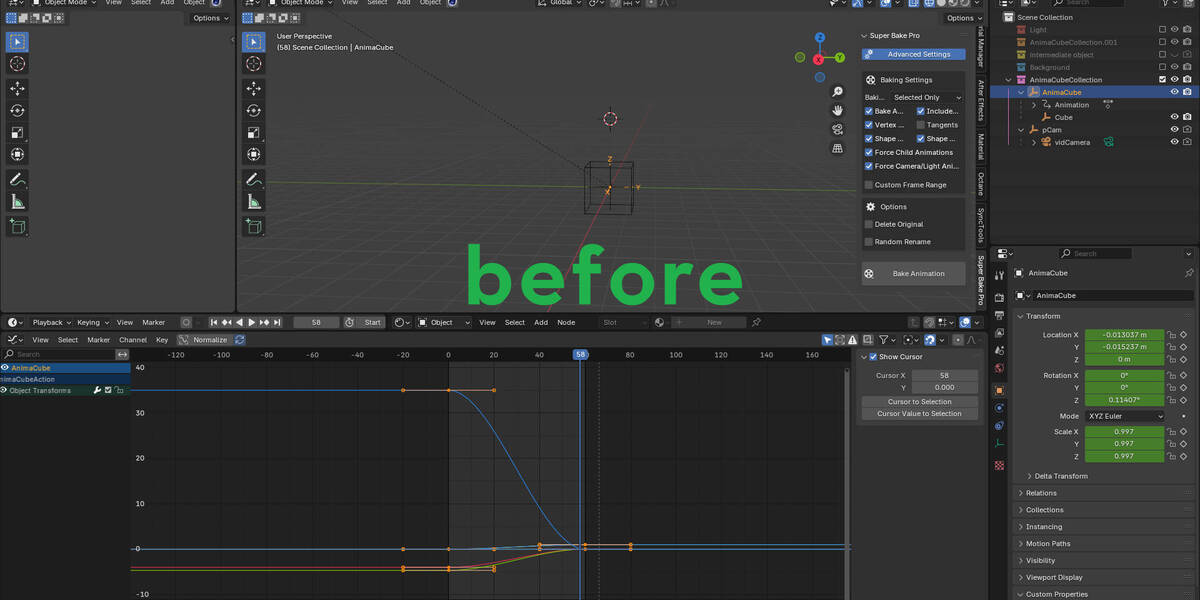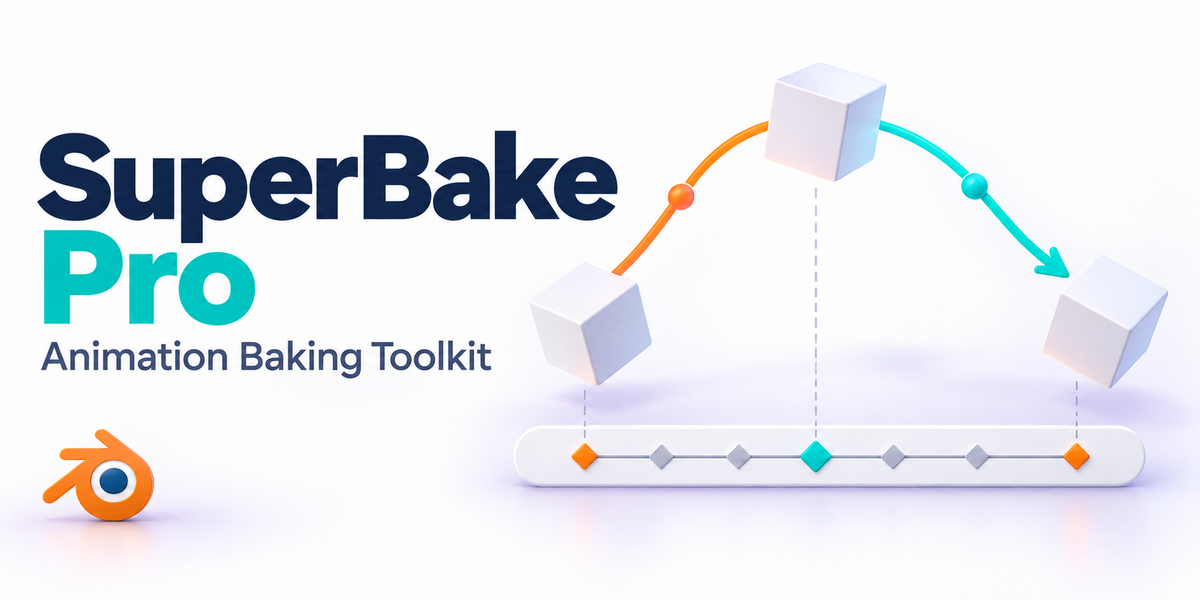
SuperBake Pro is a Blender add-on for converting supported keyframed, constraint-driven and driver-driven motion into keyframes. It is intended for scenes where motion depends on parenting or other supported animation relationships. Choose what to bake, set the frame range, and compare the baked result with the original before delivery.
Choose the bake scope and options
The add-on can work on selected objects, visible objects or the full scene. Its product page says that an empty selection falls back to scene mode, so check the displayed scope before starting a large bake. Options cover child animation, parented cameras and lights, shape-key handling, and the start and end frames.
Separate controls determine whether materials, vertex colours and tangent data are retained. Baked results receive a suffix, and the tool includes hierarchy-reconstruction and naming controls. Optional renaming utilities can also rename objects, data blocks, materials and animation data independently of a bake.
A practical workflow
- Save a copy of the project and choose a representative shot.
- Select the objects or scene scope, then set the frame range.
- Set the child, camera and light, shape-key and attribute options that apply to the shot.
- Run the bake and inspect the resulting animation data and object hierarchy.
- Play the same frames in the original and baked scenes before exporting or handing off the project.
This comparison helps catch motion or hierarchy changes in the relationships the shot uses. Progress, validation and error messages are available during the operation. Keep the source project as a backup even when recovery options are available.
Supported objects and scene limits
The listed object types include meshes, curves, surfaces, metaballs, text, armatures, empties, cameras and lights. The product page advises extra preparation for NLA, custom rigs, scripts and external simulations. Test those parts of a scene with a representative shot; the listed support does not establish that every rig or simulation will bake without adjustment.
Blender versions and operating systems
The Requirements section lists official Blender 3.0 or later releases and excludes beta, alpha, release-candidate and customised builds. The Details field lists Blender 3.6–5.2. Both ranges appear on the Superhive product page , but the page does not say how the two ranges apply to a given installation. It also lists Windows, macOS and Linux.