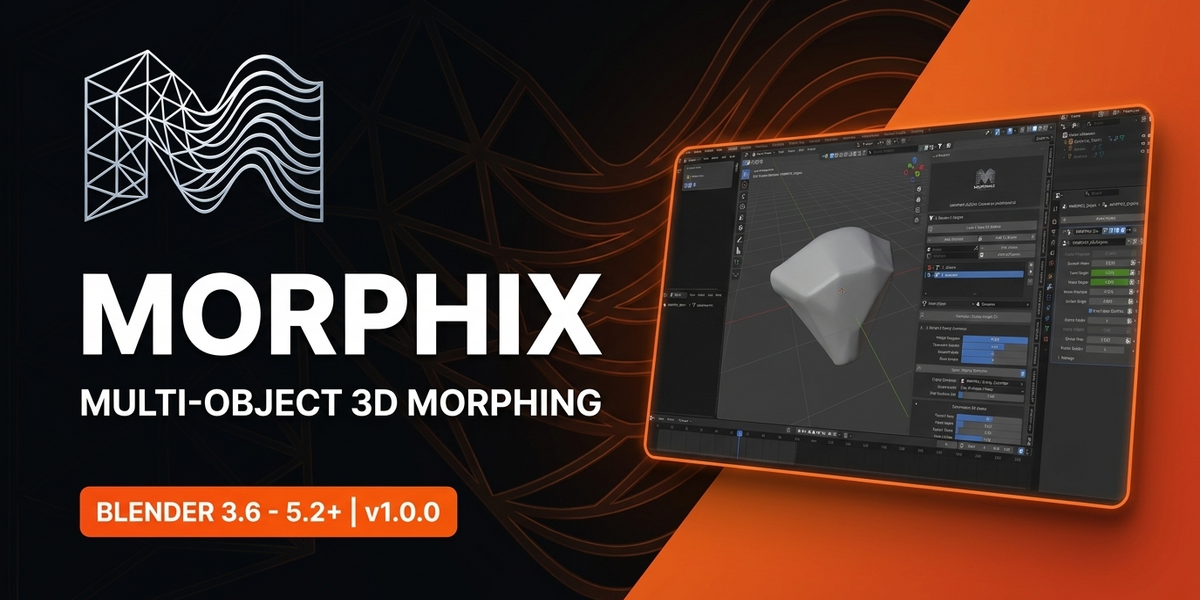
MORPHIX by Youthcloud is a Blender add-on for animating transitions between mesh objects or entire collections. Its Geometry Nodes workflow can morph targets with different vertex counts and topology, which traditional shape keys cannot handle directly.
The product listing describes MORPHIX v1.0.0 as non-destructive. The manual says it builds a separate MORPHIX_Object and hides the original targets in the viewport and render to prevent overlap; you can show them again in the Outliner.
Build a morph sequence from objects or collections
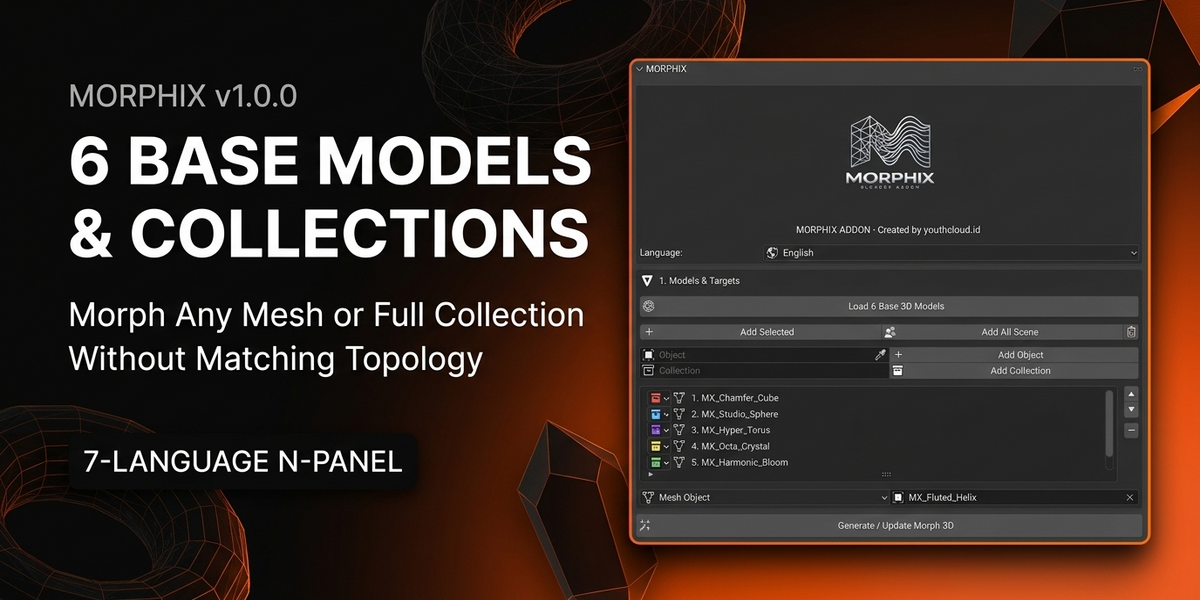
Add mesh objects or collections to a target queue, arrange their order, then choose Generate / Update Morph 3D. You can also load six included test shapes: Chamfer Cube, Studio Sphere, Hyper Torus, Octa Crystal, Harmonic Bloom and Fluted Helix. Scrub Morph Progress to preview the transition between stages.
For custom objects, the manual recommends applying location, rotation and scale with Ctrl+A or aligning object origins before generating the morph if targets jump during the transition.
Shape the transition and animate it
A Weight Proximity Empty can localize the morph. The controller has Weight Proximity, Axis X Slide and Any-Direction Follow modes. You can choose whole-object islands or per-vertex proximity, then adjust the inner and falloff radii.
MORPHIX includes six texture-based displacement styles using Clouds, Voronoi, Marble, Wood, Distorted Noise and Stucci, plus a Clean Direct option without displacement. The manual also describes Vortex Twist, Wave Ripple, Organic Noise and Inflate Bulge controls. Displacement strength and deformation effects taper to zero at the start and end of a transition.
Auto-keyframes can set start, hold and transition frames, select an easing curve, and create a seamless loop back to the first target. The available easing options include Bezier, Sine, Elastic, Back, Bounce, Quad and Linear.
Installation and Blender version notes
The manual says to install the MORPHIX_Addon.zip as an extension in Blender 4.2 and later; keep the ZIP intact and use Install from Disk or drag it into Blender. For Blender 3.6 through 4.1, it documents installing the standalone morphix_addon.py through Preferences > Add-ons.
The product listing supports Blender 3.6 LTS through 5.3+. The v1.0.0 manual lists 3.6, 4.0 through 4.5 and 5.0 through 5.2+, an open-ended range that includes 5.3 without naming it separately.
The manual describes MORPHIX as using Blender’s Python API and working offline without external dependencies. It also recommends lowering Base Density to 3 and setting Smooth Polish to 0 while blocking high-poly animation, then raising Base Density to 4 or 5 for final rendering.
See the official MORPHIX user manual for installation steps and control details, or check the product listing for the current release information.