Rigify Smart Rigging is a Blender add-on by Blender house that streamlines fitting a Rigify metarig to a humanoid character. It uses body markers to calculate rig placement, then supports metarig matching, rig generation, and mesh binding. A facial guide workflow is available for facial setup.
The seller’s product listing advertises a workflow that can take as little as 60 seconds. The documentation still calls for manual marker placement, guide fitting when needed, and inspection of the generated rig.
How the rigging workflow works
- Prepare a humanoid character in a suitable neutral pose. A T-pose is recommended. Make the required mesh objects visible and select them, and confirm Blender’s Rigify system is enabled.
- Open the Rigify Smart panel in the 3D Viewport, start Smart Setup, and place the six body markers in the order shown. Their positions are used for body detection and metarig matching.
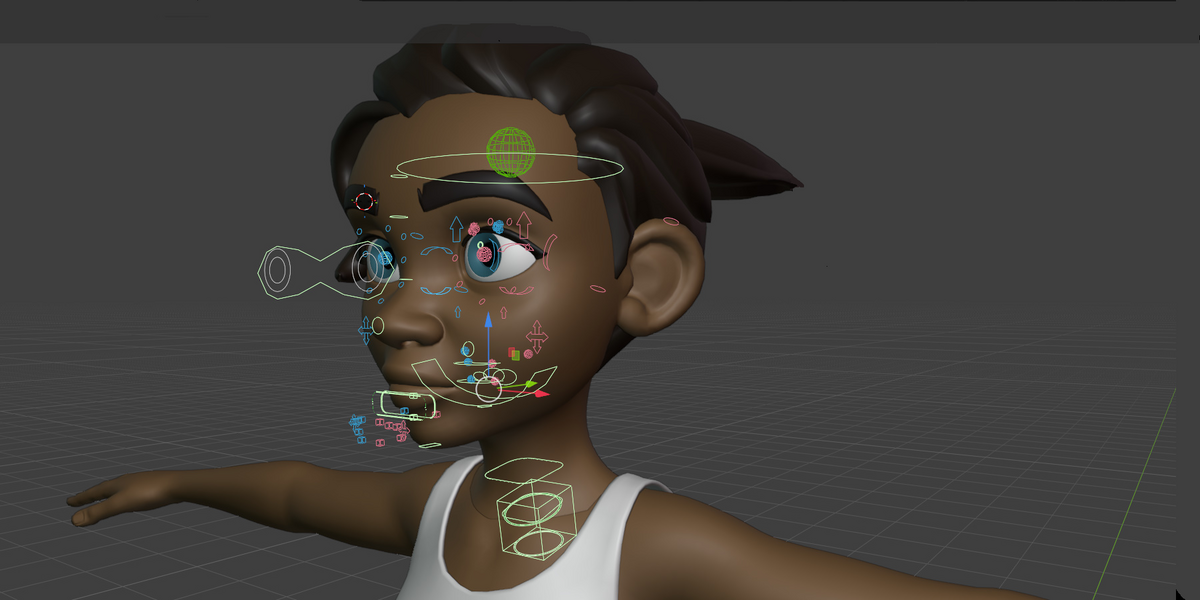
- For facial setup, add facial guides and adjust them to the character from front and side views. Accept the facial markers before continuing.
- Run body detection, then match the detected body to Rigify. Review the metarig placement before generating the final rig.
- Save a project backup before generating the rig or replacing an existing rig. Generate the rig and bind the meshes. In Pose Mode, test the main controls and inspect for unexpected deformation, mesh separation, or incorrect attachment.
Requirements and Blender versions
The add-on expects a prepared humanoid character and requires Rigify to be enabled. The marketplace listing reports Blender 4.0 to 5.3. The documentation’s system requirements section names Blender 5.2 LTS, while its product details repeat the 4.0 to 5.3 range. Check the current package documentation for your installed Blender version before setup. The listing also marks the add-on as Blender Extension Compatible and GPL licensed.
Who may find it useful
This workflow is relevant to Blender users who want to reduce repeated metarig positioning and bring body detection, facial guides, rig generation, and mesh binding into one setup process. Marker placement and guide fitting still need attention, and the generated rig should be checked before animation work begins.