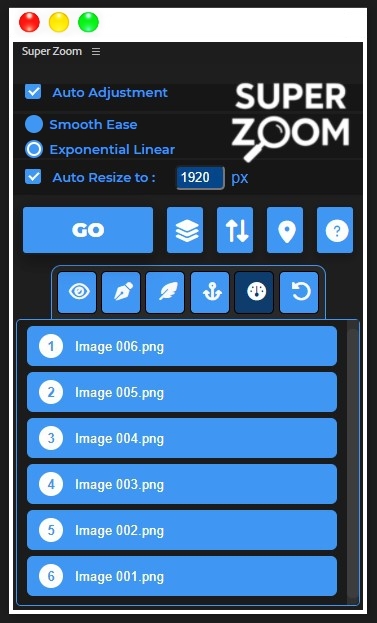
SuperZoom by MotionCodes is an After Effects extension for building zoom sequences from photographs of the same subject taken at different distances or zoom levels. It sorts the images, warps and aligns them, adjusts brightness and color, then creates a layered, parented composition. You can capture the source shots with a phone; the publisher says no special camera gear is required.
From a photo set to a composition
- Capture several views of the same subject at different distances or zoom levels, then import them into After Effects.
- SuperZoom sorts the images from the widest view to the closest. It warps each image to match the previous one and adjusts its position, brightness and color.
- The extension stacks and parents the layers, with feathered edges for blending. Keyframe the main layer's scale to move through the sequence and toward the subject.
Adjusting the zoom
After the automatic setup, the effect panel includes controls for layer visibility, feathering, zoom rotation and wiggle motion. To direct the ending toward a particular object, add that object to the timeline and use the Set Zoom control. The publisher also describes merging multiple SuperZoom sequences into a continuous zoom.
The listing describes a built-in panel that generates zoomed images from an entered geographic location. It does not identify the image source or prerequisites, so confirm those details with the publisher before planning a project around this mode.
Capture setup and compatibility
The main workflow depends on having multiple images of the same subject, but the publisher's listing does not specify a minimum image count or resolution requirement. Check those details if your capture plan depends on them.
The publisher's SuperZoom listing specifies Windows-only operation and After Effects 2026, 2025, 2024, 2023 and 2022 compatibility. It says macOS support is coming soon but gives no date. Check the listing for current platform details and the available trial before installing.