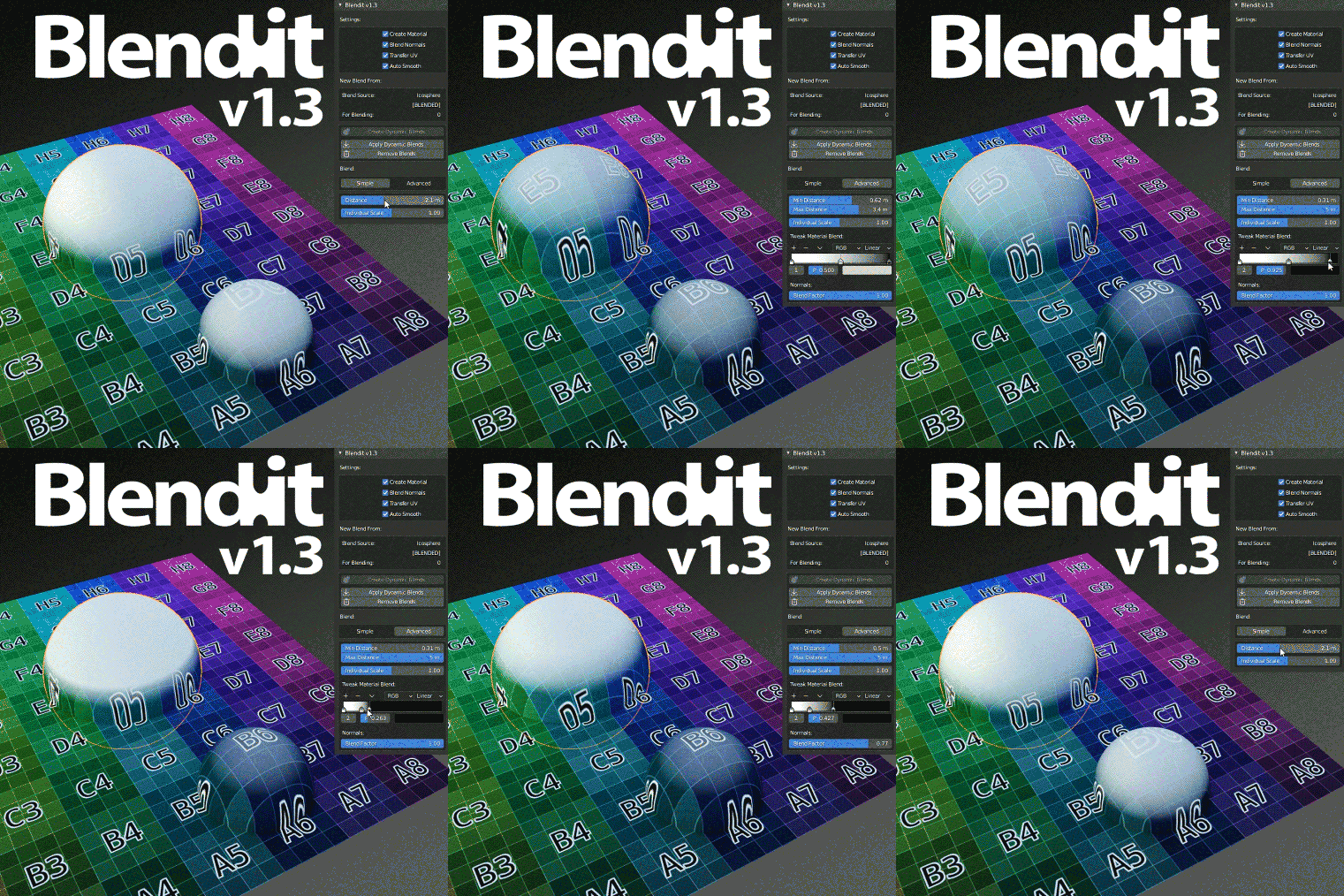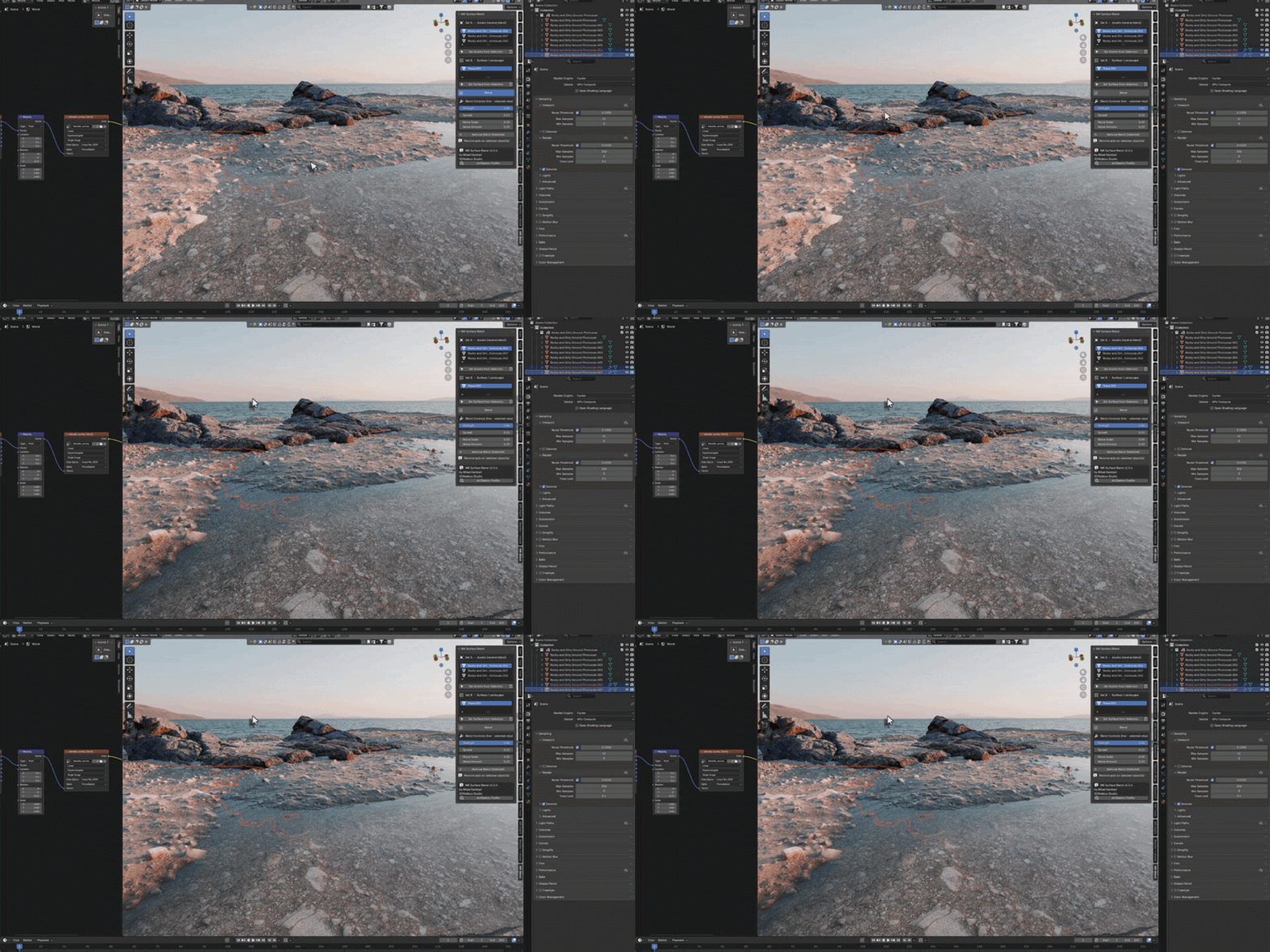
Surface Blend is a free Blender add-on for blending an asset’s material into a ground or landscape surface based on proximity. Geometry nodes drive the blend mask, while shader mixing handles the transition. The listing describes the workflow as non-destructive, which lets you adjust the blend without rebuilding it.
To create a blend, assign the ground or landscape as the surface, choose the asset whose material should transition into it, then run the blend. The controls are in Blender’s sidebar under the MK Blend tab.
Adjust the transition as you work
Spread and Strength control the blend, while Noise Scale and Noise Amount shape its edge. Their values update live in the viewport, so you can see the effect while adjusting them. Procedural noise breaks up a clean boundary into a more irregular transition.
The blend follows the asset when you move or rotate it. The product listing says it updates in real time without re-baking or manual updates, which is useful when repositioning rocks, props or other assets on a landscape.
Layer several materials
Surface Blend supports ordered, one-directional layers. You can stack materials in a 1 → 2 → 3 sequence, such as a path fading into grass and then dirt. This gives you a controlled way to build a transition across several surface materials.
Compatibility and license
The Superhive listing gives a Blender compatibility range of 4.2–5.2 and specifically calls out Blender 5.0. It lists the add-on as free under the GPL license and credits Milad Kambari and 3DRedbox Studio. Check the product listing for current compatibility and license details before downloading.