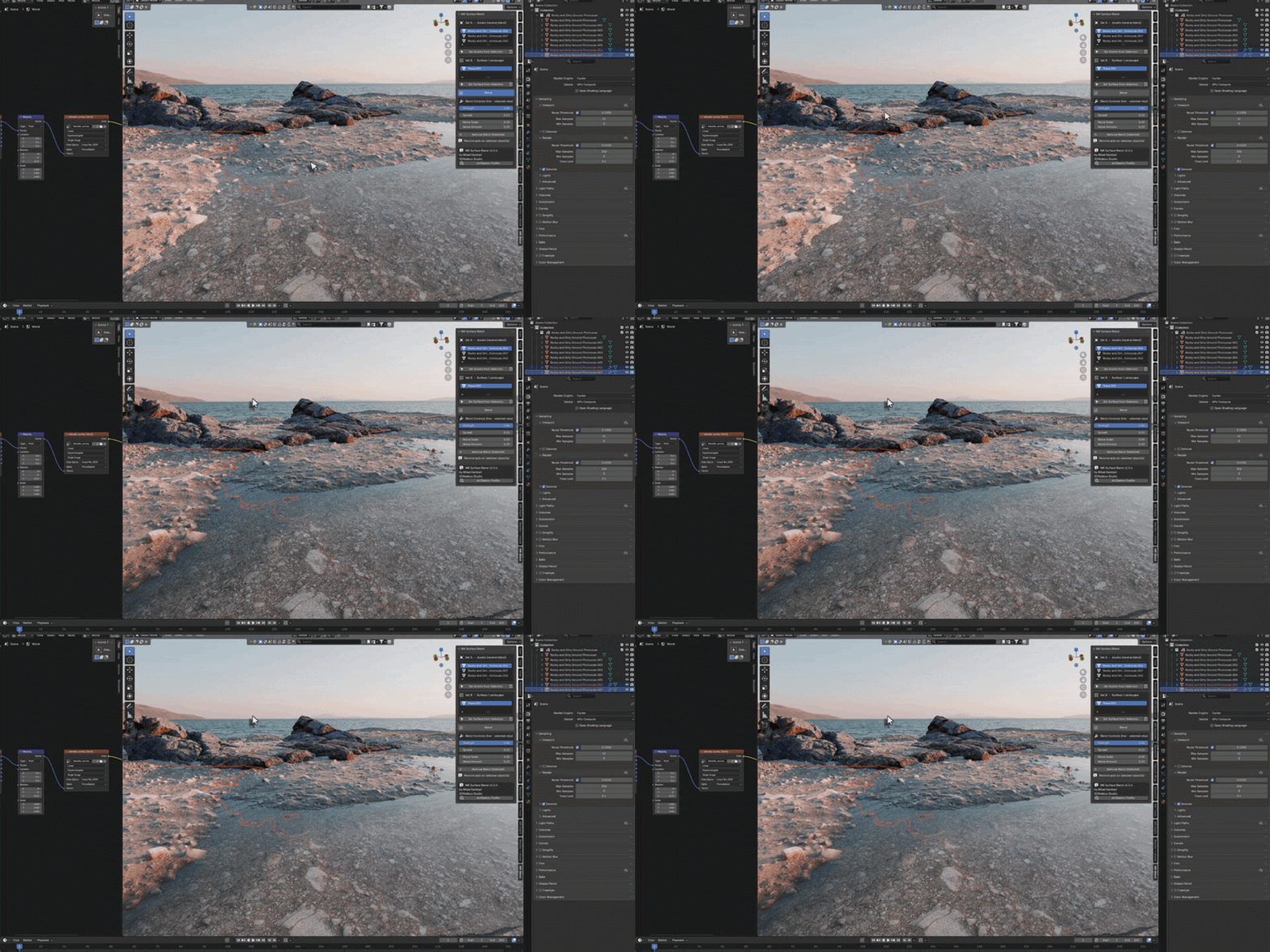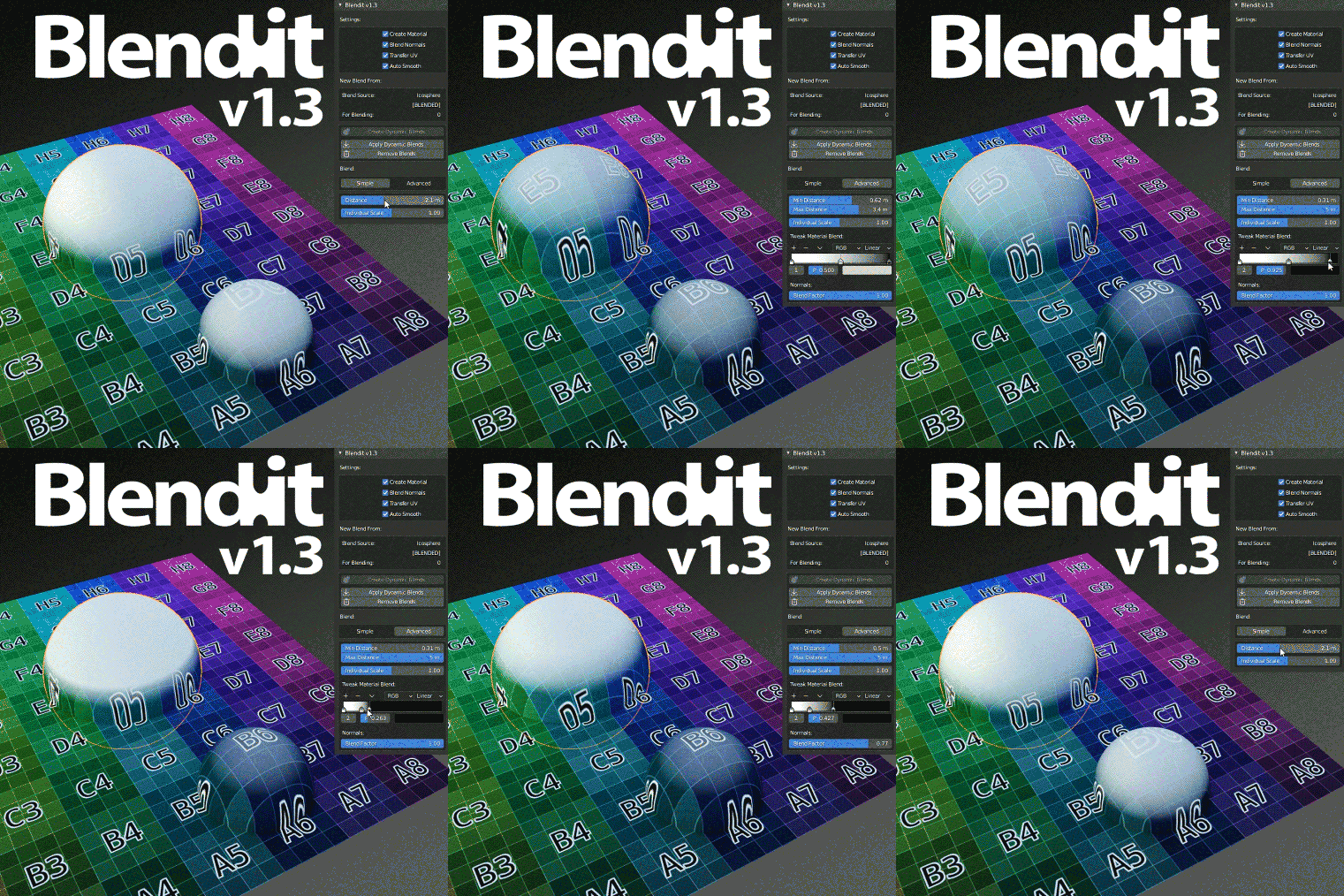
Blendit is a Blender add-on for creating dynamic material blends between selected objects. Remesher’s listing describes a one-click setup using the active object. The blend updates in the viewport, Eevee, and Cycles, and the operations let you create, apply, or remove blends. The listing names Blender versions 2.83 through 4.5; check the product page for current compatibility and documentation before installing.
Choose a blend style and adjust the result
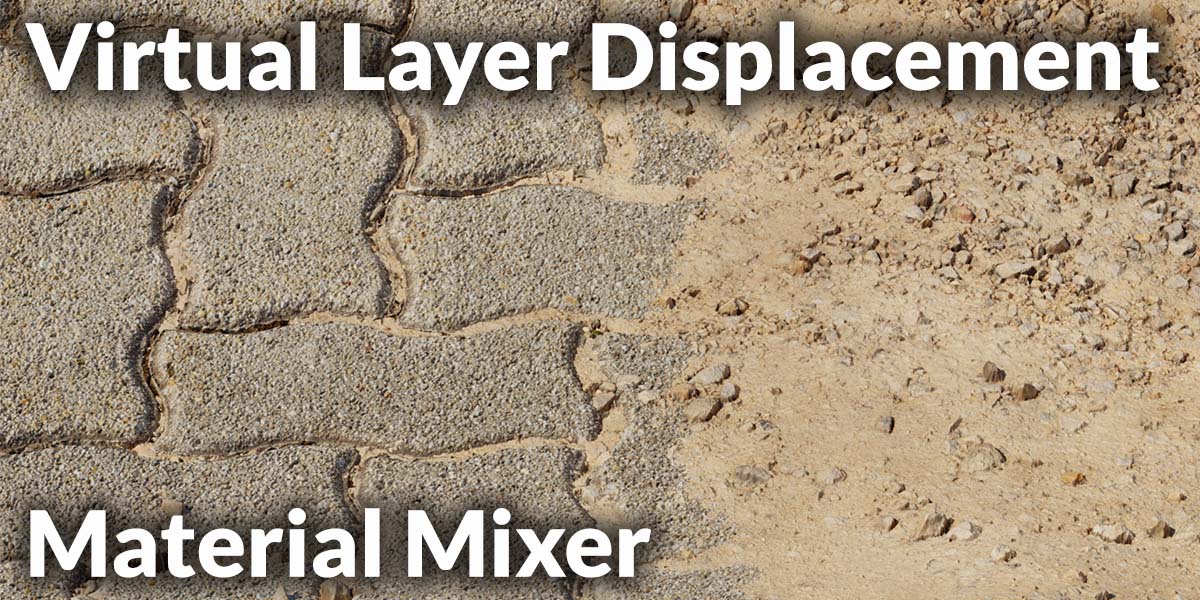
Blendit supports height-map blending, noise, and custom texture masking. It can create a material from the blended objects and blend their normals. Using Blend Normals turns on Auto Smooth. You can tweak an individual blend or adjust all blends belonging to a source object. These controls suit projects where you want to shape a transition between object materials while keeping the blend editable.
Mapping options help preserve texture scale from the source object. World-space mapping uses the Geometry node’s Position output, while object-space mapping uses the Texture Coordinate node’s Object output. The two UV options use Blendit Transfer UV: one pairs it with the Texture Coordinate node’s UV output, and the other uses a UV Map node. Only a UV map marked Active Render can be transferred. Mappings inside node groups are not affected.
Check the material and mesh constraints
- Blendit supports one blend per object, works with the first material slot, and cannot blend two source objects together.
- Keep the original materials in place. The listing also advises against renaming Blend materials or Blendit modifiers for proper functionality.
- Blend quality depends on mesh density and topology. Smooth linear gradients between solid colors can also be difficult to set. A source material using subsurface scattering may show a seam in Cycles.
- Normal-map blending requires UV mapping and Blendit Transfer UV, and the listing describes its method as simple and inaccurate. Using Auto Smooth with Blend Normals in Cycles may cause terminator artifacts.
- Automatically connected Displacement and Volume outputs are unsupported, and support for some input nodes depends on the source object.
The listing also notes Blender 2.90.x crashes when switching the source object to UV Edit or Edit Mode. Blendit suits object-based material transitions when one blend per object and the first material slot are enough.