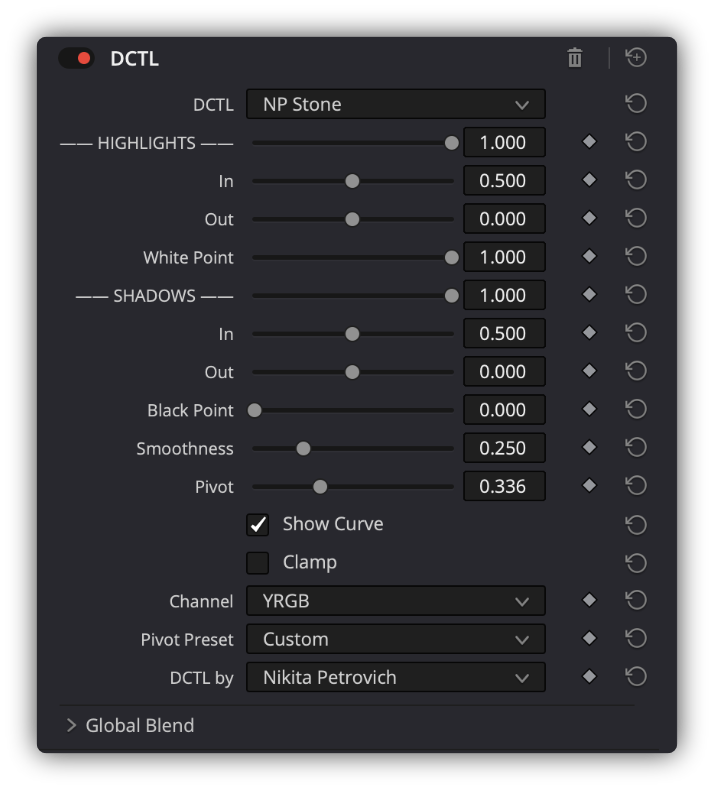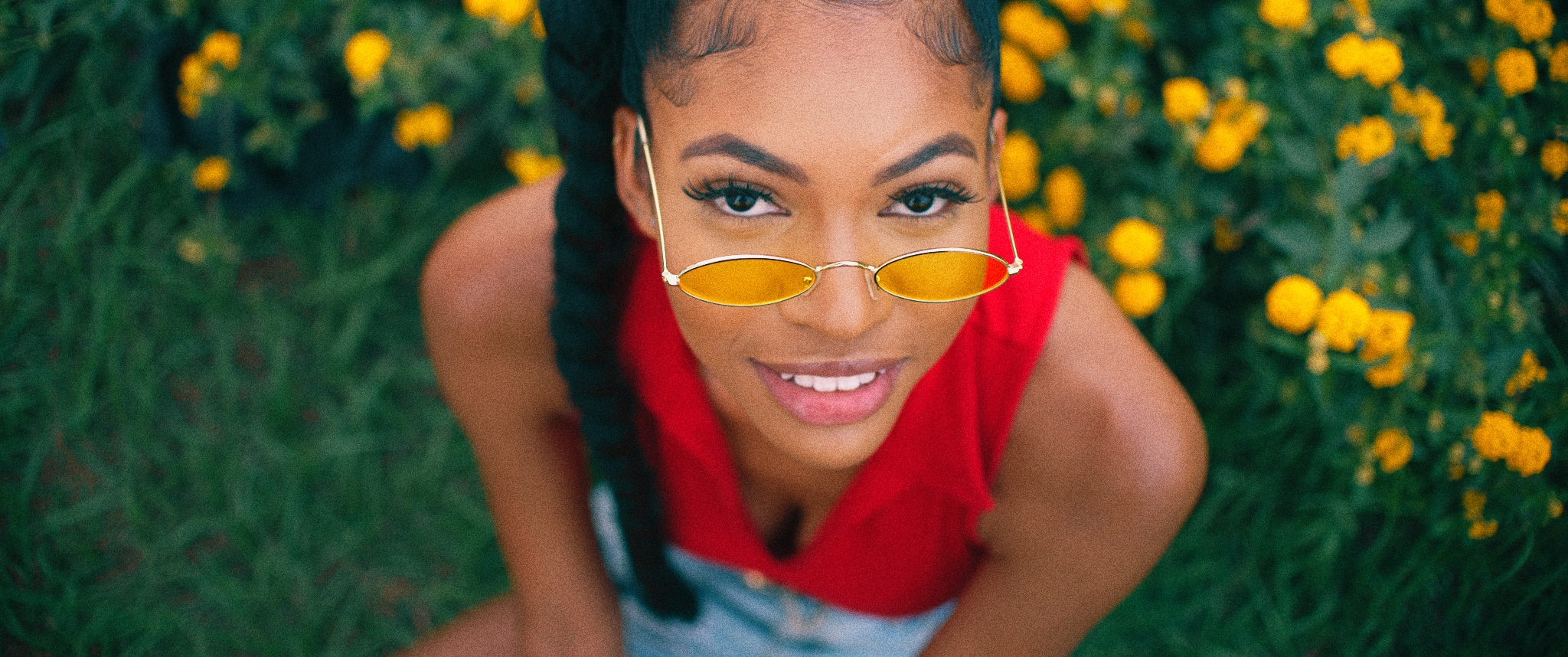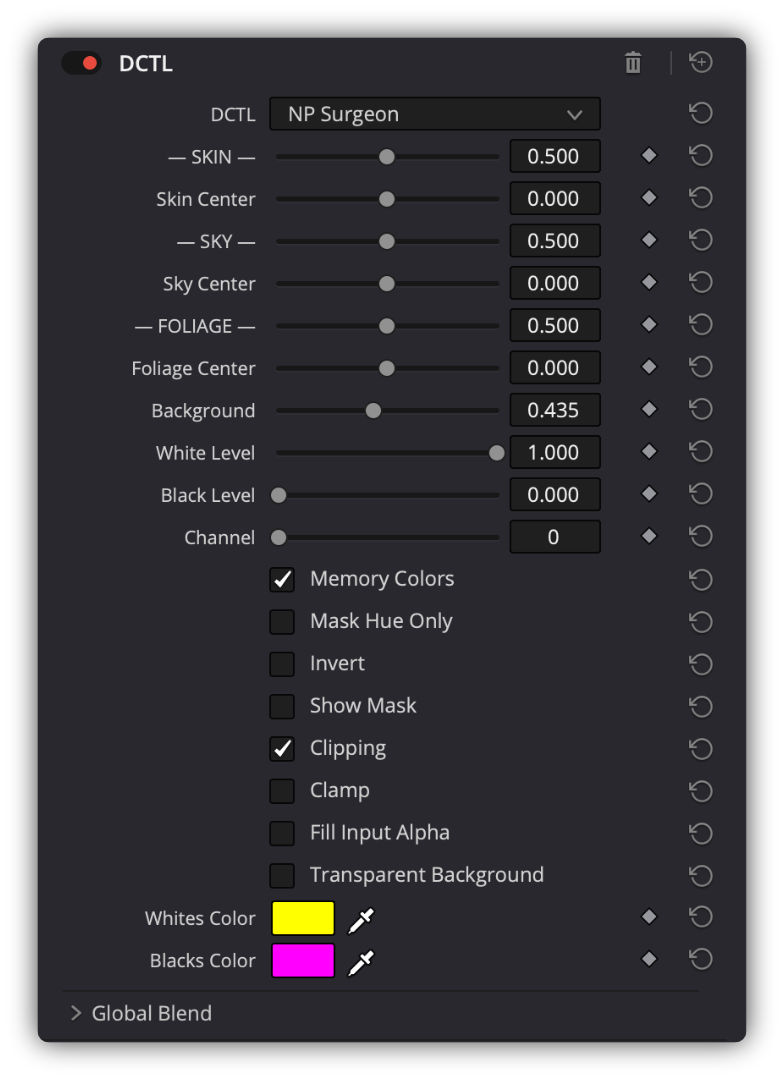
Surgeon DCTL by Nikita Petrovich is a DaVinci Resolve tool for checking skin, sky and foliage tones on video scopes. It isolates these memory colors so colorists can inspect their tonal balance and adjust the selection to suit the footage. The aescripts product page describes it as a reference for grading decisions.
Inspect skin, sky and foliage
The DCTL’s default ranges provide a starting point. Adjust the hue center and range, then choose whether the mask uses hue alone or hue, saturation and value together. The mask can be shown or inverted. Surgeon DCTL uses HSV ranges rather than object detection, so it selects by color rather than identifying a person, the sky or a plant.
Check clipping and individual channels
Set black and white levels to check for values outside your chosen limits. The warning overlay makes those values visible; the clamp option can keep output values within those limits in one step. For channel checks, Surgeon DCTL displays the selected channel in a Fusion-style grayscale view. Clipping is checked against that channel’s value, or against luminance when no channel is selected.
You can fill the input alpha channel with a background color to keep a selection visible while working on another node. For separate checks of different tones, the product guidance suggests using a layer node for each DCTL, with its own clipping levels and overlay color, and enabling Transparent Background on each.
Place it after the output transform
For node-based color management, the product page recommends placing Surgeon DCTL at the end of the node tree, after the output CST. It also specifies placing the DCTL after the Log-to-Rec.709 transform. Treat its readings as a reference: colors that look natural on their own may not fit the scene, and the creator advises using other tools for critical decisions.
Version and system requirements
The version history lists release 1.0.0, dated September 9, 2026, as a complete overhaul; it also lists 0.1.0 as the initial release from May 20, 2024. The compatibility notice says version 1.0.0 and later require DaVinci Resolve Studio 19.1 or newer. The listed GPU requirements are NVIDIA or Apple Silicon.