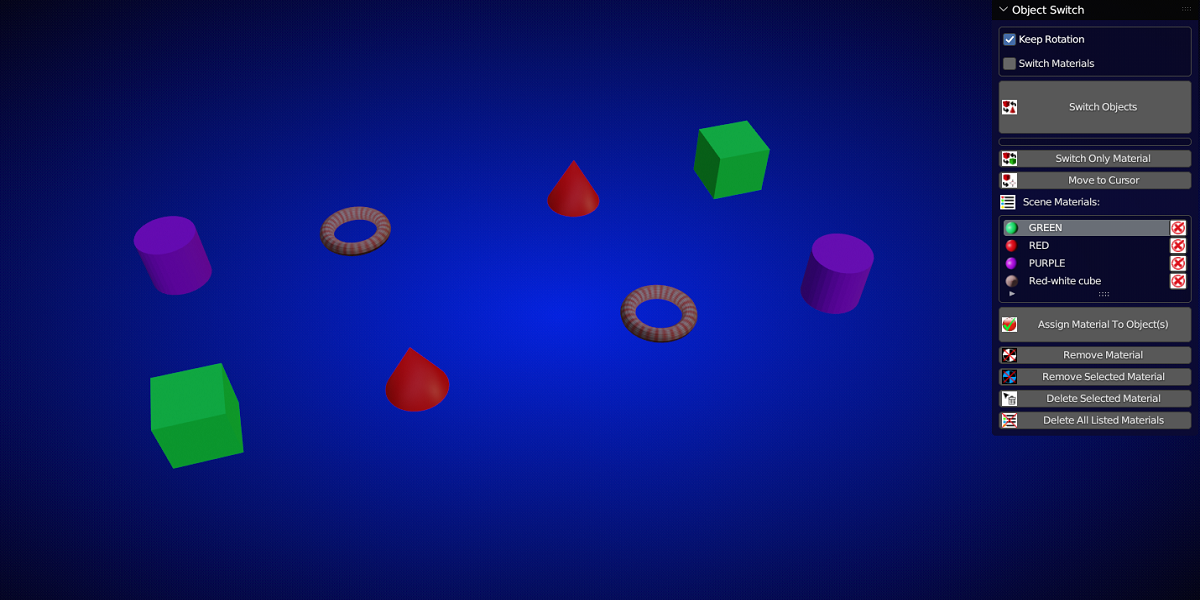
Switcher Addon by KVD is a Blender add-on that swaps the positions of two selected objects. It can help when replacing an existing object with a newly added one, and it includes controls for how rotation and materials behave during the swap.
Swap objects and choose rotation and material behavior
Select two objects and press the Switch Objects button. With Keep Rotation enabled, each object keeps its own rotation. With it disabled, each takes the rotation of the object it trades places with. A separate material option controls whether their materials switch or stay with them.
For a replacement, select the existing object and the new one, then choose the rotation and material behavior that suits the scene. To exchange materials without moving either object or changing rotation, use Switch only material.
Manage materials and move objects to the 3D cursor
The material list includes commands for assigning, removing, and deleting materials:
- Assign Material applies the selected listed material to selected objects.
- Remove selected material removes the chosen listed material from selected objects. Remove material clears all materials from the selected objects' material properties.
- Remove material from list removes the material from the list and from objects using it.
- Delete selected material deletes the selected listed material from the list and the blend file. Delete all Materials does this for every listed material.
Move to cursor sends the selected object or objects to the 3D cursor location.
Install and check compatibility
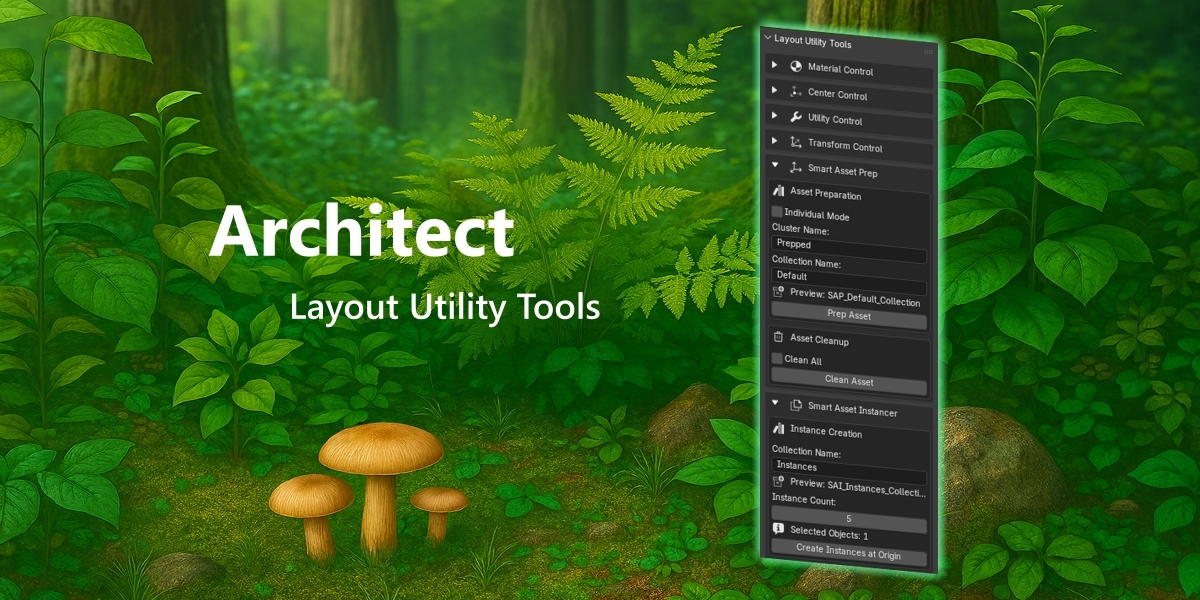
The product FAQ says to open Blender Preferences, choose Add-ons, and click Install. Select the Switcher_V1.zip file without unzipping it, install it, then enable the add-on with its checkbox. It appears in the 3D Viewport's N-panel.
The product listing states Blender versions 3.0 through 5.0, Blender Extension compatibility, Cycles and Eevee support, and a GPL license. The listing's V1.1 changelog says it fixed an issue where materials did not appear in the list in Blender 3.6. Check the listing for current compatibility details.