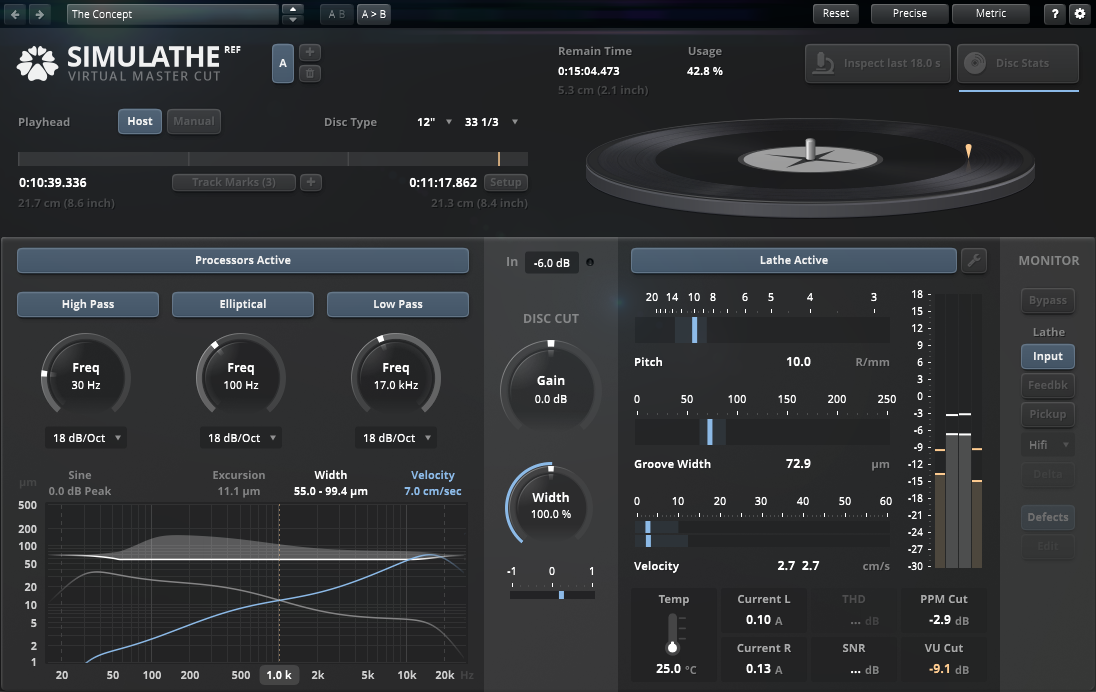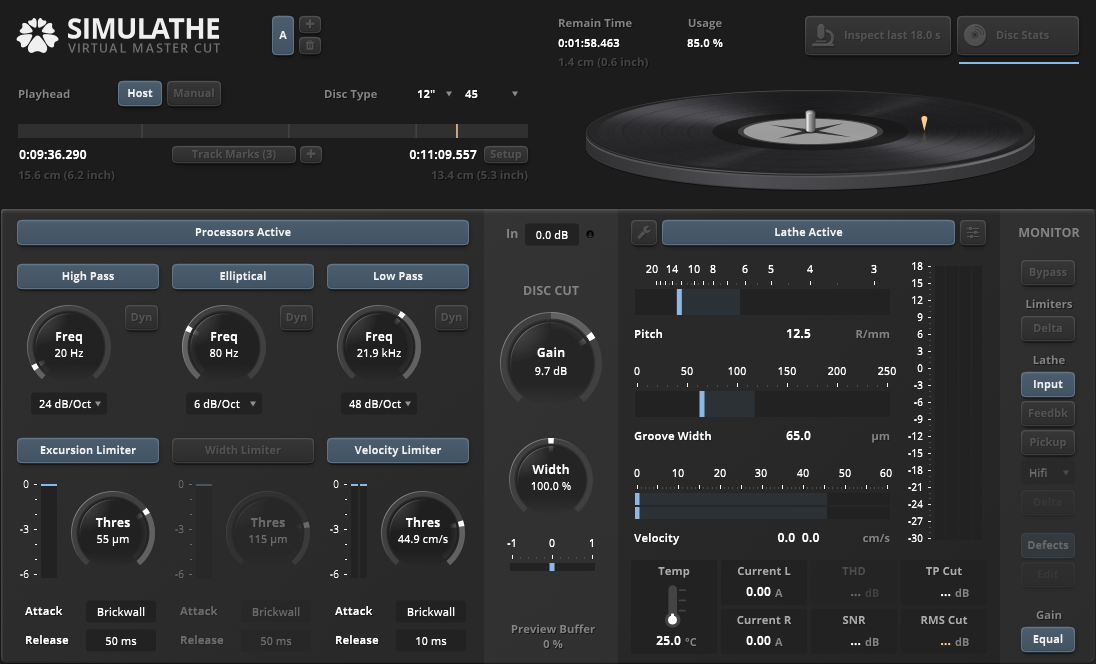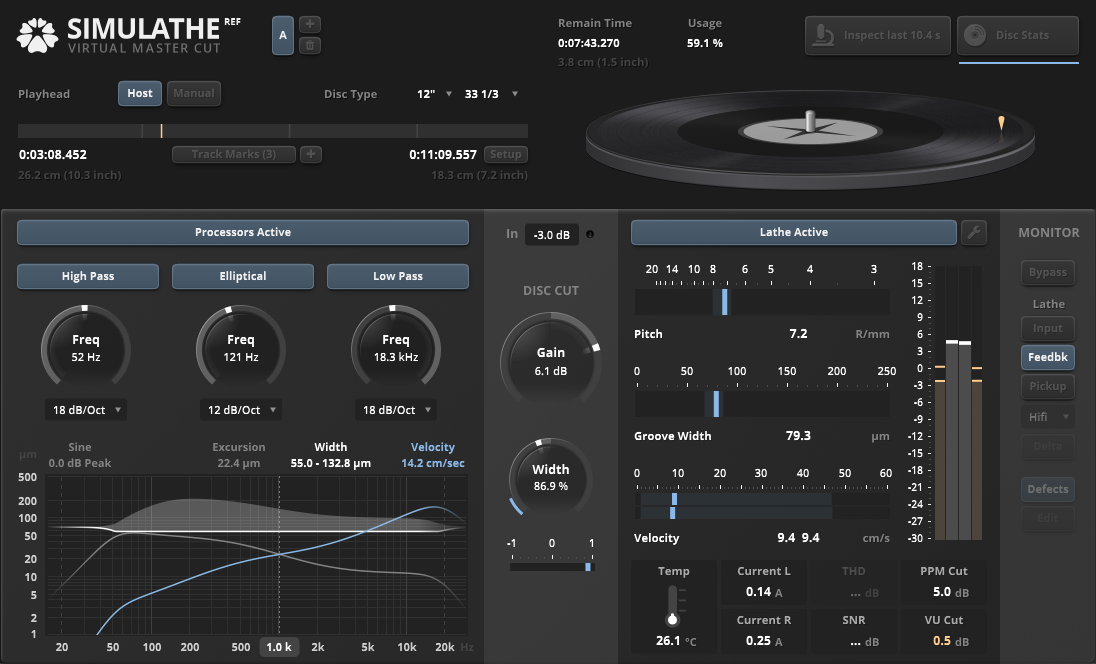
TDR SimuLathe REF simulates disk mastering inside a plugin. It models preprocessing, a virtual cutting lathe, the resulting groove and playback through virtual turntable pickups. The four representative lathe configurations and adjustable parameters let you explore how audio and cutting choices affect a record.
REF is intended for producers, mastering engineers, students and labels who want to assess material before a physical cut. You can compare playback across a disc, inspect groove behavior and plan track order. It is a reference and learning tool; it does not automatically master a record or replace the engineer operating a lathe.
Set up a virtual cut in a DAW
Put SimuLathe REF on an audio track and arrange the material in the order you are considering, leaving gaps between tracks. Choose how the plugin follows the disc position:
- Host sync options: When the host and plugin format support playhead information, native host sync follows the DAW playhead; set the start and end of each disc side. SimuLathe builds a disc map during playback, which it uses for space estimates and statistics. Host Sync via Automation is a separate workaround when native sync is unsupported or does not work with a host: automate Automated Position from 0.0 at 0:00.000 to 1.0 at 30:00.000 on a linear path, then set Automated Playhead to On. Only in Reaper can SimuLathe control the host playhead.
- Manual playhead: Set the position on the disc yourself and listen while audio plays. This mode works with all hosts and lets you compare the pickup sound at different disc positions; comparing the beginning and end of a side can help decide which track to place last and where to end the side. It does not provide Disk Statistics and has only limited space-use prediction.
Host sync supports up to eight disc sides, labeled A to H. In host-sync mode, you can add track markers at the DAW playhead during setup or playback. An offline render can help fill the disc map faster when the host supports it.
Inspect the groove and monitor playback
The preprocessor section includes high-pass, low-pass and elliptical filtering. The meters report gain on disk, stereo width, groove excursion, groove width, velocity and land. Disc heatmaps help locate sections with notable groove measurements, while the groove microscope provides a closer view of the cut. Three modeled pickup options let you listen to the virtual groove, and the plugin can create digital test cuts for review.
For handoff and quality control, SimuLathe REF can generate an HTML project report with settings, measurements and timestamps for the mastering engineer. The interface supports metric and imperial units, though disc type is always shown in inches and velocity in cm/s.
Compatibility and license
The product page lists VST2, VST3, Audio Unit and AAX support, a compatible plugin host, OpenGL support, Windows 7 or later, and Mac OS X 10.9 or later. A 32-bit version is not supported. Host sync depends on the host and plugin format; manual playhead mode is available when sync is not.
The REF license is for personal or small-business use and includes free updates. The EULA grants a perpetual license and allows one user to use a licensed copy on up to five single-user computers. The demo has no time limit, but automatic recall is blocked. The SimuLathe REF manual explains setup, controls and host-sync options.